



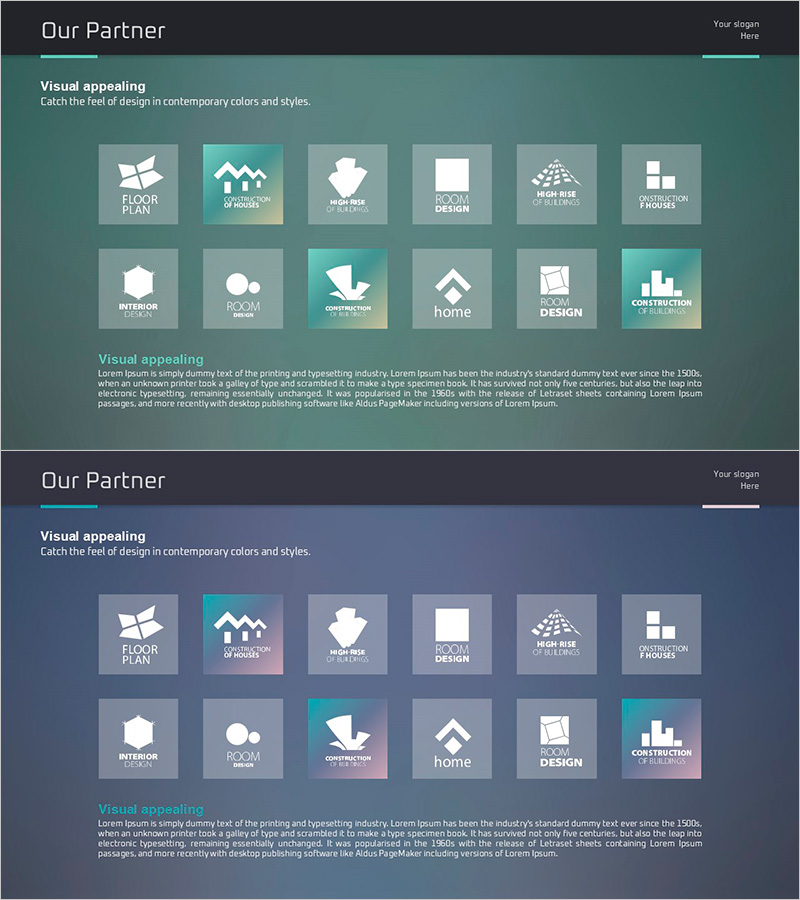
Idea Presentation Template Wide Icon Box
RJ0200030_17
- Last Update 04/06/2025
- File Size 0.9MB
- # of Slides 2
- File Format PPTX
- Slide Ratio 16:9
- Color
Keywords
About the Product
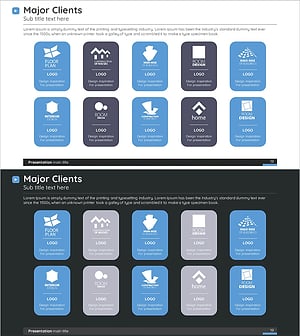
A 2-slide PowerPoint presentation designed to showcase customer and partner companies. The first slide features a header layout with title and descriptive text, while the second slide displays 12 partner icons arranged in a 2×6 grid structure. The teal background combined with white icons and labels visually represents each partner's business sector including architecture, interior design, and construction. Created in 16:9 widescreen format optimized for modern presentation environments, with clearly defined text input areas and icon spaces for immediate editing. Ideal for company introductions, customer success stories, and business partnership presentations.
Usage Points
-
Main Usage
Present key clients, partner companies, and collaborators at a glance using a systematic icon grid structure. This slide effectively demonstrates your company's network scale and credibility. Perfect for company introductions, investor pitch decks, and business partnership presentations to showcase your collaborative ecosystem.
-
How to Use
Customize the title and description text on the first slide to serve as a section header. Replace the 12 icon areas on the second slide with partner logos or category icons. Update the label text below each icon with partner company names or business sector titles. Adjust icon colors and background to match your corporate brand guidelines.
-
Recommended For
B2B companies with extensive client portfolios, consulting and construction firms collaborating with diverse industry partners, investor presentations emphasizing global networks, and company introductions demonstrating organizational credibility and partnership capabilities.
-
Slide Structure
2-slide composition: ① Title slide with header layout (1 title + 1 description text input area) ② Partner grid slide with 12 independent icon boxes and corresponding label text fields. Each icon box is individually editable with clear information hierarchy maintained through grid structure.
Related Products
-
Key Partner Evaluation Table – Highlighting Customer Success Cases
#Company Introduction #Customer Success Stories #Diagram
-
Building Introduction Highlights – Stylish Design
#Company Introduction #Customer Success Stories #Customers and Partners
-
Collaborative Business Through Customer Success Cases – A Strategy for Growth
#Company Introduction #Customer Success Stories #Diagram
-
Round Square Closure Diagram - Showcasing Client Success Stories
#Company Introduction #Customer Success Stories #Diagram
