



Highlighting Business Strategy with Arrow Diagram
RJ0200029_4
- Last Update 04/06/2025
- File Size 0.1MB
- # of Slides 2
- File Format PPTX
- Slide Ratio 16:9
- Color
Keywords
- #Content-Based Slides
- #Design-Based Slides
- #Product/Service Introduction
- #Business Strategy
- #Text Box
- #Differentiation Strategy for Products/Services
- #Business Direction
- #Arrow
- #16:9
- #arrow diagram PowerPoint slide
- #two-panel comparison slide
- #business strategy presentation
- #product comparison diagram
- #how to create arrow diagrams in PowerPoint
About the Product
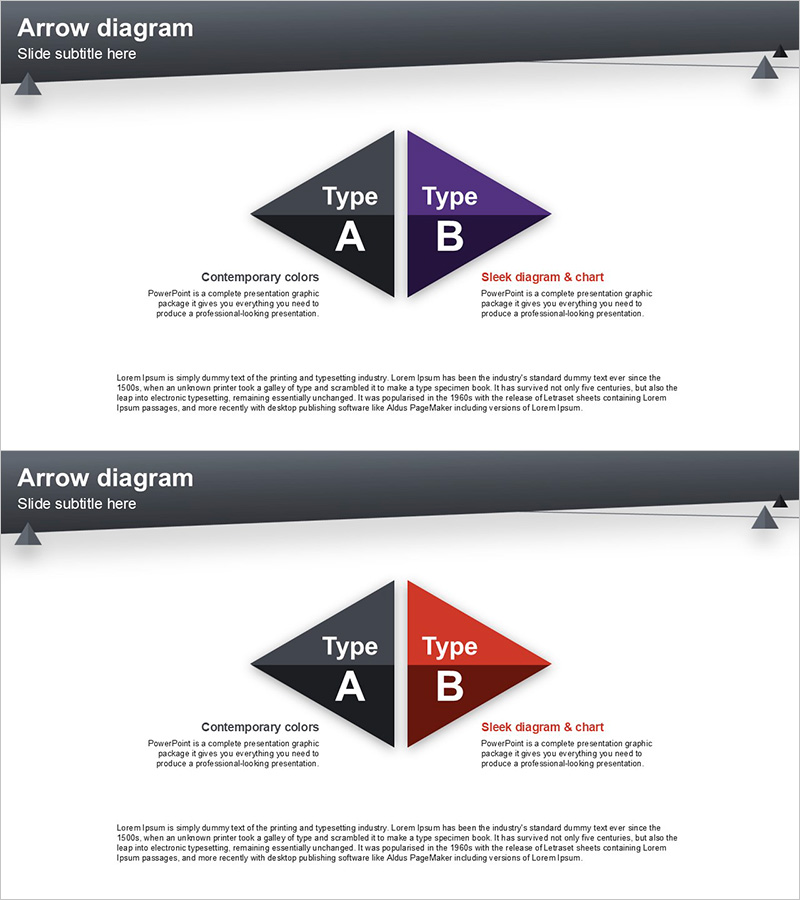
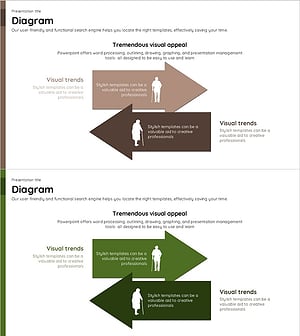
A professional arrow diagram PowerPoint slide designed to highlight business strategy and product positioning through visual comparison. The slide features a symmetrical two-panel layout with Type A (black) and Type B (purple) sections, each accommodating title, subtitle, and descriptive text in a three-tier information hierarchy. Optimized for 16:9 widescreen format with 2 slides in PPTX, the geometric arrow shapes and contemporary color palette enhance presentation credibility. Fully editable and ready to use for business strategy presentations, product comparisons, solution proposals, and strategic alternatives. The dual-arrow design emphasizes directionality and flow while maintaining visual balance and professional appearance.
Usage Points
-
Main Usage
Effectively visualizes two contrasting business directions, product characteristics, or strategic alternatives through symmetrical arrow-based comparison. The geometric arrow shapes emphasize directionality and flow, while the distinct black and purple color differentiation enables intuitive understanding of comparative elements.
-
How to Use
Input titles (Type A/B), subtitles (Contemporary colors/Sleek diagram & chart), and descriptive text into each arrow section. Use the extended text box at the bottom for additional context or supporting information. Customize colors and typography to align with your brand identity while maintaining the two-panel comparison structure.
-
Recommended For
Ideal for executives, marketing teams, and strategy planners presenting business direction decisions, product positioning, competitive analysis, and organizational change initiatives. Particularly effective in solution proposals, business pitches, and strategic presentations where two distinct options or alternatives require clear differentiation.
-
Slide Structure
Two-slide set with identical two-panel arrow layout. Each slide contains 5 editable text areas: one header section, two arrow panels (each with title, subtitle, and description fields), and one unified bottom text box, creating a three-tier information hierarchy for comprehensive content presentation.
Related Products
-
Farming Harvest Business Direction Arrow – Effective Path Setting
#Product/Service Introduction #Business Strategy #Diagram
-
Propulsion Stage Diagram – Clearly Define Business Direction
#Business Strategy #Diagram #Text Box
-
Horizontal Arrow Blue Yellow – Effective Business Strategy Implementation
#Business Strategy #Text Box #Business Direction
-
Old Man and Multidirectional Illustration – Customer Analysis and Market Strategy
#Business Strategy #Market and Competitor Analysis #Diagram
