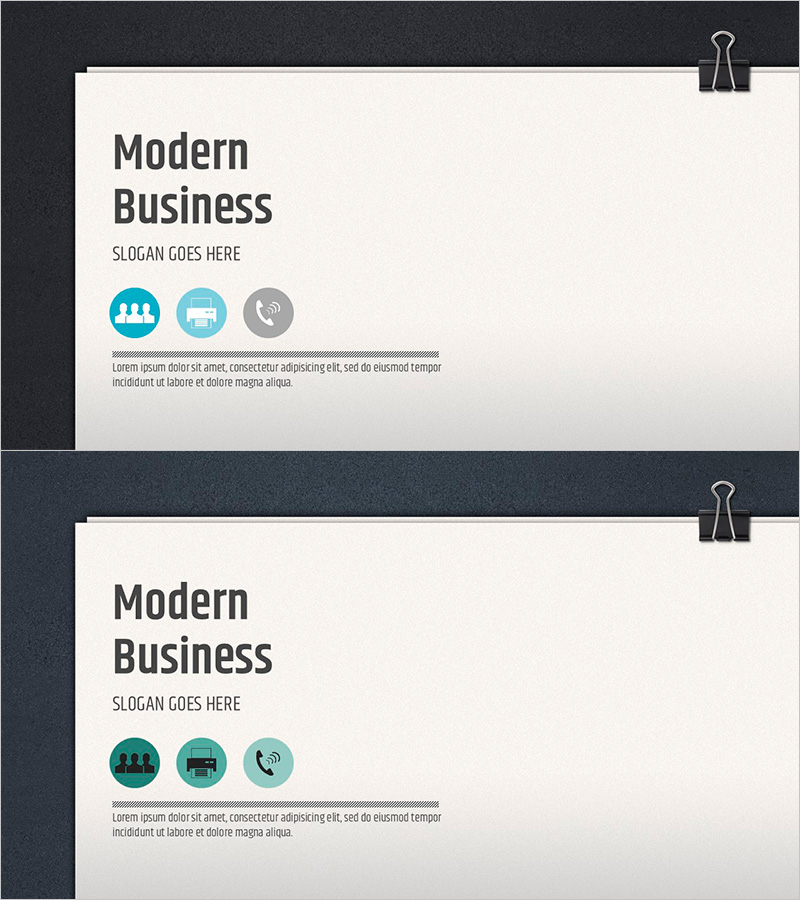
Modern Business Presentation Template Cover
RJ0200028
- Last Update 04/05/2025
- File Size 6.5MB
- # of Slides 2
- File Format PPTX
- Slide Ratio 16:9
- Color
Keywords
About the Product
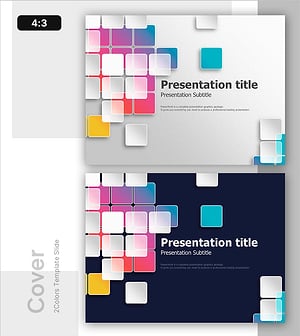
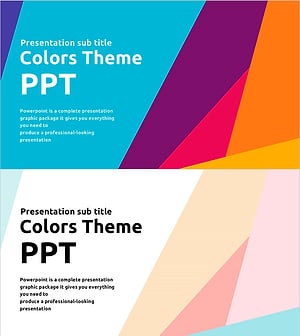
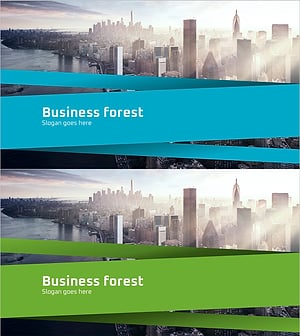
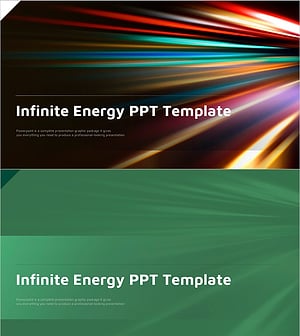
A professional cover slide designed to establish credibility and visual impact for business presentations. The slide features a cream background with dark gray title text and three circular icons representing team collaboration, meeting, and communication. The layout includes dedicated areas for a slogan and descriptive text, making it ideal for company introductions, business proposals, investment pitches, and project presentations. The 2-slide set (16:9 widescreen format) includes color variations in blue and teal tones, allowing easy customization to match corporate brand guidelines. The minimalist design ensures clarity and professionalism across all business contexts.
Usage Points
-
Main Usage
Serves as the opening page for business presentations, establishing brand credibility and communicating core company values. The three circular icons visually represent key business attributes (collaboration, meetings, communication), creating an immediate impression of professionalism and trustworthiness for investor pitches, partner meetings, and client presentations.
-
How to Use
Enter your company name or presentation title in the main heading area. Add your key message or tagline in the slogan text field. Fill in the descriptive text area below the icons with company overview or project summary. Customize the background and icon colors to match your corporate brand palette using PowerPoint's color tools.
-
Recommended For
Ideal for company introductions, business proposals, investment pitches, marketing plans, product presentations, and annual reports. Particularly effective for B2B presentations, executive briefings, and external stakeholder meetings where establishing trust and professionalism is essential.
-
Slide Structure
Two-slide set with color variations in blue and teal tones. Each slide contains four information layers: title input area (upper left), slogan text field (upper center), three circular icons (center), and descriptive text area (bottom). The layout supports both single-line and multi-line text entries.