



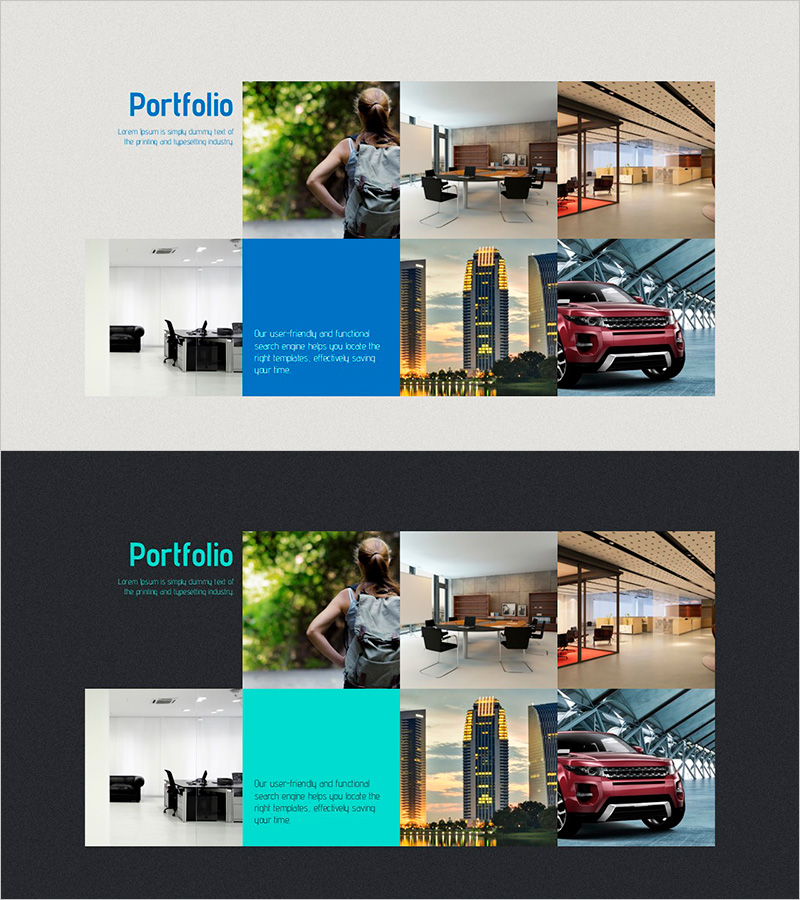
Online Presentation Template Portfolio – Reflecting Customer Needs
RJ0200025_34
- Last Update 04/04/2025
- File Size 9.6MB
- # of Slides 2
- File Format PPTX
- Slide Ratio 16:9
- Color
Keywords
About the Product
A professional portfolio PowerPoint slide designed to showcase products and services with visual impact. The layout features a text area on the left and a 6-image grid on the right, allowing you to present customer cases, portfolio items, and service examples effectively. The light gray background with blue accent boxes creates a clean, organized presentation structure. This 2-slide set in 16:9 format is ready to use for product introductions, service portfolios, client success stories, and business presentations across various industries.
Usage Points
-
Main Usage
Designed to present product portfolios, service case studies, and customer success stories with strong visual organization. The left text area communicates key messages while the right image grid displays real examples, portfolio items, or client logos to build credibility and professional authority.
-
How to Use
Enter portfolio descriptions, customer testimonials, or key achievements in the left text box. Place product photos, service examples, or client logos in the 6 image areas on the right to enhance visual impact. Use the blue accent box to highlight critical information and draw attention to important metrics or messages.
-
Recommended For
Product marketing managers, sales teams, business development professionals, and executives presenting portfolio or case study content. Ideal for B2B sales presentations, client proposals, company portfolio pitches, and industries like design, architecture, consulting, and creative services.
-
Slide Structure
Consists of 2 slides, each with a single text input area on the left and a 6-cell image grid (2 rows × 3 columns) on the right. Blue or cyan accent boxes are included to emphasize important information, and the light background provides clear visual hierarchy and information organization.
Related Products
-
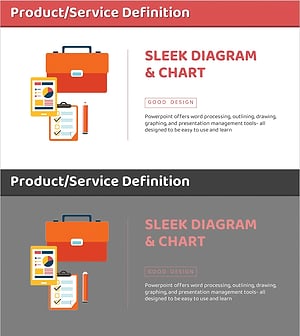
Product Presentation Slide with Briefcase & Analysis Chart
#Product/Service Introduction #Product/Service Introduction #Product and Service Overview
-
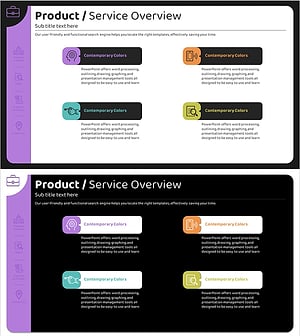
Product/Service Overview Slide – Introducing an Innovative Business Model
#Product/Service Introduction #Diagram #Product/Service Introduction
-
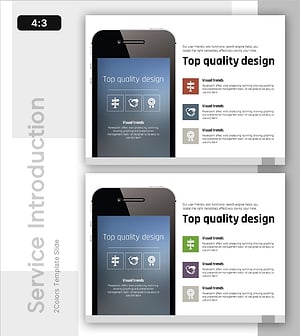
Overview of Mobile App Service Features
#Product/Service Introduction #Diagram #Other
-
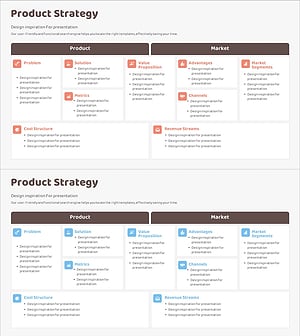
Diagram Slide for Service Composition Contents
#Product/Service Introduction #Diagram #Product/Service Introduction
