



Diagram Slide for Service Composition Contents
RM0100016_27
- Last Update 01/30/2025
- File Size 0.4MB
- # of Slides 2
- File Format PPTX
- Slide Ratio 16:9
- Color
Keywords
- #Content-Based Slides
- #Design-Based Slides
- #Product/Service Introduction
- #Diagram
- #Product/Service Introduction
- #Composition
- #Table
- #16:9
- #service composition diagram PowerPoint slide
- #business model canvas presentation template
- #product introduction slide deck
- #how to create a service structure diagram in PowerPoint
- #two-section business model slide
About the Product
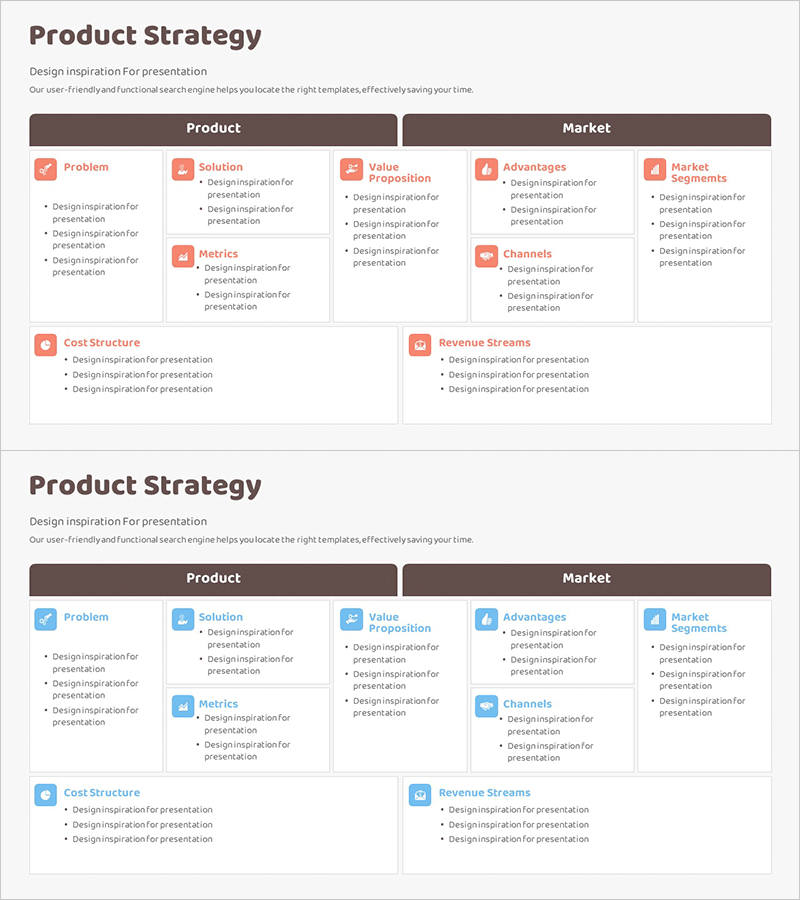
A 2-slide PowerPoint presentation template designed to visualize service composition and business model structure. The layout divides into two main sections—Product (left) and Market (right)—with eight key components: Problem, Solution, Value Proposition, Metrics, Cost Structure, Advantages, Market Segments, Channels, and Revenue Streams. Each element is marked with a red icon and accompanied by text boxes for detailed input. The dark header and color-coded icons create clear information hierarchy, making it ideal for product introductions, business plans, and marketing strategy presentations. Fully editable in 16:9 widescreen format.
Usage Points
-
Main Usage
Presents a service or product's business model by breaking down Product factors (problem identification, solution, value delivery, metrics, cost structure) and Market factors (competitive advantages, target segments, distribution channels, revenue model) in a structured, visual format.
-
How to Use
Insert this slide into proposal documents, business plans, or product overview presentations in the 'Service Overview' or 'Business Model' section. Customize each text box with your service details, and adjust icon colors to match your brand identity if needed.
-
Recommended For
Business strategists, product managers, marketing professionals, and entrepreneurs preparing startup pitch decks, investor presentations, business proposals, or strategic planning documents. Particularly effective for explaining business models to investors, partners, and stakeholders.
-
Slide Structure
Two-slide template. First slide features a dark header with 'Product' and 'Market' sections side-by-side, containing eight labeled elements with red icons and 3–4 lines of text input space per element. Second slide provides an alternative layout variation of the same structure for flexibility and visual variety.
Related Products
-
Highlighted Content Slides – A New Perspective on Product Introduction
#Product/Service Introduction #Diagram #Product/Service Introduction
-
Service Introduction and Contents – Blue and Red
#Product/Service Introduction #Product/Service Introduction #Composition
-
Introduction to Baking Ingredients – The Start of Delicious Desserts
#Product/Service Introduction #Diagram #Product/Service Introduction
-
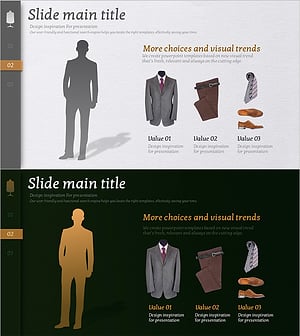
Men's Suit Composition Introduction – Emphasizing Business Professionalism
#Product/Service Introduction #Other #Product/Service Introduction
