



Plotting Paper Template for Service Introduction – Practicality and Style
RJ0200023_4
- Last Update 04/03/2025
- File Size 3.7MB
- # of Slides 2
- File Format PPTX
- Slide Ratio 16:9
- Color
Keywords
- #Content-Based Slides
- #Company Introduction
- #Product/Service Introduction
- #Introduction of Executives
- #Product and Service Overview
- #16:9
- #service introduction PowerPoint slide
- #service overview presentation template
- #company profile service slide
- #yellow accent PPT design
- #how to present services in PowerPoint
About the Product
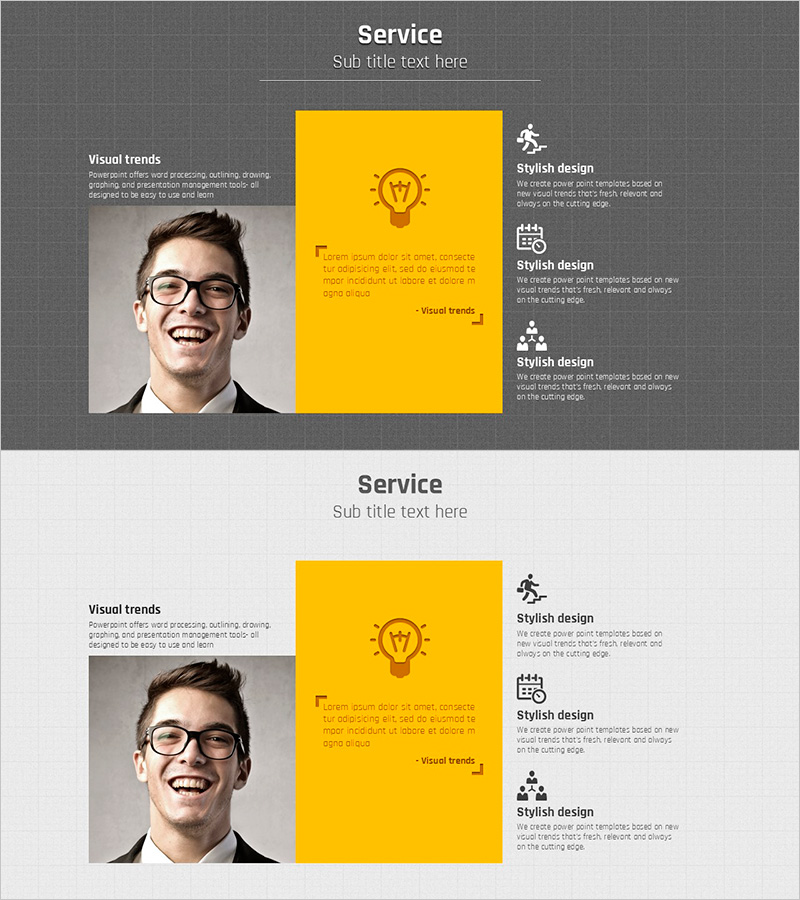
A professional PowerPoint slide designed to present your service and product offerings effectively. Featuring a dark gray background with a bold yellow accent box, this 2-slide set uses a clear left-right layout: image area on the left and text with three icon sections on the right. The structure allows you to communicate service overview, visual trends, and three key design points at a glance. Ideal for company profiles, marketing presentations, and service overview sections. Delivered in 16:9 widescreen PPTX format compatible with all presentation environments.
Usage Points
-
Main Usage
Present your company's core services or products to investors, partners, and clients with credibility and clarity. The balanced image-text layout reinforces brand trust, while the three-point structure systematically highlights key service features and differentiators.
-
How to Use
Insert a team photo or service representative image in the left area. Add service name and description in the yellow box on the right. Fill the three icon sections below with key service features and corresponding descriptions. Place this slide in the service overview section of your company profile or early in your marketing presentation.
-
Recommended For
Ideal for marketing teams, sales departments, and executives preparing company profiles, marketing plans, product introductions, and investment pitch decks. Particularly effective for B2B presentations and partnership proposals where credible service introduction is essential.
-
Slide Structure
Two-slide layout with each slide containing: one left image input area, one yellow accent box with title and description text (2 lines), and three icon sections on the right (each with title and description). Total of 8 text input areas and 2 image areas with clear information hierarchy.
Related Products
-
Laptop and Book Mockup Slide – Creative Business Proposal
#Product/Service Introduction #Other #Product and Service Overview
-
Camera Characteristics and Overview – Quality and Stylish
#Product/Service Introduction #Other #Product and Service Overview
-
Musician and Diffusion Diagram
#Product/Service Introduction #Business Introduction #Diagram
-
Tablet Writing Instrument Mockup Slide - Capture Attention with Stylish Design
#Product/Service Introduction #Technical Approach #Other
