



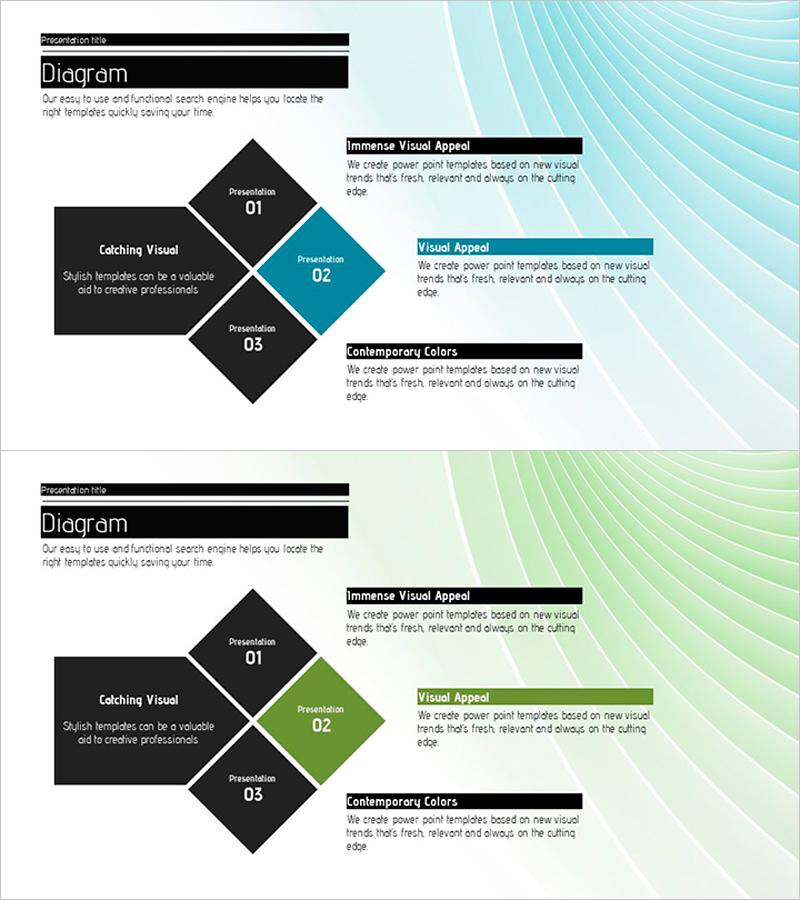
Arrows and Text Descriptions in Order – Clear Presentation of Operational Plans
RJ0200012_20
- Last Update 03/31/2025
- File Size 1.3MB
- # of Slides 2
- File Format PPTX
- Slide Ratio 16:9
- Color
Keywords
About the Product
A PowerPoint slide template that clearly presents operational plans and execution strategies using arrow-based diagrams. The layout combines a left-side text description area with a right-side 3-step sequential diagram, making process flows intuitive and easy to follow. Black background with teal accent points create strong visual contrast, while numbered stages clarify information hierarchy. Delivered as a 2-slide 16:9 PPTX file ready for immediate editing. Perfect for business strategy presentations, operational planning, and project roadmap discussions.
Usage Points
-
Main Usage
This slide effectively communicates operational plans, business strategies, and project execution phases in sequential order. The left text area describes each phase's objectives and details, while the right diagram emphasizes visual flow. Provides clear understanding for both decision-makers and execution teams.
-
How to Use
Enter phase descriptions, objectives, and responsibilities in the left 'Text Description' box. The right diagram's numbered boxes (01·02·03) and arrows represent phase sequence; customize colors to adjust emphasis as needed. During presentation, guide audience attention naturally from left to right through the progression.
-
Recommended For
Ideal for business plans, operational strategy presentations, project kickoffs, organizational restructuring explanations, and process improvement proposals. Particularly suited for executives, project managers, and operations professionals explaining 3-5 sequential execution phases.
-
Slide Structure
2-slide set with each slide featuring a left text input area (title and 2-3 description lines) and right arrow diagram (3 phase boxes with connecting arrows). Black, teal, and white color scheme establishes information hierarchy, optimized for 16:9 widescreen format with balanced left-right composition.
Related Products
-
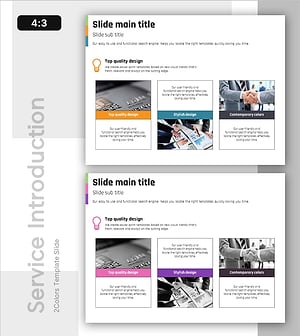
Overview of Action-Oriented Business Programs - Effective Operational Plan Diagram
#Product/Service Introduction #Operational Plan #Diagram
-
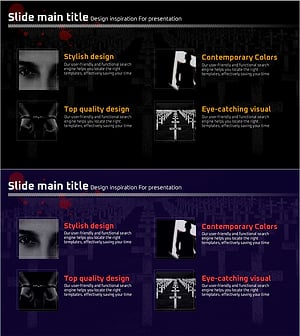
Presentation Template for The Type of Crime
#Product/Service Introduction #Product/Service Introduction #Program Introduction
-
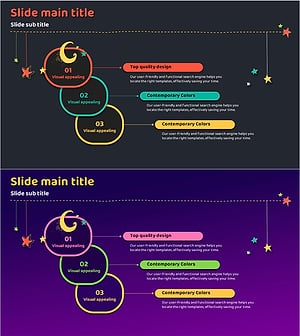
Action Steps for Dreams Slide Template – Visual Appeal and Creativity
#Product/Service Introduction #Business Strategy #Diagram
-
Research and Development Overview Diagram – Innovation and Progress
#Company Introduction #Product/Service Introduction #Diagram
