



Five Color Infographic Element Slide Template – Implementing Business Strategy
RJ0200009_26
- Last Update 03/30/2025
- File Size 4.6MB
- # of Slides 2
- File Format PPTX
- Slide Ratio 16:9
- Color
Keywords
About the Product
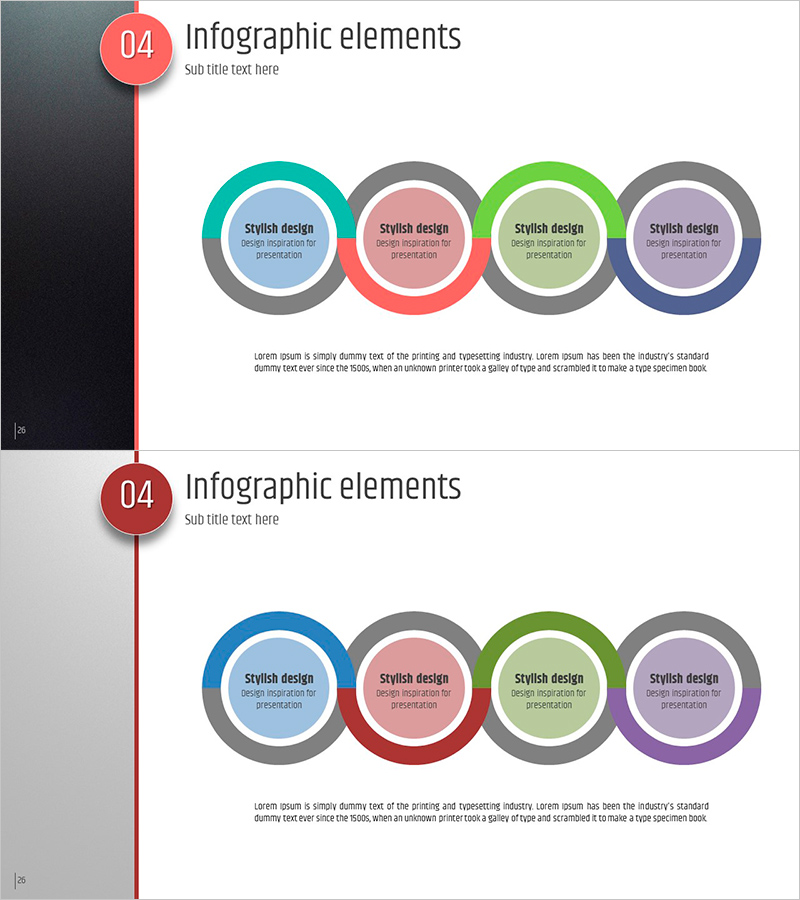
A professional 4-step connected infographic PowerPoint slide designed for business strategy and operational planning presentations. The slide features a circular diagram with four distinct colors—teal, gray, green, and purple—arranged in a sequential connection pattern. The dual-layer structure with outer colored rings and inner gray circles creates clear information hierarchy, with dedicated text input areas for each stage. Provided in two layout variations optimized for 16:9 widescreen format. Fully editable PPTX format allows quick customization and integration into your presentation workflow.
Usage Points
-
Main Usage
Visualizes business strategy phases, operational planning processes, cross-departmental collaboration structures, and project implementation stages through a 4-step connected framework. The interconnected circular design emphasizes sequential flow and mutual dependencies, enhancing audience comprehension of complex processes.
-
How to Use
Enter stage titles and descriptions into each circular area. Place core concepts in the central gray circle and detailed information in the outer colored rings to establish information hierarchy. Colors are fully customizable, and you can select between two slide layouts based on your presentation needs.
-
Recommended For
Executive business strategy presentations, marketing campaign phase explanations, project manager timeline and milestone sharing, organizational restructuring and collaboration framework discussions, educational seminars and training sessions on process workflows.
-
Slide Structure
Slide 1: Left-side timeline bar (red-gray-red) with four connected circular diagrams on the right (teal-gray-green-purple alternating). Slide 2: Same timeline bar with alternative color arrangement (blue-gray-green-purple). Each circle features dual-layer design with colored outer ring and gray center, providing four distinct text input zones.
Related Products
-
Game and Hobby Diagram – Visualizing Organization and Strategy
#Business Strategy #Operational Plan #Diagram
-
Preparation Procedure for the Wedding Hall – Roadmap for Weddings
#Business Strategy #Operational Plan #Diagram
-
Yellow Circular Connection Diagrams – Effective Business Strategy
#Business Strategy #Operational Plan #Diagram
-
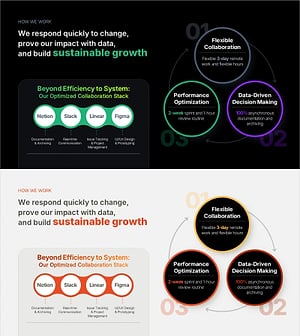
Work Principles & Collaboration Stack Slide – Dark & Light
#Business Strategy #Operational Plan #Diagram
