



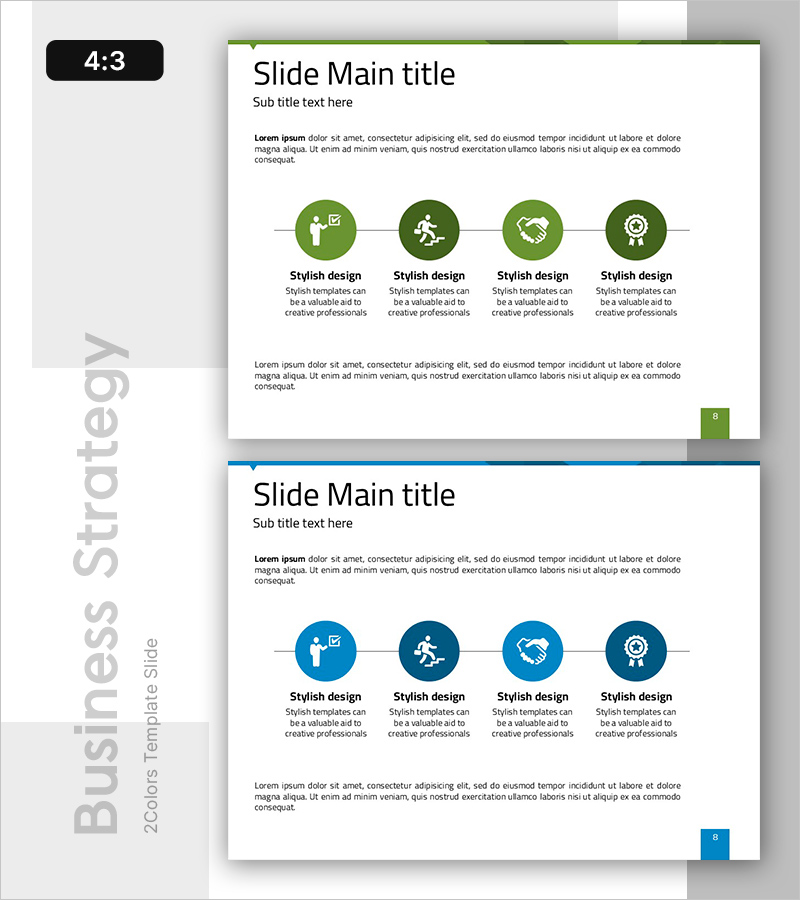
Establishing a Successful Business Strategy PowerPoint Slide
RB0800073_6
- Last Update 03/28/2025
- File Size 0.2MB
- # of Slides 2
- File Format PPTX
- Slide Ratio 4:3
- Color
Keywords
About the Product
A 4-step circular connection diagram PowerPoint slide designed to visualize business strategy development and project execution phases. The structure features a central circular node with four icon-based steps radiating outward in a linear connection pattern, clearly expressing cyclical processes and sequential workflows. Two color versions are included: green tone (upper) and blue tone (lower), each with ample text description areas below each node for detailed strategy elements, execution steps, and performance metrics. Provided in 4:3 aspect ratio PPTX format with fully editable structure for immediate customization.
Usage Points
-
Main Usage
Optimized for visualizing business strategy development, project execution processes, cyclical workflows, and phase-based performance management. The radial structure from central concept to four execution steps enables simultaneous communication of strategic core and implementation phases.
-
How to Use
Customize the circular node icons and text labels to represent your organization's strategy elements (plan-execute-evaluate-improve) or business phases (ideation-development-launch-growth). Select the color tone that aligns with your corporate brand guidelines and apply directly.
-
Recommended For
Ideal for executive reports, business plans, strategy presentations, organizational restructuring explanations, project kickoff meetings, and quarterly performance reviews. Recommended for professionals including executives, strategy teams, project managers, and consultants who need to emphasize strategic phases and cyclical structures.
-
Slide Structure
2-slide set. Each slide features one central circular node with four icon-based circular nodes connected in linear sequence. Text description areas are positioned below each node, with title and subtitle sections at the top. Two color versions provided: green tone (dark green nodes with light green connecting lines) and blue tone (dark blue nodes with light blue connecting lines), one version per slide.
Related Products
-
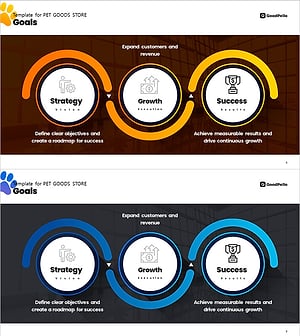
Pet Market Strategy Diagram – Roadmap for Growth and Success
#Business Vision and Strategy #Business Strategy #Diagram
-
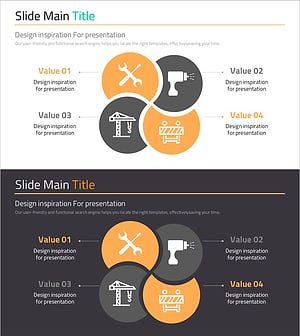
Production Technology Strategy Slide for Business Innovation
#Business Vision and Strategy #Business Strategy #Diagram
-

E-Learning Learning Effect Diagram – Visualizing Business Strategies
#Business Vision and Strategy #Business Strategy #Diagram
-

Setting up your SEO Business Strategy – Maximizing Business Impact
#Business Vision and Strategy #Business Strategy #Marketing Plan and Strategy
