



Tree of Processes – Visualizing Business Strategy
RB0800033_10
- Last Update 03/24/2025
- File Size 6.5MB
- # of Slides 2
- File Format PPTX
- Slide Ratio 4:3
- Color
Keywords
- #Content-Based Slides
- #Design-Based Slides
- #Business Strategy
- #Technical Approach
- #Diagram
- #Implementation Framework
- #Service Implementation Plan
- #Flow
- #Multidirectional Flow
- #4:3
- #tree diagram PowerPoint
- #hierarchical structure slide
- #hexagon diagram template
- #organizational chart presentation
- #business strategy visualization
About the Product
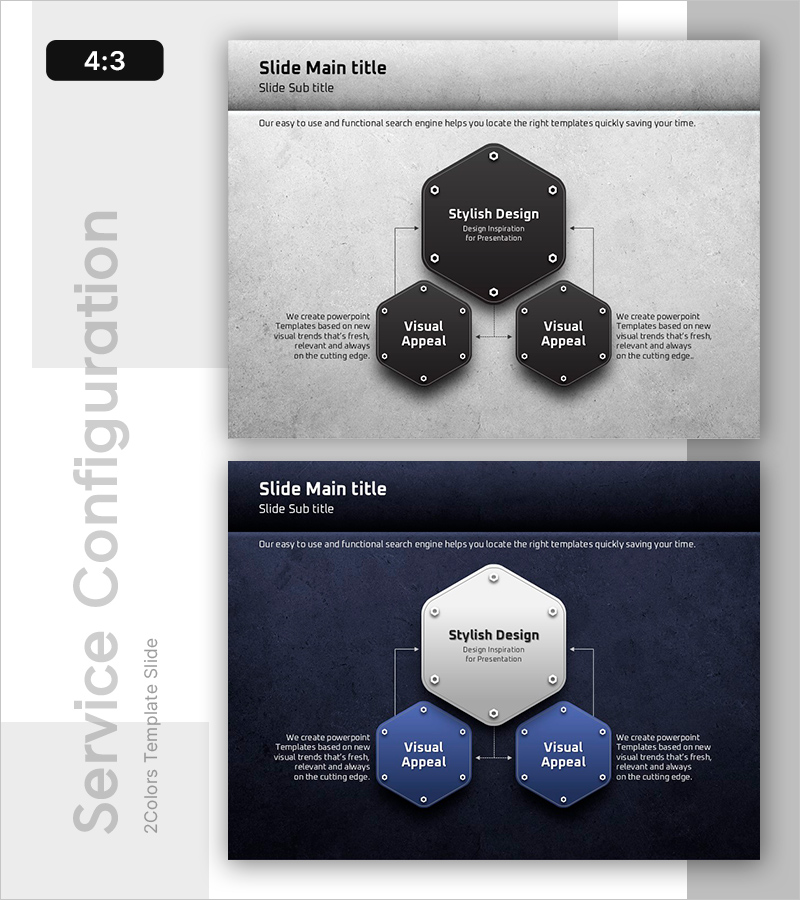
A hexagonal tree diagram PowerPoint slide for visualizing business strategy and organizational hierarchy. The design features a central core hexagon with two subordinate hexagons branching left and right, creating a clear 3-level hierarchical structure. Dark gray hexagonal nodes with white text and connecting lines emphasize information flow and relationships between departments, teams, or project phases. Two color variations (light gray and dark blue backgrounds) are included for flexible presentation contexts. Ready-to-use for strategy presentations, organizational restructuring, and process analysis slides.
Usage Points
-
Main Usage
Visualize hierarchical relationships between departments, teams, and projects using hexagonal nodes. The center-to-sides branching structure clearly communicates decision-making flow and responsibility frameworks in business strategy presentations.
-
How to Use
Use in strategy planning presentations, organizational restructuring explanations, project structuring, and cross-departmental collaboration frameworks. Edit each hexagon node with department names, roles, or objectives. Customize colors to distinguish priorities or categories as needed.
-
Recommended For
Executives, strategy managers, project managers, and organizational development professionals presenting to leadership, team members, and external stakeholders. Ideal for consulting, planning, and operational presentations requiring clear structural visualization.
-
Slide Structure
2-slide deck (4:3 aspect ratio). Slide 1: Light gray background with dark gray hexagons (1 top, 2 bottom) connected by white lines. Slide 2: Dark blue background with white and blue hexagons in identical structure. Each node includes title and subtitle input areas.
Related Products
-
Sleek Presentation Template Emphasizing Business Context
#Business Strategy #Operational Plan #Technical Approach
-
Sensuous Cloud Presentation Template DIAGRAM2 – Enhance Business Strategies
#Business Strategy #Technical Approach #Diagram
-
Business Promotion System Diagram – Business Success Strategy
#Business Strategy #Technical Approach #Diagram
-
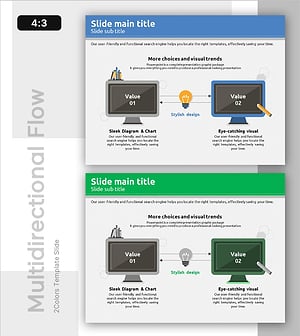
Strategy for Structuring and Executing Lessons – Effective Multidirectional Flow Design
#Business Vision and Strategy #Technical Approach #Diagram
