



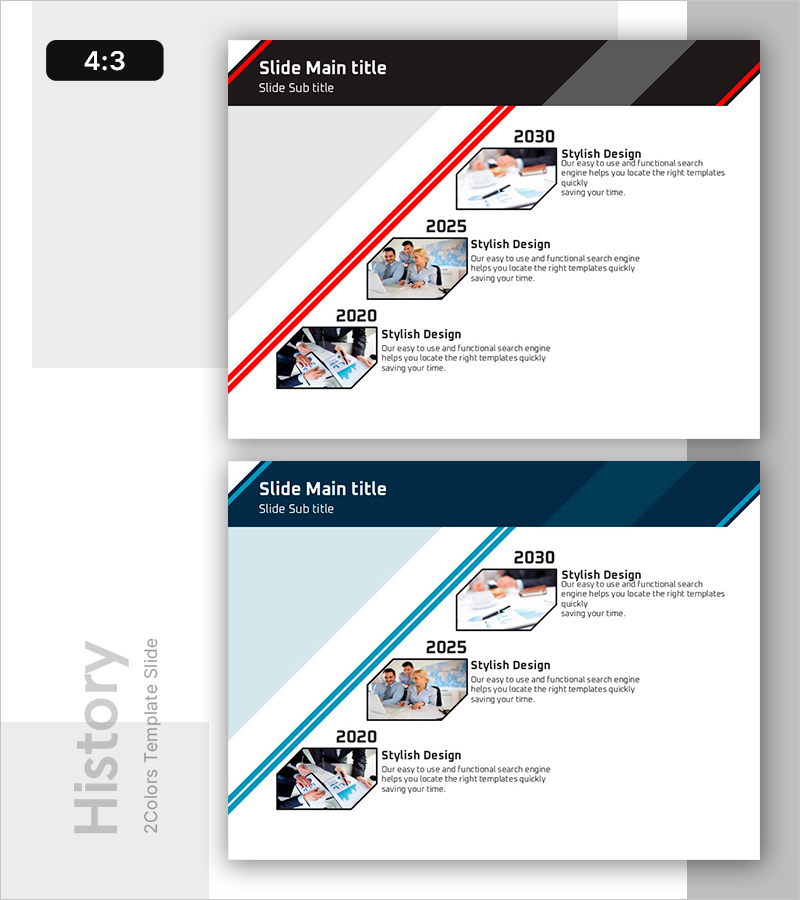
History Slide with Dynamic Line Patterns
RB0800032_5
- Last Update 03/24/2025
- File Size 0.2MB
- # of Slides 2
- File Format PPTX
- Slide Ratio 4:3
- Color
Keywords
About the Product
A PowerPoint history slide template that presents your company's milestones and achievements in chronological order. The dynamic diagonal red line emphasizes the timeline, while hexagonal frames showcase year-by-year images and descriptions. This 4:3 ratio, 2-slide presentation template integrates seamlessly into company profiles, business plans, and investor pitch decks. The dark background with white typography ensures readability and reinforces corporate credibility throughout your slides.
Usage Points
-
Main Usage
Visually communicate your company's founding, key milestones, and growth achievements in chronological order to investors, business partners, and new employees, establishing corporate credibility and demonstrating sustained success.
-
How to Use
Insert this template into the company overview section of investor presentations (IR decks), corporate profile documents, new employee onboarding materials, and partnership proposals. Edit each year's text and image placeholders to reflect your company's actual timeline and accomplishments.
-
Recommended For
Ideal for executives, marketing teams, investor relations professionals, and HR departments preparing company introduction presentations. Particularly effective for startups and growth-stage companies showcasing their trajectory to potential investors and stakeholders.
-
Slide Structure
Two-slide layout with each slide displaying three milestone entries (year, image, and description). The first slide covers 2020–2030, while the second slide accommodates additional years. Each entry includes one image placeholder, one title field, and one text description area for flexible customization.
Related Products
-
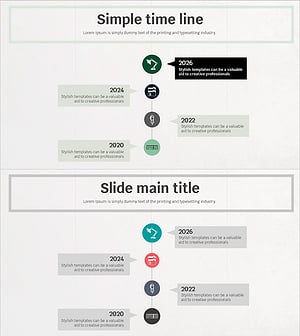
Simple Timeline to Visualize Milestones
#Company Introduction #Diagram #History
-
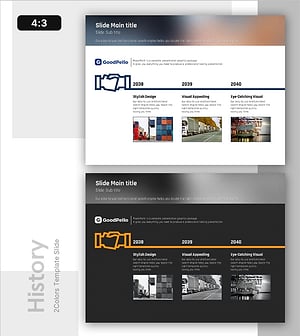
Corporate Growth Timeline Visualized with Pictograms
#Company Introduction #Diagram #History
-
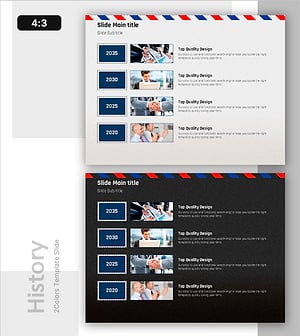
Envelope Template History – A Journey of Our Company
#Company Introduction #History #Key Achievements
-
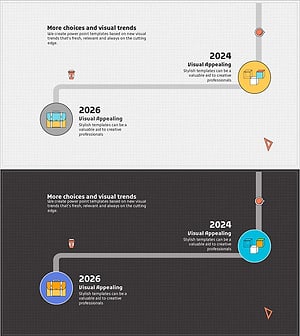
Illustration Template for Writing Instruments – Company History and Key Achievements
#Company Introduction #Diagram #History
