



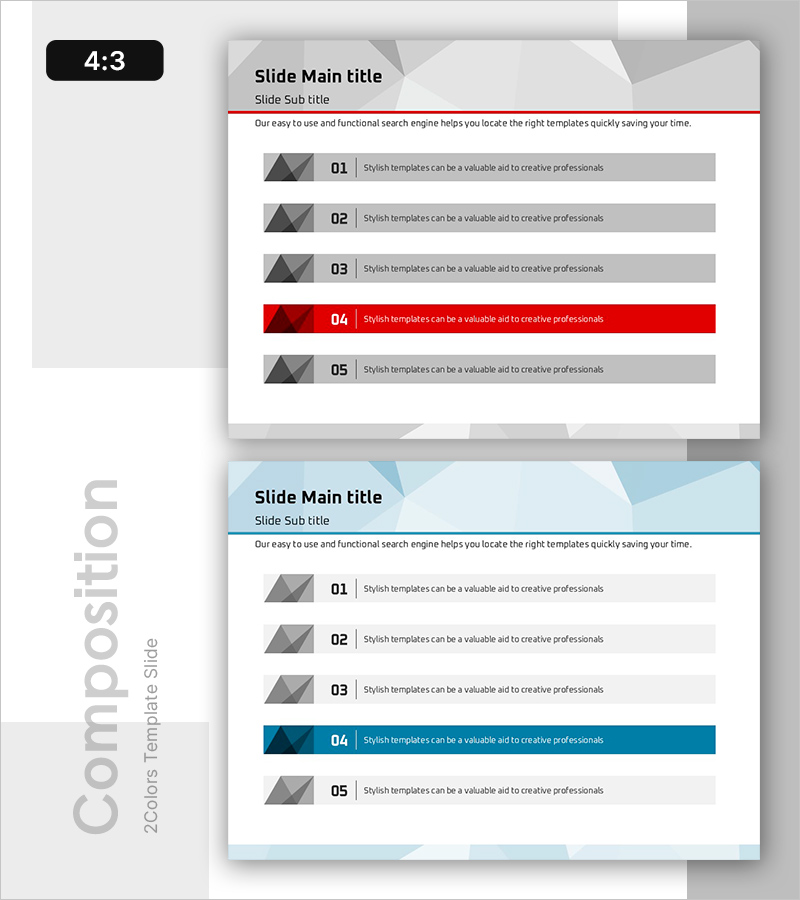
5 Key Factors to Drive Results – Strategic Diagram for Achieving Outcomes
RB0800027_9
- Last Update 03/23/2025
- File Size 0.4MB
- # of Slides 2
- File Format PPTX
- Slide Ratio 4:3
- Color
Keywords
- #Content-Based Slides
- #Design-Based Slides
- #Operational Plan
- #Diagram
- #Text Box
- #Mitigation Measures
- #Business Support Plan
- #Cluster
- #Closed Cluster Diagram
- #Rectangle Text Box
- #4:3
- #text box PowerPoint slide
- #5-step diagram template
- #key factors presentation
- #rectangular text box PPT
- #operational plan slide design
About the Product
A PowerPoint slide template that organizes five key factors for achieving organizational results in a sequential format. Gray rectangular text boxes numbered 01 through 05 are arranged horizontally, with item 04 highlighted in red to emphasize priority. Each box functions as an independent text field, allowing you to customize content to match your presentation narrative. Ideal for business documents including operational plans, strategic initiatives, and performance reviews. The 4:3 aspect ratio and 2-slide layout enable immediate download and integration into your presentation deck.
Usage Points
-
Main Usage
Presents five critical success factors or strategic elements in sequential order, with red highlighting on item 04 to signal priority and focus. Enables audiences to quickly grasp the hierarchy and interdependence of organizational objectives.
-
How to Use
Insert your organization's core strategies, operational principles, or success metrics into each rectangular text box. Use the red-highlighted box to mark the most critical factor or current priority area. All text, colors, and box dimensions are fully customizable to match your brand guidelines.
-
Recommended For
Executives and team leaders presenting organizational strategy, operational roadmaps, and business objectives. Suitable for quarterly performance reviews, business support plan presentations, and project kickoff meetings where emphasis on key success factors is essential.
-
Slide Structure
Two-slide layout. First slide features five horizontally arranged rectangular text boxes (01–05) with box 04 in red background for emphasis. Second slide repeats the structure with a blue-toned background, providing design flexibility for different presentation contexts. Each text box is independently editable.
Related Products
-
Ribbon Item Overview – Operational Planning and Problem Solving
#Operational Plan #Diagram #Text Box
-
Strengthening Strategy with Four Key Elements - Effective Operations Plan
#Operational Plan #Diagram #Text Box
-
Green & Gray Template Wide Closed Diagram
#Business Management #Operational Plan #Diagram
-
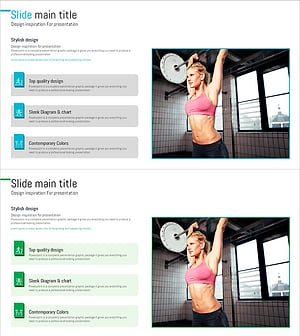
Exercise to Build Muscles Slide – Change and Challenge
#Operational Plan #Diagram #Mitigation Measures
