



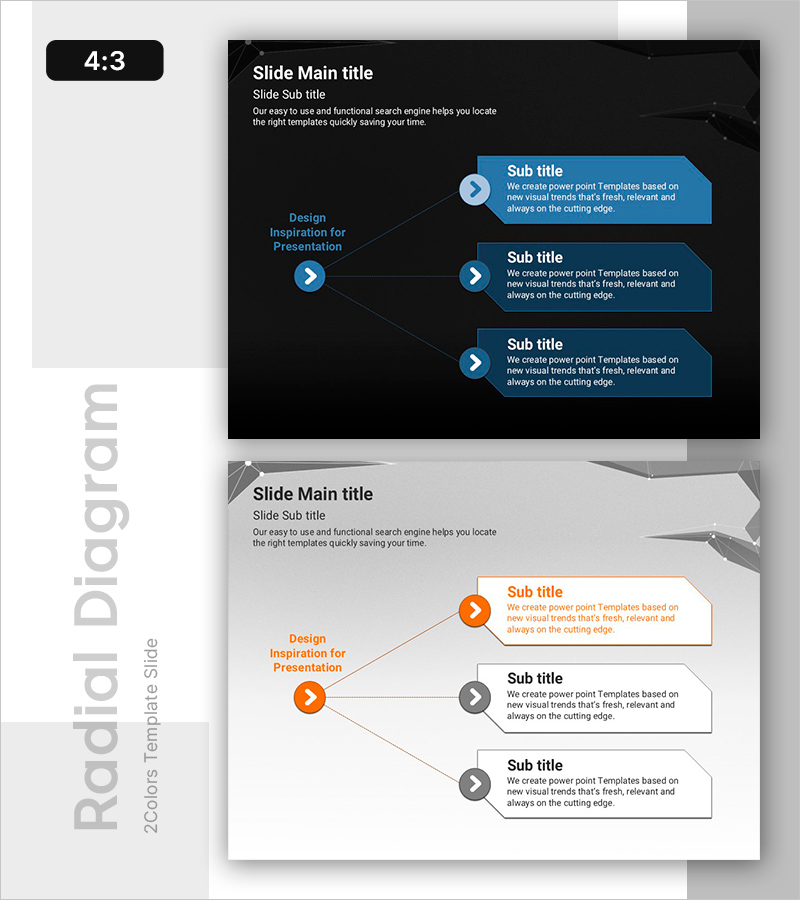
PowerPoint Slide on Three Directions – Business Overview
RB0800019_12
- Last Update 03/21/2025
- File Size 2.5MB
- # of Slides 2
- File Format PPTX
- Slide Ratio 4:3
- Color
Keywords
- #Content-Based Slides
- #Design-Based Slides
- #Product/Service Introduction
- #Business Introduction
- #Diagram
- #Product and Service Overview
- #Business Overview
- #Cluster
- #Spread
- #Closed Cluster Diagram
- #4:3
- #3-direction diagram PowerPoint
- #closed diagram slide template
- #central node presentation
- #business overview PPT
- #directional flow chart
About the Product
A PowerPoint slide featuring a closed-form diagram with a central node branching into three directional pathways. The design uses a dark background with blue circular nodes and arrow connectors, each direction containing an information box for text input. This presentation template effectively visualizes three perspectives such as business overview, strategic directions, or organizational structure. The 2-slide set includes both dark and light theme versions, making it adaptable to various presentation environments and corporate settings.
Usage Points
-
Main Usage
Visualizes three core business directions, strategic pillars, or development perspectives radiating from a central concept. Each directional information box accommodates detailed content, enabling hierarchical information delivery and multi-perspective analysis in a single slide.
-
How to Use
Enter your main topic in the central circular node and add supporting details in the three directional text boxes. Use the dark theme for executive presentations and corporate reports, or the light theme for educational and explanatory materials. All colors and text are fully editable to match your brand guidelines.
-
Recommended For
Executive briefings, business strategy presentations, organizational structure explanations, product development roadmaps, marketing strategy sessions, and team goal-setting meetings. Ideal for consulting, finance, IT, manufacturing, and other industries requiring strategic direction visualization.
-
Slide Structure
Central circular node (1) with three directional arrows connecting to information boxes (3). Includes dark theme (dark background, blue nodes, white text) and light theme (light background, orange nodes, dark text) versions for flexible application.
Related Products
-

AI Platform Overview Slide – Dark 4-Node Diagram PowerPoint
#Product/Service Introduction #Business Introduction #Diagram
-
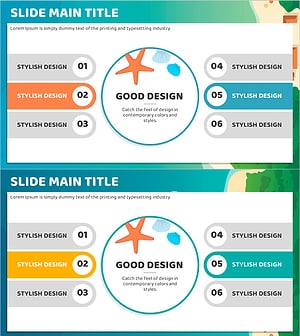
Sea Closed Diffusion Diagram – Business Vision and Strategy
#Product/Service Introduction #Business Vision and Strategy #Diagram
-
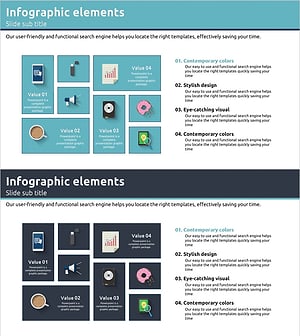
Product Introduction and Overview Blue Navy - Effective Business Presentation Slide
#Product/Service Introduction #Business Introduction #Business Vision and Strategy
-
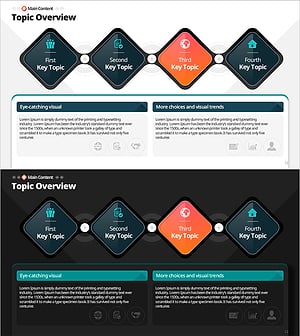
Essential Topics Summary – Innovation in Summarization
#Product/Service Introduction #Business Introduction #Diagram
