



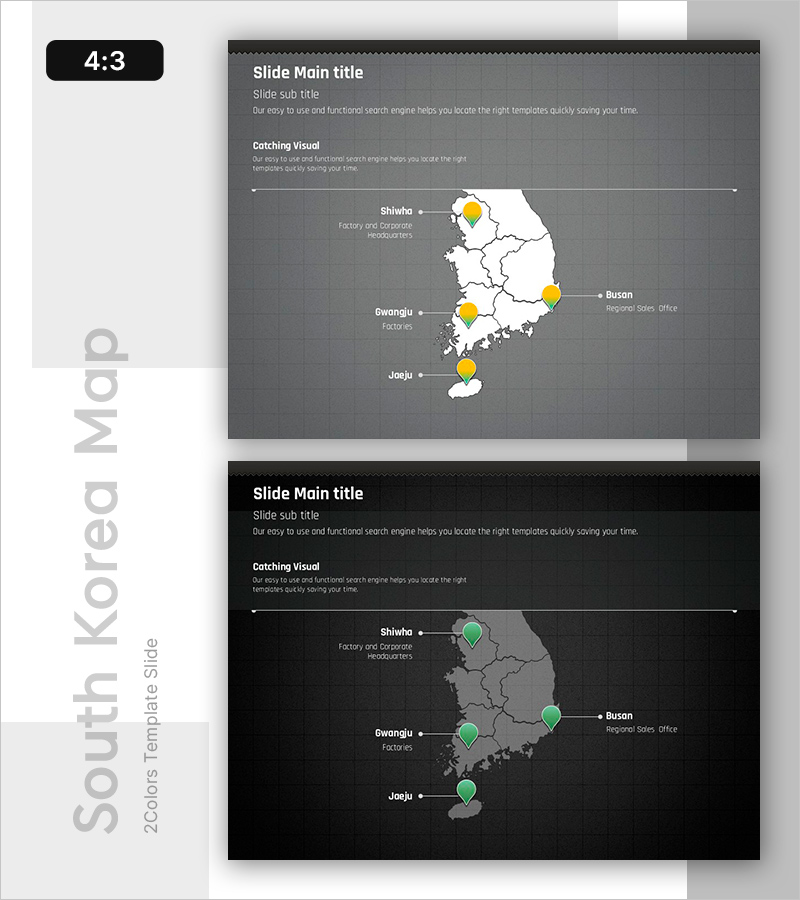
Map-based Regional Distribution Visualization PowerPoint Template
RB0800016_15
- Last Update 03/20/2025
- File Size 3.8MB
- # of Slides 2
- File Format PPTX
- Slide Ratio 4:3
Keywords
About the Product
A regional distribution visualization PowerPoint slide featuring a South Korea map with four key locations marked by yellow pin icons on a dark gray background. The white map layout ensures clear data readability, with text fields for each location name and role (headquarters, factory, regional office). The 2-slide set includes color variations (yellow and green markers) for flexible presentation contexts. Ideal for company overview, business status, and global network sections to communicate geographic distribution of business operations.
Usage Points
-
Main Usage
Visualizes key business locations (headquarters, factories, regional offices, sales branches) on a geographic map to communicate the company's regional expansion scope and location-specific roles at a glance. Supports investor, partner, and new employee presentations with clear geographic context.
-
How to Use
Enter location names (Seoul, Busan, Gwangju, Daegu, etc.) and roles (headquarters, branch, factory) in the text fields. Adjust pin positions as needed. The dark gray background provides high contrast in projector environments. Choose between yellow or green marker color versions to match corporate branding.
-
Recommended For
Suitable for company overview, business plans, investment pitch decks, and annual reports—particularly in the 'Global Network,' 'Business Status,' or 'Location Distribution' sections. Highly effective for multinational corporations, distribution, manufacturing, and logistics industries.
-
Slide Structure
Two-slide layout with title area (Slide Main title, Slide sub title) at top, central map region (South Korea map with 4 location pins), and description area (Catching Visual text) at bottom. Each location includes editable text boxes for location name and role labels paired with pin markers.
Related Products
-
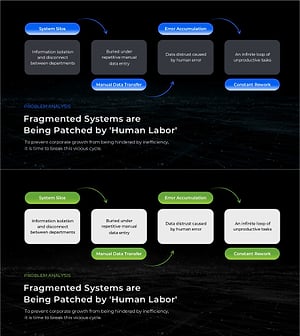
Business Problem Analysis PowerPoint Slide – 4-Node Cycle
#Business Vision and Strategy #Operational Plan #Diagram
-

Brand vs. Competitor Messaging Slide – 3-Point, Blue & Green
#Product/Service Introduction #Market and Competitor Analysis #Benefits and Advantages
-
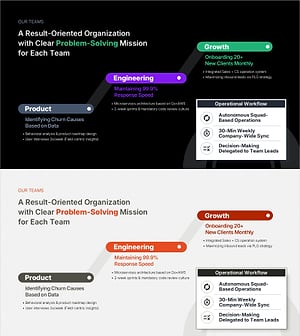
Team Mission & Org Structure PowerPoint Slide – Dark & Light
#Business Strategy #Business Management #Operational Plan
-
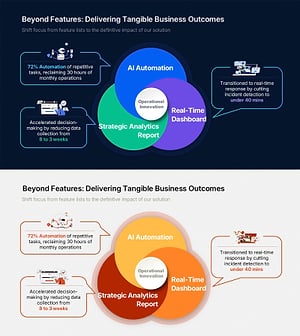
Business Outcome PowerPoint Slide – 3-Circle Solution Hub
#Company Introduction #Business Strategy #Diagram
