



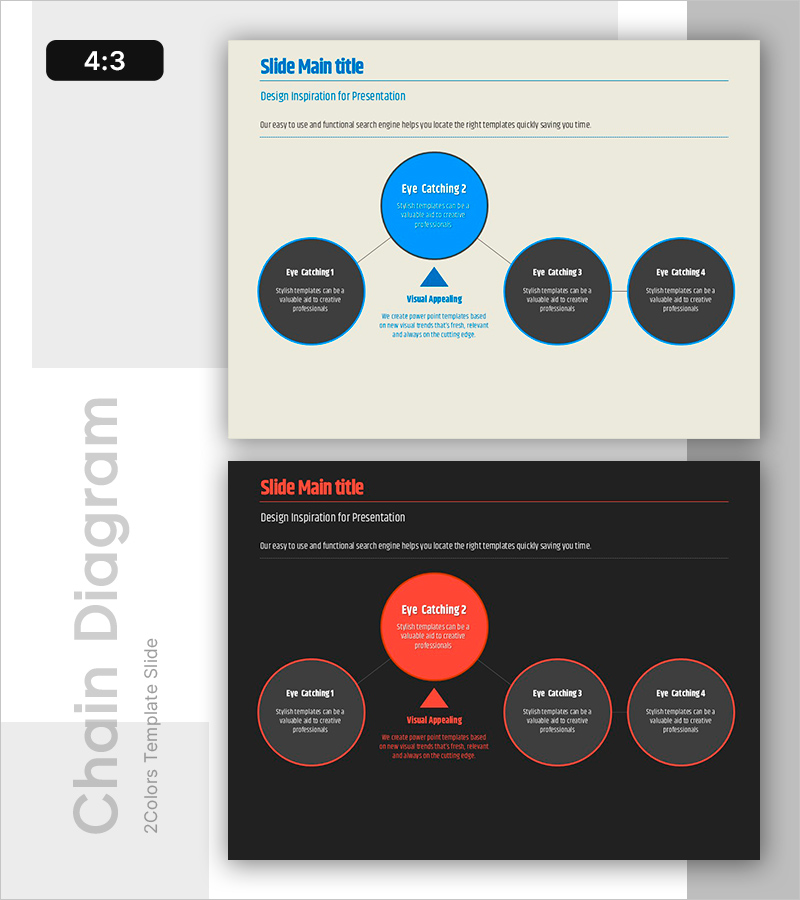
Connection Diagram & Emphasis Text – Business Strategy Proposal
RB0800003_9
- Last Update 03/17/2025
- File Size 0.1MB
- # of Slides 2
- File Format PPTX
- Slide Ratio 4:3
- Color
Keywords
- #Content-Based Slides
- #Design-Based Slides
- #Business Vision and Strategy
- #Business Strategy
- #Operational Plan
- #Diagram
- #Text Box
- #Business Strategy
- #Implementation Framework
- #Organizational Structure and Staffing Plan
- #Cluster
- #Chain Diagram
- #4:3
- #connection diagram PowerPoint
- #radial diagram slide template
- #5-node relationship diagram
- #business strategy diagram PPT
- #PowerPoint diagram slide design
- #organizational chart presentation
About the Product
A radial-structure diagram PowerPoint slide with a central hub connected to 4 peripheral nodes via triangular arrows. Set against a light cream background, the design features a bright blue central circle and dark gray surrounding circles, each with dedicated text input areas. This presentation template is ideal for visualizing business strategies, operational plans, organizational structures, and process flows. The 2-slide set (4:3 aspect ratio) is fully editable and ready to use immediately.
Usage Points
-
Main Usage
This diagram is optimized for visualizing the relationship between a core concept (center) and supporting elements (periphery). It effectively illustrates strategic initiatives and execution tasks in business planning, departmental roles and reporting relationships in organizational structures, product features and core value propositions in product presentations, and marketing tactics aligned with key messages in marketing plans.
-
How to Use
Enter your core concept (e.g., vision, strategy, objective) in the central blue circle, then populate the 4 surrounding gray circles with supporting details. Double-click any text box to edit directly. You can add additional nodes, modify colors, or adjust the layout as needed. Insert into strategy, planning, or organizational sections of business proposals, reports, and presentations.
-
Recommended For
Ideal for executives and strategy teams presenting business direction, department heads sharing team structure and responsibilities, and consultants proposing organizational changes. Also effective for marketing plans showing core messaging with 4 execution tactics, product presentations highlighting key value with 4 differentiators, and operational plans linking central goals with 4 departmental initiatives.
-
Slide Structure
Slide 1: Light cream background with central blue circle (approx. 120px diameter), 4 dark gray circles (approx. 100px diameter) positioned top, bottom, left, and right, triangular arrows connecting center to each peripheral node, text input areas within each node. Slide 2: Identical structure on black background using red and dark gray color scheme.
Related Products
-

Keyword Box Connection Diagram – Effective Information Delivery
#Product/Service Introduction #Business Vision and Strategy #Operational Plan
-
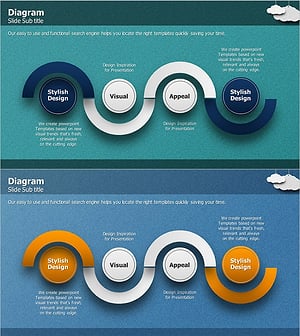
Business Roadmap Connection Diagram – Slide for Strategic Planning
#Business Strategy #Operational Plan #Diagram
-
Operational Plan Slide with Line Graphic Elements and Text Boxes
#Operational Plan #Technical Approach #Diagram
-
Geometry Pattern Wide Diagram – Product Introduction and Operational Plan
#Product/Service Introduction #Operational Plan #Diagram
