



Introduction to Major Crops – Effectively Presenting Product/Service Benefits with Cluster Diagram
RB0500004_6
- Last Update 03/13/2025
- File Size 5.6MB
- # of Slides 2
- File Format PPTX
- Slide Ratio 4:3
- Color
Keywords
- #Content-Based Slides
- #Design-Based Slides
- #Product/Service Introduction
- #Diagram
- #Product/Service Introduction
- #Benefits and Advantages
- #Cluster
- #Closed Cluster Diagram
- #4:3
- #closed cluster diagram PowerPoint
- #3-item circular diagram slide
- #product benefits presentation template
- #cluster diagram slide design
- #comparison diagram PowerPoint
About the Product
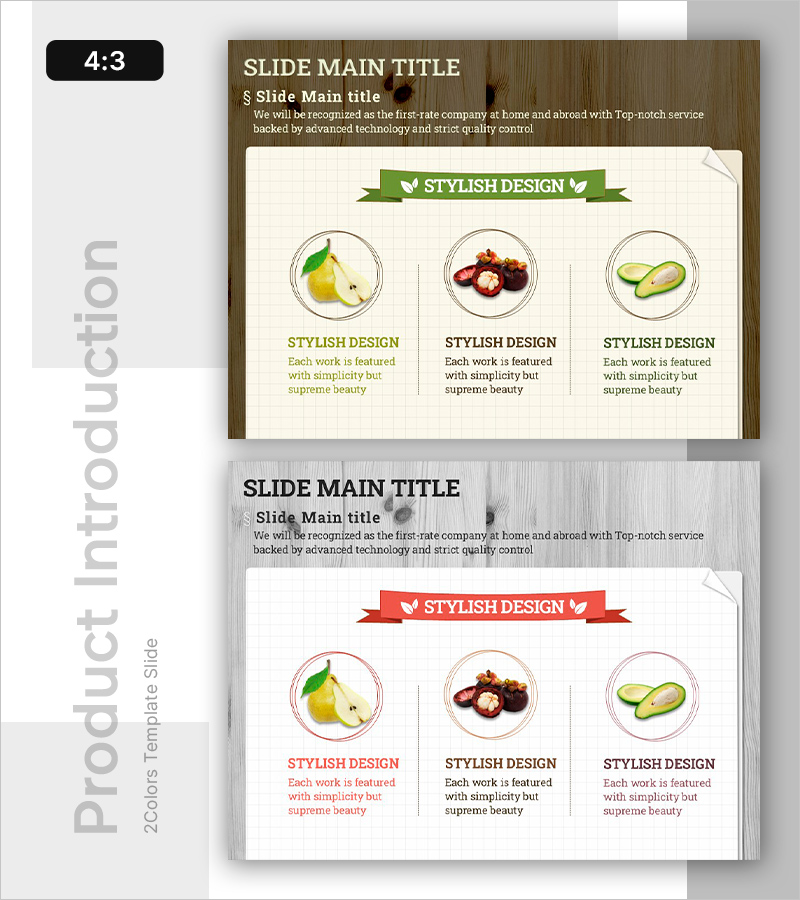
A closed cluster diagram PowerPoint slide that visually presents three key features or benefits of a product or service in a circular arrangement. The design combines a wood-tone background with a cream-colored content area, creating clear visual hierarchy. Each item is displayed within a circular frame containing an image and descriptive text, with a ribbon banner header and accent icons for emphasis. This slide template is ideal for product presentations, marketing proposals, and company introductions. Two slide variations with color options (green and red) allow flexible adaptation to different document themes.
Usage Points
-
Main Usage
Effectively communicates three key features, benefits, or functions of a product or service to your audience. The closed cluster structure emphasizes both individual elements and their unified relationship, making it ideal for presentations that highlight interconnected value propositions.
-
How to Use
Insert product images or icons into each circular frame and add feature descriptions in the text areas. Write your main topic in the ribbon banner header to establish slide purpose. Use the two color variations to differentiate sections or match your presentation theme.
-
Recommended For
Recommended for product introduction slides, marketing proposals, company profiles, and investor pitch decks. Particularly effective for agriculture, food, beauty, and health product industries where visual imagery is essential to communication.
-
Slide Structure
Two-slide set. Each slide features a wood-tone background with a title area at the top and a cream-colored content box in the center containing three circular frames (image + text) arranged horizontally. Ribbon banner header and dividing lines establish clear information hierarchy. Color variations: green ribbon with green text / red ribbon with red text.
Related Products
-
Benefits of Premium Package Travel – Stylish Design
#Product/Service Introduction #Diagram #Product/Service Introduction
-
Fruit Introduction Diagram Slide – Fresh Business Potential
#Product/Service Introduction #Diagram #Product/Service Introduction
-
Combination of Academic Thinking and Business Strategy - Effective Diagram Template
#Product/Service Introduction #Diagram #Product/Service Introduction
-
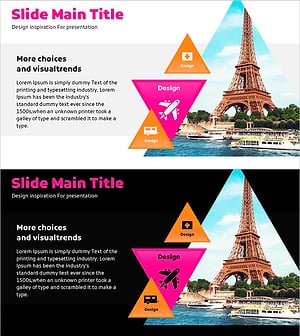
Visual Diagram of European Package Travel Benefits
#Product/Service Introduction #Diagram #Product/Service Introduction
