



Medical Care Support System Slide – Operational Planning and Risk Management
RB0400012_6
- Last Update 03/12/2025
- File Size 7.8MB
- # of Slides 2
- File Format PPTX
- Slide Ratio 4:3
- Color
Keywords
About the Product
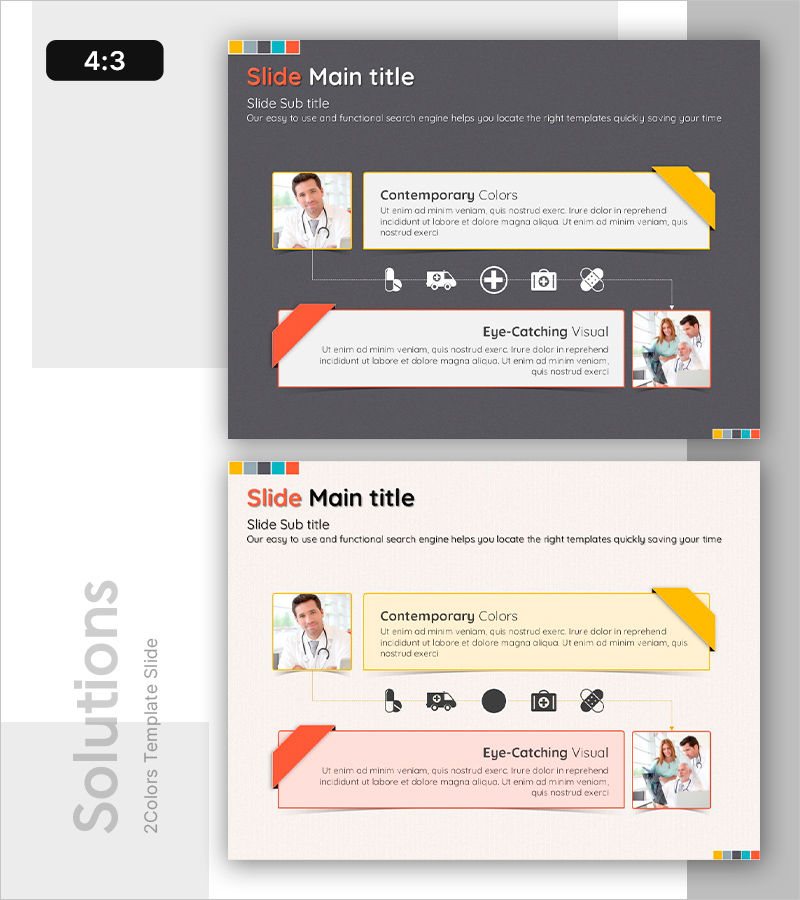
A connection diagram PowerPoint slide that visualizes operational planning and risk management in medical facilities. The cluster structure radiates from a central core element to five surrounding nodes, clearly expressing the interconnected relationships within the medical care support system. Set against a dark gray background with yellow, orange, and white color accents, it distinguishes information hierarchy through icons and text boxes that emphasize each functional area. Composed of 2 slides in 4:3 ratio, this presentation material effectively communicates both operational processes and risk factors.
Usage Points
-
Main Usage
This slide is designed to systematically explain a medical institution's care support system and operational processes. The radial connection structure from a central element to five key areas enables viewers to instantly grasp the interdependencies and relationships between departments and functions.
-
How to Use
Introduce the overall operational structure on the first slide, then explain risk management elements on the second slide. Customize by entering department names, functions, and responsible parties in each node's text box, and replace icons to match your organization's characteristics.
-
Recommended For
Ideal for hospital executives, operations managers, and healthcare consultants presenting organizational structure and operational processes. Effectively used in hospital management reports, operational planning presentations, risk management training sessions, and organizational restructuring briefings.
-
Slide Structure
Two-slide composition: the first slide features a dark gray background with a central circular node connected to five surrounding nodes via connector lines. The second slide maintains the same cluster structure on a light background while emphasizing risk elements. Yellow accent lines, orange banners, and white text boxes indicate information priority hierarchy.
Related Products
-
Carbon Neutral Solution Connection Diagram
#Operational Plan #Diagram #Risk Management
-
Introducing SUV Features – Enhancing Ride Quality in Operations Planning
#Operational Plan #Technical Approach #Diagram
-
How to Deal with a Crisis in Case of an Accident - Effective Risk Management Tool
#Operational Plan #Risk Management and Regulatory Compliance #Diagram
-
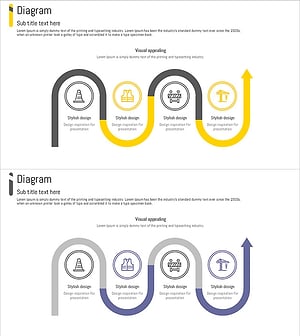
Construction Work Flow System – Efficient Operation Planning and Risk Management
#Operational Plan #Diagram #Business Processes
