



Strategic Business Goals for Mobile App Services – Vision and Execution
RB0200019_6
- Last Update 03/08/2025
- File Size 3.7MB
- # of Slides 2
- File Format PPTX
- Slide Ratio 4:3
- Color
Keywords
- #Content-Based Slides
- #Design-Based Slides
- #Product/Service Introduction
- #Business Vision and Strategy
- #Diagram
- #Other
- #Program Introduction
- #Business Goals
- #Flow
- #Mockup
- #4:3
- #mobile app strategy PowerPoint slide
- #business goals presentation design
- #three-stage structure slide
- #vision execution plan PPT
- #how to present mobile service strategy
About the Product
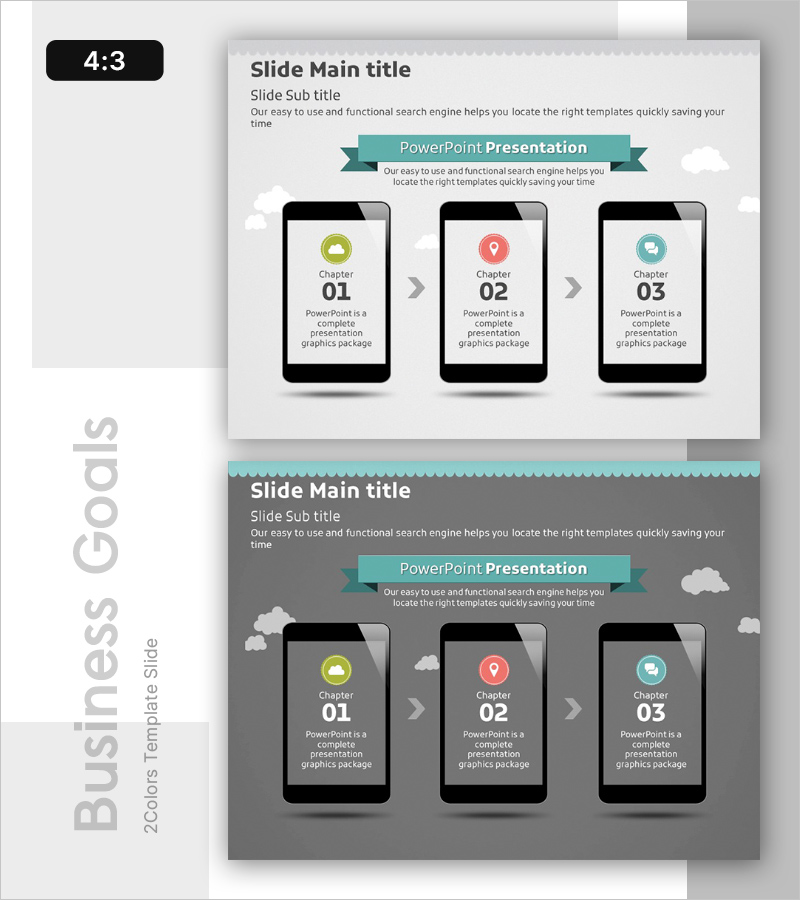
A PowerPoint slide that visualizes mobile app business vision and execution goals in a three-stage structure. The minimal layout features a teal ribbon banner and icons that clearly communicate each stage's key message. With 4:3 aspect ratio and 2-slide composition, it's ready to use immediately in mobile app service strategy presentations, business plan reports, and investor pitch decks. Ample text input areas allow detailed descriptions for each stage, and two background versions—white and gray—adapt to different document tones and presentation styles.
Usage Points
-
Main Usage
Optimized to communicate mobile app service business strategy, vision, and core objectives in stages to executives, investors, and team members. Stage-specific icons and text areas effectively express strategic priorities and execution sequence.
-
How to Use
Use in business plan presentations, investor pitch decks, strategy reports, and team meetings. Customize by changing stage icon colors or editing text to match your business goals. Choose between white or gray backgrounds to harmonize with your overall presentation tone.
-
Recommended For
Ideal for mobile app developers, IT startups, digital service companies' executives, business planners, and marketing managers presenting strategy and execution plans. Effective as investor relations materials or internal strategy meeting documents.
-
Slide Structure
Two-slide composition with white background on the first slide and gray on the second. Each slide features a title area at the top, a teal ribbon banner in the center, and three mobile mockup icons with text input areas at the bottom. Sufficient space is provided for each stage to input icons, titles, and descriptive text.
Related Products
-
App-Based Personal Workout Booking System – Intuitive Diagram
#Product/Service Introduction #Diagram #Other
-
Strategic Goal Comparison Layout Diagram – Cluster Visualization for Achieving Vision
#Product/Service Introduction #Business Vision and Strategy #Diagram
-
Gradient PowerPoint Wide Template Process – Dynamic Marketing Strategy
#Product/Service Introduction #Marketing Plan and Strategy #Diagram
-
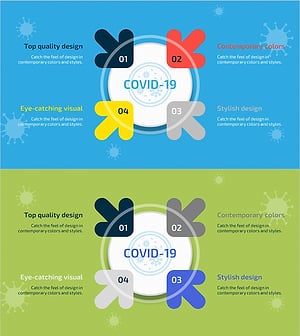
Diagram of COVID-19 Prevention Goals – Business and Marketing Strategy
#Business Vision and Strategy #Marketing Plan and Strategy #Diagram
