



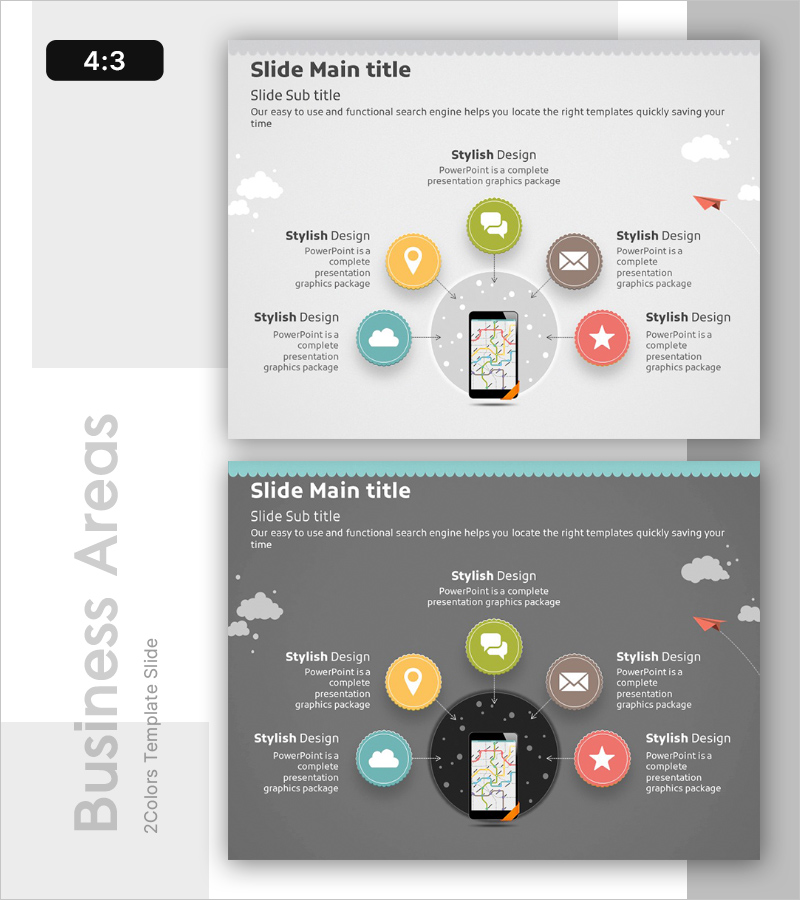
Expansion Diagram of Mobile Service Areas – Business Area Explanation
RB0200019_5
- Last Update 03/08/2025
- File Size 3.9MB
- # of Slides 2
- File Format PPTX
- Slide Ratio 4:3
- Color
Keywords
- #Content-Based Slides
- #Design-Based Slides
- #Company Introduction
- #Business Introduction
- #Diagram
- #Business Areas
- #Business Areas
- #Flow
- #Converging Flow Diverging Flow
- #4:3
- #radial diagram PowerPoint
- #expansion diagram slide
- #mobile service presentation
- #business area diagram PPT
- #sunburst chart PowerPoint template
About the Product
A PowerPoint slide featuring a radial expansion diagram with a central mobile device surrounded by six service area nodes in a sunburst pattern. Circular icons in yellow, green, brown, teal, and coral represent different business functions (location, messaging, email, cloud, ratings, etc.) connected to the center with directional arrows. The light gray background includes white cloud decorative elements, presented in 4:3 aspect ratio across 2 slides for immediate editing. Ideal for business area explanations, service portfolio presentations, and mobile platform strategy discussions in corporate presentations.
Usage Points
-
Main Usage
Visualizes multiple mobile service business areas expanding outward from a central platform, clearly communicating the scope and interconnectedness of your service portfolio. Effectively represents multiple service lines originating from a core mobile platform simultaneously.
-
How to Use
Use in company presentation business area sections, mobile platform strategy pitches, and service portfolio introductions. Simply replace each circular icon and text with your own service names and descriptions. Colors and icons are fully editable to match your brand identity.
-
Recommended For
Ideal for mobile app and platform company executives, business development teams, and marketing professionals presenting to investors, partners, or internal stakeholders. Particularly effective for IT, telecommunications, fintech, and O2O service companies explaining business models.
-
Slide Structure
Central mobile device mockup surrounded by six circular icon nodes arranged in radial directions (top, bottom, left, right, upper-right, lower-right). Each node connects to the center with directional arrows. Text areas beside each icon accommodate service names and descriptions. Two-slide set provides both light and dark background versions for versatile use.
Related Products
-
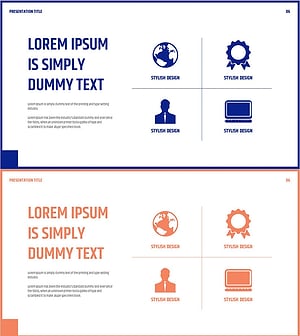
Introduction to the Company's Business Areas – Cluster Design
#Company Introduction #Business Introduction #Diagram
-
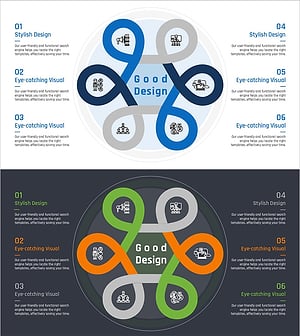
Business Area Flower Diagram – Ideal for Company Introductions
#Company Introduction #Business Introduction #Diagram
-
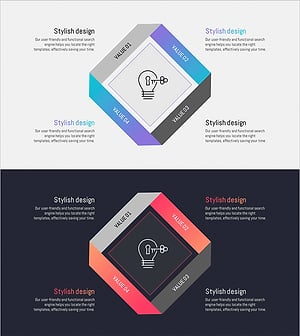
Energy Business Sector Diagram Slide – Flow and Spread
#Company Introduction #Business Introduction #Diagram
-
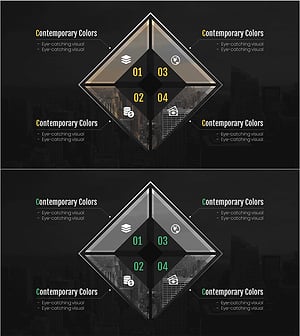
Financial Business Area Slide – Modern Diagram
#Company Introduction #Business Introduction #Diagram
