



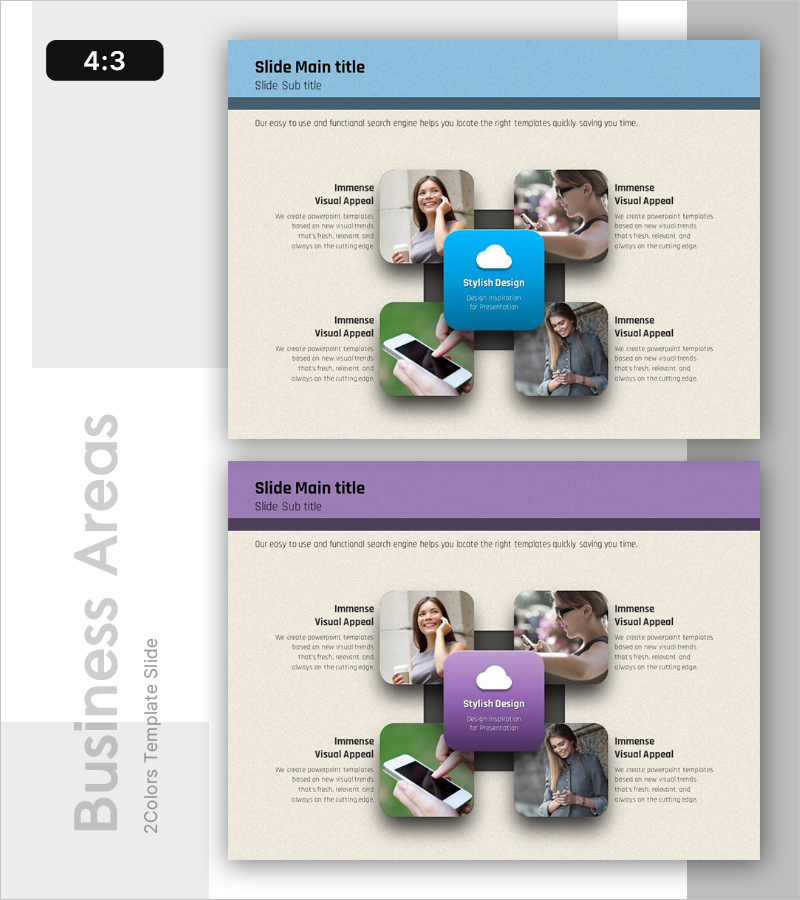
Mobile Service Architecture Diagram
RB0200017_5
- Last Update 03/08/2025
- File Size 3.2MB
- # of Slides 2
- File Format PPTX
- Slide Ratio 4:3
- Color
Keywords
- #Content-Based Slides
- #Design-Based Slides
- #Business Introduction
- #Technical Approach
- #Diagram
- #Business Areas
- #Service Operation Plan
- #Spread
- #4:3
- #mobile service architecture diagram PPT
- #service architecture PowerPoint slide
- #4-quadrant radial diagram
- #technology system architecture slide
- #how to create service architecture in PowerPoint
About the Product
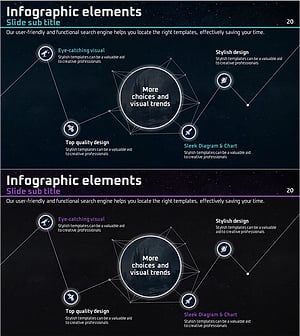
A PowerPoint slide that visualizes mobile business service architecture using a 4-quadrant radial layout. The design centers on a core concept (cloud icon) with four directional segments representing users, technology, business, and ecosystem elements. This structure intuitively conveys the interconnectedness of service components. The slide features a blue header, green accent colors, and beige background, with dedicated spaces for images and text descriptions in each quadrant. Suitable for both technical presentations and business proposals. The 2-slide set offers multiple color combinations (blue-green and purple-green) in 4:3 aspect ratio for universal compatibility.
Usage Points
-
Main Usage
Designed to present mobile service technology structure, system architecture, and business ecosystem at a glance. The radial 4-quadrant design centered on a core concept clearly expresses relationships and interactions between different service components.
-
How to Use
Use in technology presentations, investor pitches, and product introduction decks to explain service architecture. Customize each quadrant with text and images representing user segments, technology stack, business model, partnerships, or other key components.
-
Recommended For
IT companies, startups, mobile app developers, cloud service providers, technology managers, product managers, and executives presenting technical strategy and service ecosystem architecture.
-
Slide Structure
2-slide set with blue-green and purple-green color combinations. Each slide features a central cloud icon with four directional quadrants containing image frames (approximately 300×300px) and text input areas (title + description), allowing simultaneous presentation of four key elements.
Related Products
-
Medical Diffusion Diagram – Conveying Business Strategy and Vision
#Business Introduction #Business Vision and Strategy #Diagram
-
VR Service Area Diagram – Visualizing Business Areas
#Company Introduction #Business Introduction #Diagram
-
Donut Chart for IT Industry
#Company Introduction #Business Introduction #Diagram
-
Space Business Overview Connection Diagram – Visualizing Business Scope
#Business Introduction #Diagram #Business Areas
