



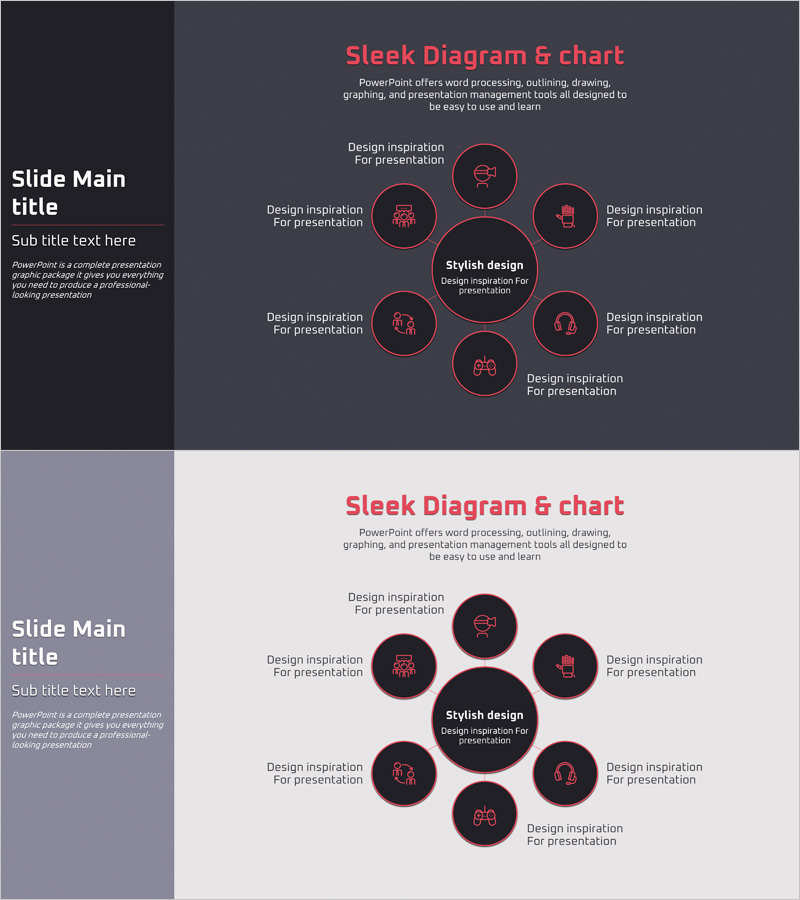
VR Service Area Diagram – Visualizing Business Areas
RJ0400050_14
- Last Update 05/30/2025
- File Size 0.2MB
- # of Slides 2
- File Format PPTX
- Slide Ratio 16:9
- Color
Keywords
- #Content-Based Slides
- #Design-Based Slides
- #Company Introduction
- #Business Introduction
- #Diagram
- #Business Areas
- #Business Areas
- #Spread
- #Centralized Diagram
- #16:9
- #radial diagram PowerPoint
- #center node presentation slide
- #business area visualization
- #8-node diagram
- #organizational structure PowerPoint
- #how to create radial diagram in PowerPoint
About the Product
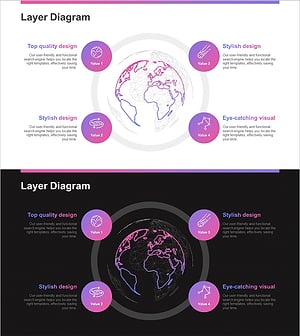
A PowerPoint slide featuring a radial diagram with a central core concept surrounded by 8 peripheral nodes arranged in a circular pattern. The design uses a dark background with pink and red circular nodes and icons to intuitively represent relationships between areas. Ideal for presentations explaining business divisions, service portfolios, organizational functions, and core competencies. The 2-slide set includes both dark and light background variations, with fully editable text and icon elements for customization.
Usage Points
-
Main Usage
Effectively communicate organizational business divisions, service portfolios, functional areas, core competencies, and strategic pillars by positioning a central concept with surrounding elements. The radial structure clearly conveys relationships and hierarchical connections between the core and peripheral components.
-
How to Use
Enter your core concept (company name, core value, main business) in the central node. Add specific areas, functions, or competencies to the 8 surrounding nodes. Customize icons to match your industry and context, then adjust text colors and backgrounds to integrate seamlessly into your presentation.
-
Recommended For
Corporate strategy presentations, business portfolio overviews, organizational structure explanations, service area analysis, new business pitches, investor relations meetings, and consulting reports. Recommended for executives, strategy teams, marketing departments, and business development professionals who need to visually communicate core concepts and supporting elements.
-
Slide Structure
Central hub with 1 core node surrounded by 8 radial nodes in circular arrangement. Each node contains a circular background with icon and text input area. Two color variations provided: dark background with pink accents and light background with dark accents. 16:9 aspect ratio, 2 slides total.
Related Products
-
Travel Business Services Area – Effective Diagram Design
#Company Introduction #Business Introduction #Diagram
-
Sketch Icon Business Area Diagram – Visualizing Business Introduction
#Company Introduction #Business Introduction #Diagram
-
Card Payment Service Area Diagram – Business Sector Introduction
#Company Introduction #Business Introduction #Diagram
-
Astronomy Earth Diagram PowerPoint – Visual Exploration
#Company Introduction #Business Introduction #Diagram
