



Asset Management Template Contents – Systematic Data Organization
RB0100053_2
- Last Update 03/06/2025
- File Size 9.7MB
- # of Slides 2
- File Format PPTX
- Slide Ratio 4:3
- Color
Keywords
About the Product
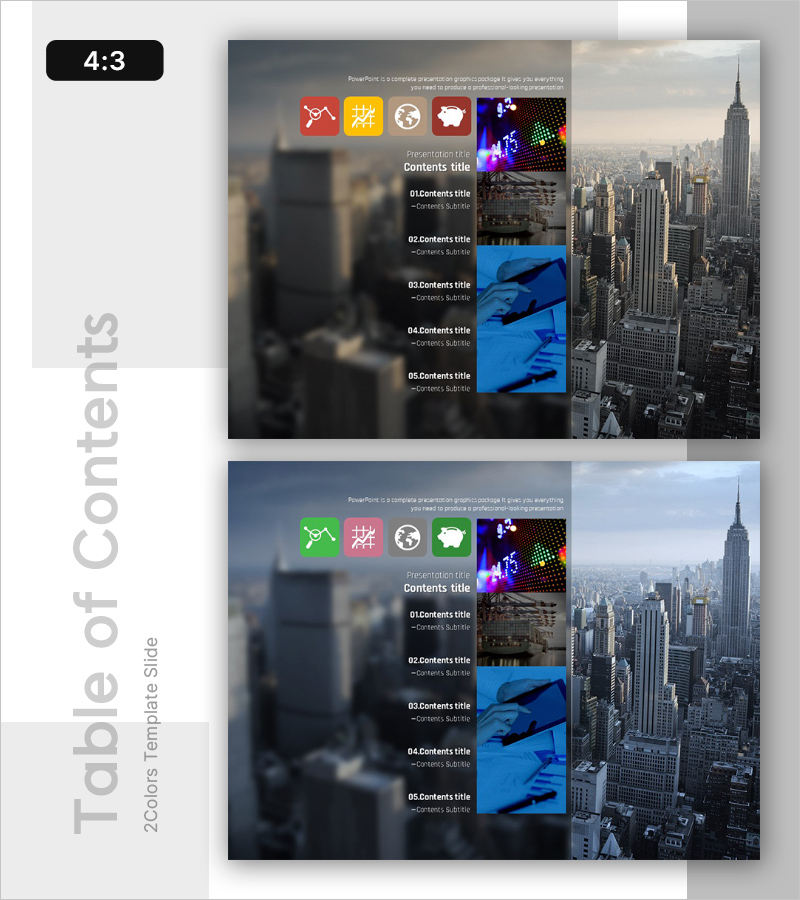
A professional contents page PowerPoint slide designed for asset management and financial reports. The slide features five colorful icons (analysis, management, global, asset, data) aligned horizontally at the top, with five numbered content items listed vertically on the left side. A full-width cityscape background image (New York skyline) on the right creates visual impact and professional appeal. Available in 4:3 PPTX format for seamless integration into existing presentations. Ideal for investor presentations, financial analysis reports, and asset portfolio briefings.
Usage Points
-
Main Usage
Serves as a contents or agenda page for investor presentations, financial analysis reports, and asset portfolio briefings. The icon row visually represents key topics while the text list provides clear navigation through the presentation structure.
-
How to Use
Insert the slide into your existing PowerPoint file and replace the placeholder text with your actual content titles. Icons can be recolored to match your presentation theme, and the background image can be customized or replaced as needed.
-
Recommended For
Finance professionals, investor relations (IR) specialists, asset managers, management consultants, and corporate executives preparing financial reports and investment presentations. Particularly suited for professional sectors requiring credibility and visual sophistication.
-
Slide Structure
The slide is divided into two main areas. Five colored icons are positioned horizontally at the top center, while five numbered content items (01-05 Contents title) are arranged vertically on the left side. The right side features a full-height background image. Five editable text fields allow customization of each content item title.
Related Products
-
Modern Simple Proposal Template Contents – Professionalism and Clarity
#Slide Type #Table of Contents
-
Modern City Theme Proposal Contents
#Slide Type #Table of Contents
-
Concrete Theme Company Profile Contents
#Slide Type #Table of Contents
-
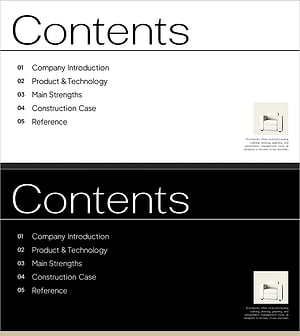
Interior Product Introduction Template Contents – Essential Structure Provided
#Slide Type #Table of Contents
