



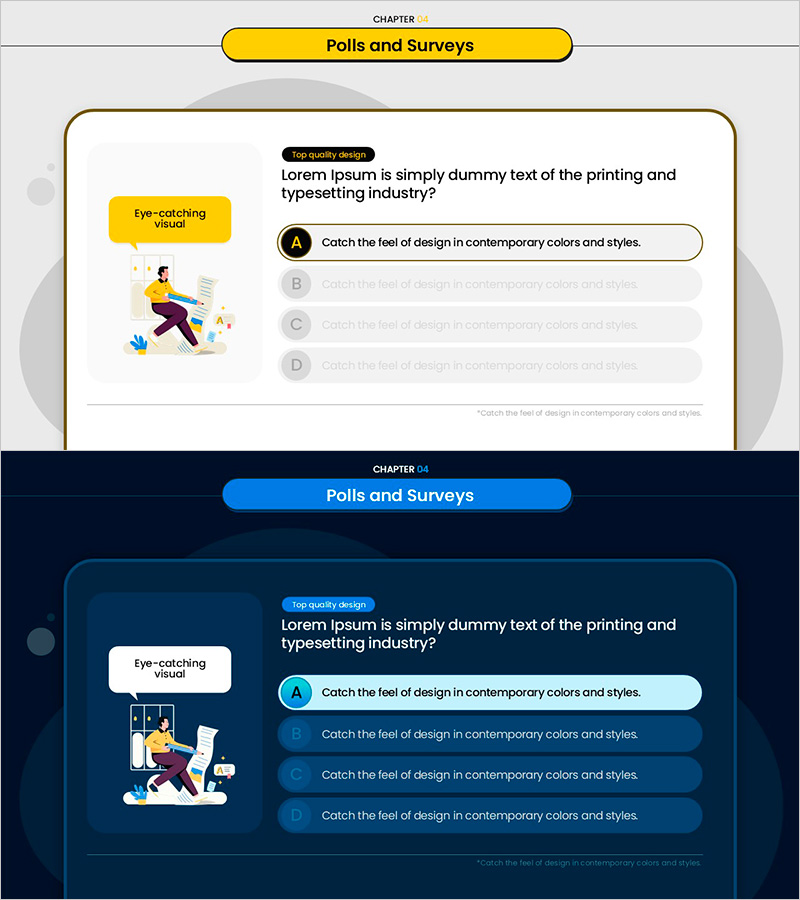
Eye-Catching Visual Survey Slide Template
RM0900003_7
- Last Update 03/03/2025
- File Size 2.7MB
- # of Slides 2
- File Format PPTX
- Slide Ratio 16:9
Keywords
About the Product
A 2-slide PowerPoint template optimized for survey and market research presentations. The layout features an icon-based illustration on the left and a text input area with multiple-choice options on the right, ensuring clear information hierarchy. Bright background with yellow accent elements and gray choice buttons create visual distinction. Each slide accommodates one survey question with four selectable answer options (A, B, C, D). Ideal for marketing presentations, research reports, educational seminars, and stakeholder briefings requiring survey data visualization.
Usage Points
-
Main Usage
Present survey results, visualize market research data, and explain customer feedback collection processes through intuitive visual design. Icon-based illustrations help audiences instantly grasp survey topics, while button-style answer options clearly display response choices.
-
How to Use
Insert into the market research section of marketing plans, customer analysis portions of business proposals, or interactive survey slides in educational seminars. Edit question text and four answer options, and replace left-side illustrations as needed to match various survey topics.
-
Recommended For
Marketing teams presenting market research findings, research institutions reporting survey results, educators conducting interactive seminars, and product development teams analyzing customer feedback. Suitable for all business presentations requiring survey-based decision support.
-
Slide Structure
Two-slide format with each slide divided into left icon illustration area (fixed) and right text input area. Right side contains one survey question text field and four answer choice buttons (A, B, C, D), all fully editable for customization.
Related Products
-
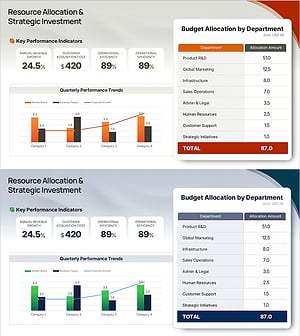
Resource Allocation & Budget KPI Dashboard PowerPoint Slide
#Business Strategy #Financial Plans and Performance #Diagram
-
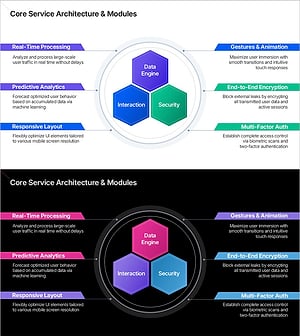
Service Architecture PowerPoint – Hexagon Hub 6 Modules
#Product/Service Introduction #Technical Approach #Product/Service Introduction
-
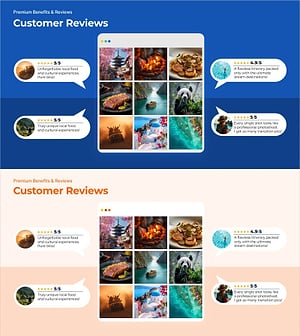
Customer Reviews PowerPoint Slide – Photo Grid Speech Bubble
#Customer Success Stories #Text Box #Customer Testimonials and Feedback
-
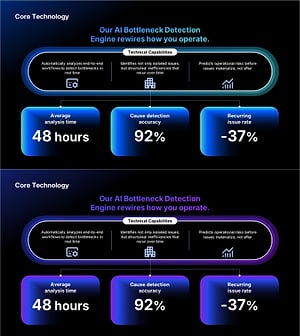
AI Bottleneck Detection PowerPoint Slide – 3-KPI Layout
#Company Introduction #Business Vision and Strategy #Operational Plan
