



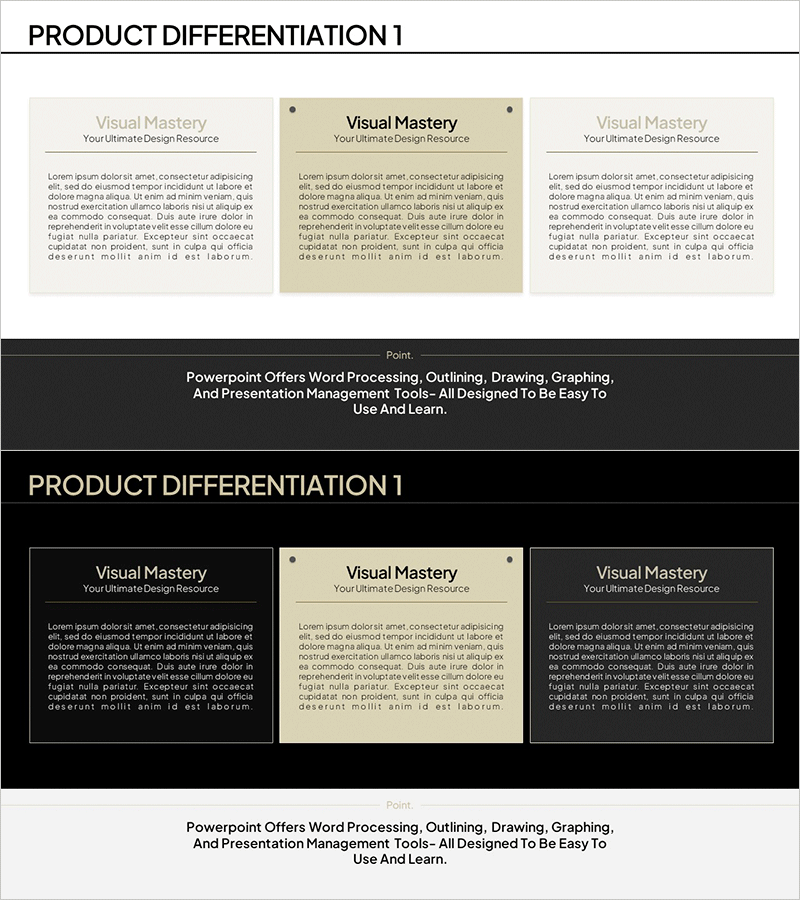
Product Differentiation Closed Diagram
RM0700004_17
- Last Update 02/26/2025
- File Size 0.4MB
- # of Slides 2
- File Format PPTX
- Slide Ratio 16:9
- Color
Keywords
- #Content-Based Slides
- #Design-Based Slides
- #Product/Service Introduction
- #Marketing Plan and Strategy
- #Diagram
- #Differentiation Strategy for Products/Services
- #Marketing Objectives
- #Cluster
- #Closed Cluster Diagram
- #16:9
- #product differentiation diagram
- #closed diagram PowerPoint
- #comparison analysis slide
- #competitive advantage presentation
- #product positioning template
About the Product
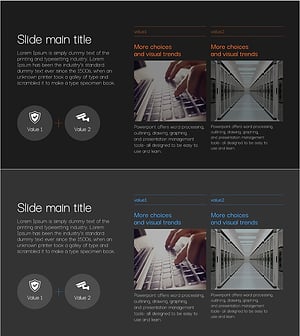
A closed-form diagram PowerPoint slide that compares three key elements to highlight product or service differentiation. The symmetrical layout positions a central concept with comparative items on both left and right sides, clearly visualizing competitive advantages against rivals. The minimalist color palette of beige, black, and gray tones integrates seamlessly into business presentations. This 2-slide deck (16:9 widescreen format) is ideal for product introductions, marketing strategy pitches, investor presentations, and competitive positioning talks.
Usage Points
-
Main Usage
This slide emphasizes your product or service's key differentiators by comparing them against competitors. The closed-form structure with a central concept and flanking comparison areas enables audiences to instantly grasp competitive advantages and unique selling points.
-
How to Use
Enter your core product name or concept in the center text box, then populate the left and right sections with comparison criteria such as features, pricing, quality, or target audience. Edit all text fields to match your specific presentation narrative and data.
-
Recommended For
Product marketing managers, sales professionals, business development teams, and investor relations specialists benefit from this template when explaining competitive analysis and differentiation strategies. Suitable for product briefs, marketing plans, investor pitches, and strategic planning sessions.
-
Slide Structure
The 2-slide set features a title area at the top reading 'Product Differentiation,' with three closed-form boxes arranged symmetrically: one central concept box flanked by left and right comparison boxes. Beige, black, and gray text boxes with dividing lines create clear information hierarchy and visual balance.
Related Products
-
Mobile Global Service Differentiation Strategy Slide
#Product/Service Introduction #Marketing Plan and Strategy #Diagram
-
Cluster Diagram Slide for Business Marketing Goals
#Business Vision and Strategy #Marketing Plan and Strategy #Diagram
-
Financial Services Business Goal Setting – Diagram for Clear Vision
#Product/Service Introduction #Diagram #Product/Service Introduction
-
Cybersecurity Service Business Objectives – Impactful Cluster Diagram
#Business Vision and Strategy #Marketing Plan and Strategy #Diagram
