



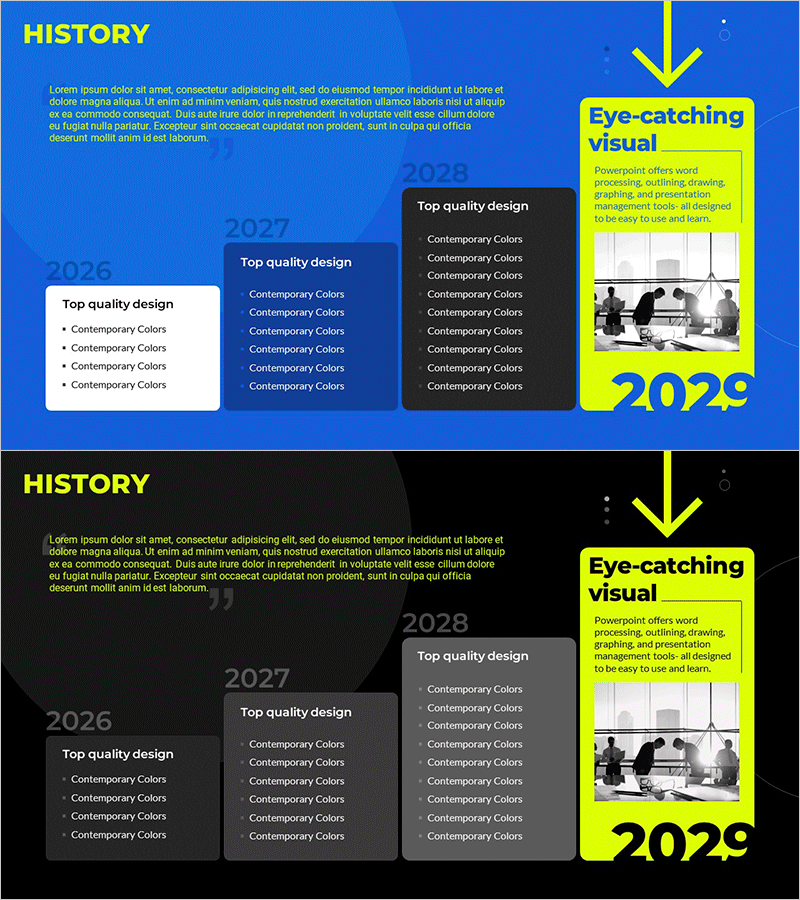
History Layer Diagram – Effectively Organizing Business Advancement Strategies
RM0700003_5
- Last Update 02/26/2025
- File Size 4.4MB
- # of Slides 2
- File Format PPTX
- Slide Ratio 16:9
- Color
Keywords
- #Content-Based Slides
- #Design-Based Slides
- #Company Introduction
- #Business Strategy
- #Diagram
- #History
- #Step-by-Step Schedule Plan
- #Structure
- #Pyramid Chart
- #16:9
- #history layer diagram PowerPoint
- #business development timeline slide
- #4-stage strategy diagram
- #company milestone presentation
- #how to create timeline diagram in PowerPoint
About the Product
A hierarchical layer diagram PowerPoint slide that visualizes business development stages and company history across four chronological phases. The design features a blue background with white, black, and yellow text boxes arranged in a layered structure, making it ideal for presenting milestones, strategic initiatives, and organizational achievements. Each stage is clearly separated to emphasize key accomplishments and objectives. Perfect for company introduction presentations, business reports, and strategic planning decks. The 2-slide set allows full customization of colors and text content in PowerPoint.
Usage Points
-
Main Usage
Presents corporate history, business development phases, and strategic roadmaps in chronological order using a layered structure. Each stage clearly displays key achievements, objectives, and milestones to enhance audience comprehension and engagement.
-
How to Use
Ideal for company introduction presentations (history section), business reports (performance summary), and strategic planning decks (implementation timeline). Insert years, major events, and accomplishments into each text box, then adjust colors to highlight key points and create visual emphasis.
-
Recommended For
Suitable for executive presentations, investor pitches, and stakeholder updates. Effective for startups explaining growth trajectory, enterprises sharing long-term strategy, and organizations announcing business expansion or restructuring plans.
-
Slide Structure
2-slide set. First slide features a blue background with 4 hierarchical text boxes (2026, 2027, 2028, 2029) displaying detailed items for each phase. Second slide provides an identical structure with black background, allowing flexible selection based on presentation environment and design preference.
Related Products
-
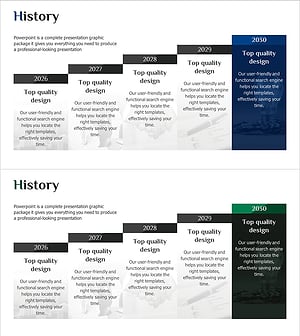
Visualizing History with Layer Diagram – The Story of Business Growth
#Company Introduction #Business Strategy #Diagram
-
Banking Services Layer Diagram – Business Strategy
#Business Strategy #Operational Plan #Diagram
-
4-Step Hierarchy Speech Bubble Slide – Business Strategy and Audience Engagement
#Business Strategy #Diagram #Text Box
-
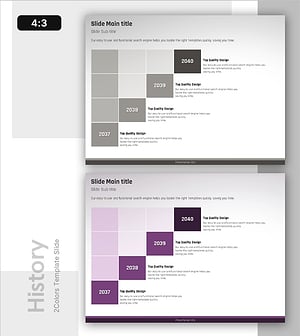
Staircase Box History Slide - Business Strategy
#Company Introduction #Business Strategy #Diagram
