



AS-IS TO-BE Detailed Schedule - Business Strategy
RM0600004_19
- Last Update 02/24/2025
- File Size 0.2MB
- # of Slides 2
- File Format PPTX
- Slide Ratio 16:9
- Color
Keywords
About the Product
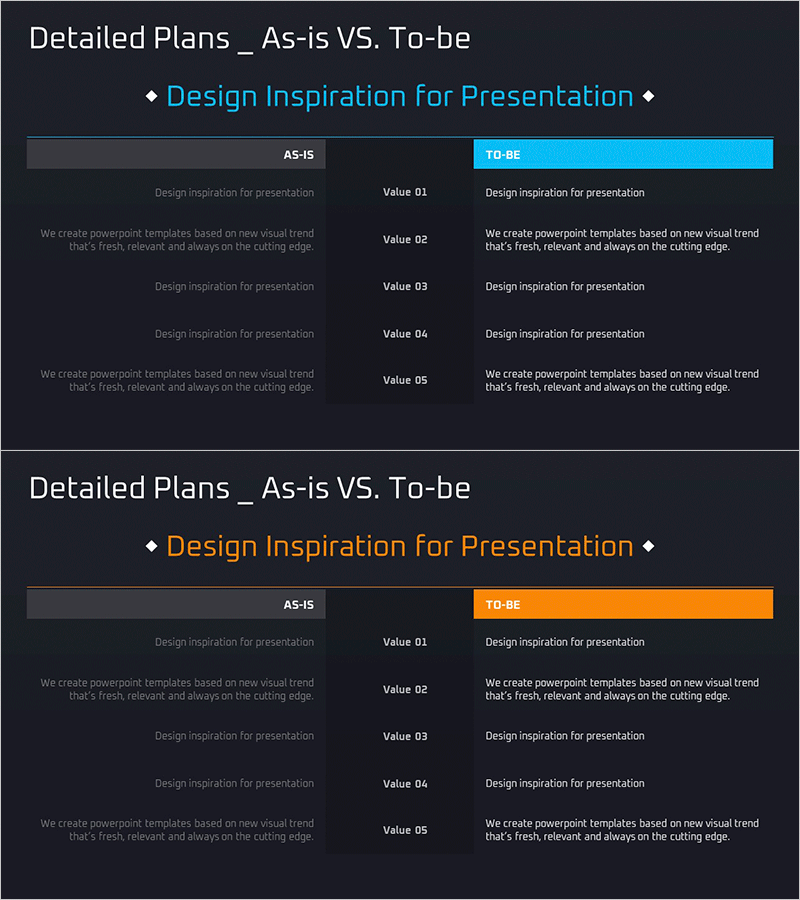
A PowerPoint slide that visualizes current state (AS-IS) and target state (TO-BE) in a two-column comparison structure. The dark background features cyan and orange headers that clearly distinguish each section, with five value items per column for data entry. This layout is highly effective for business strategy presentations where you need to present both current situation analysis and improvement direction simultaneously. The text-based input format allows quick assembly, making it immediately usable for presentations and planning documents as a ready-to-use PPT slide.
Usage Points
-
Main Usage
Clearly contrasts current state with target state to visually communicate the direction of business strategy change. This slide enables side-by-side comparison of before and after scenarios in executive briefings, strategy meetings, and business plan presentations.
-
How to Use
Enter current situation details in the left AS-IS section using five value items, then input target situation details in the right TO-BE section. The cyan and orange headers automatically distinguish the sections, so you only need to modify the text without additional formatting. The slide can be inserted into presentations, planning documents, and reports.
-
Recommended For
Business strategy planners, management planning teams, consulting firms, and project managers use this slide when presenting current situation analysis and improvement plans. It is ideal for investment pitch decks, business plans, and strategic reports that support decision-making.
-
Slide Structure
Two-slide set with each slide featuring a left-right two-column comparison layout. Each section includes one title area and five value items (Value 01-05), providing ten text input fields total. The dark background with cyan and orange headers clearly distinguishes AS-IS from TO-BE sections.
Related Products
-
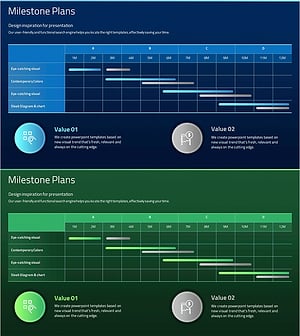
Visualizing Business Strategy with Milestone Plan Schedule
#Business Strategy #Business Management #Diagram
-
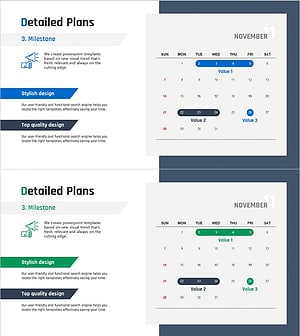
Detailed Plan Schedule – Roadmap for Business Strategies
#Business Strategy #Business Management #Operational Plan
-
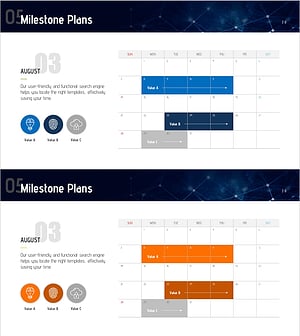
Milestone Planning Schedule – Business Strategy and Diagram
#Business Strategy #Business Management #Diagram
-
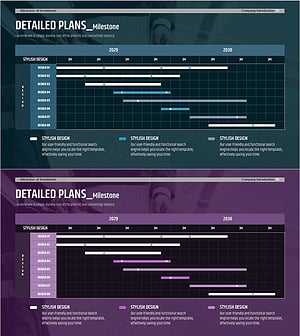
Mid- to Long-term Project Roadmap and Implementation Plan – Business Strategy
#Business Strategy #Business Management #Operational Plan
