



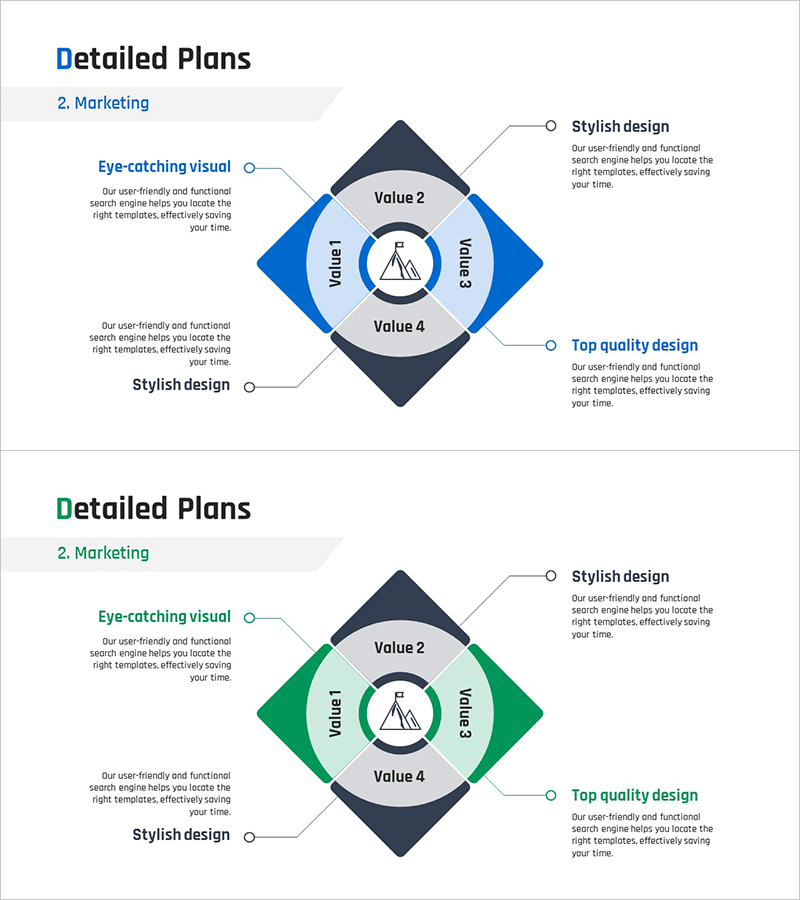
Marketing Square Segmentation Diagram – Business Strategy Overview
RM0500008_21
- Last Update 02/22/2025
- File Size 0.3MB
- # of Slides 2
- File Format PPTX
- Slide Ratio 16:9
- Color
Keywords
- #Content-Based Slides
- #Design-Based Slides
- #Business Introduction
- #Business Strategy
- #Diagram
- #Business Areas
- #Spread
- #Decentralized Diagram
- #16:9
- #4-segment diagram PowerPoint
- #marketing strategy diagram slide
- #diamond segmentation template
- #business analysis PowerPoint
- #marketing planning presentation
About the Product
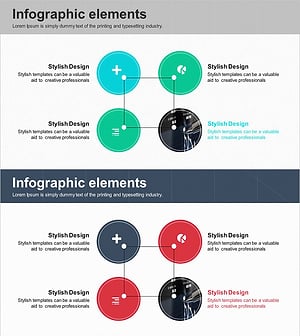
A professional 4-segment diamond diagram PowerPoint slide designed for marketing strategy presentations and business initiative planning. The layout features a central circular icon surrounded by four diamond-shaped segments arranged symmetrically, each labeled Value 1 through Value 4 with customizable text areas. Available in three color combinations—blue, green, and dark gray—allowing you to match your corporate branding and presentation theme. Left-side speech bubbles accommodate detailed descriptions for each segment, while right-side circular callouts emphasize key messages. The 2-slide set is optimized for 16:9 widescreen format and supports full editing in PowerPoint.
Usage Points
-
Main Usage
Visually analyze and compare four core marketing elements—value, function, benefits, and outcomes—in a balanced, symmetrical layout. Ideal for presenting 4-step business processes, marketing mix frameworks (4Ps), competitive analysis, or any concept requiring four-part segmentation.
-
How to Use
Insert your core topic or company logo in the central circular area. Fill each diamond segment with corresponding value, function, benefit, or outcome. Add detailed explanations in the left speech bubbles and key messages in the right circular callouts to enhance audience comprehension.
-
Recommended For
Marketing managers, planning teams, and sales professionals presenting strategy initiatives, product launches, business proposals, and executive reports. Particularly effective when emphasizing the balance and interdependence of four strategic elements.
-
Slide Structure
Central circular icon (mountain symbol) surrounded by four symmetrically arranged diamond segments containing Value 1–4 text areas. Two speech bubble text boxes on the left side and two circular callouts on the right provide supporting content. Blue, green, and dark gray colors create visual hierarchy and segment differentiation.
Related Products
-
Farm Icon Diagram – Visualizing Business Strategy
#Business Introduction #Business Strategy #Marketing Plan and Strategy
-
Road Template Diagram7 – Business Area and Strategy
#Business Introduction #Business Strategy #Diagram
-
IT Business Plan Connection Diagram – Focus on Cluster and Connections
#Business Introduction #Business Strategy #Diagram
-
Business Area Connection Diagram – Exploring Business Domains
#Company Introduction #Business Introduction #Diagram
