



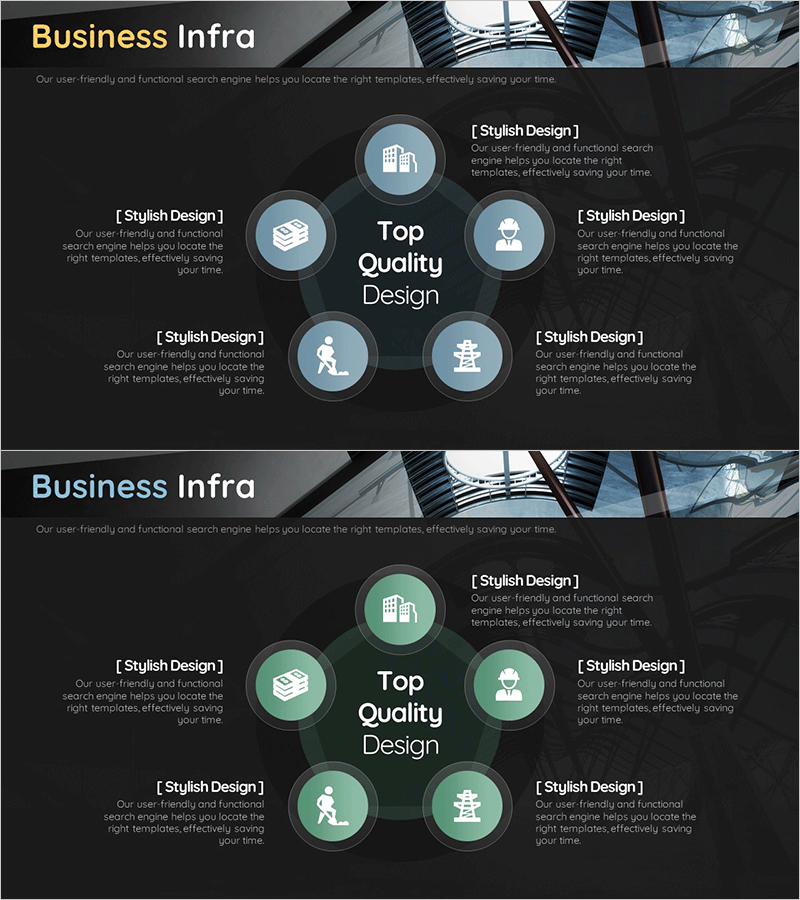
Business Infrastructure Pentagon Diagram – Effective Business Presentation
RM0500004_11
- Last Update 02/20/2025
- File Size 1.4MB
- # of Slides 2
- File Format PPTX
- Slide Ratio 16:9
- Color
Keywords
- #Content-Based Slides
- #Design-Based Slides
- #Business Introduction
- #Diagram
- #Business Areas
- #Infrastructure
- #Cluster
- #Spread
- #Chain Diagram
- #Centralized Diagram
- #16:9
- #pentagon diagram PowerPoint
- #radial diagram slide template
- #business infrastructure presentation
- #5-item structure diagram
- #central concept PowerPoint slide
About the Product
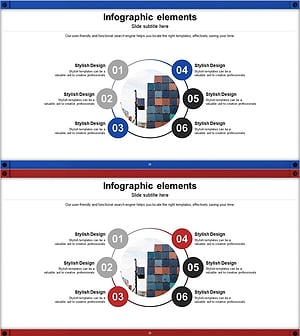
A radial diagram PowerPoint slide with five items arranged around a central core concept in pentagon formation. Dark background with pastel-colored circular icons (building, document, person, activity, organization) creates a professional business infrastructure layout. Each node includes dedicated text areas for describing company functions, business divisions, or core values. Two-slide set with color variations (blue and green tones) allows flexible presentation styling. Fully editable PPTX format for immediate customization.
Usage Points
-
Main Usage
Visually communicate five core business functions, divisions, or organizational components radiating from a central concept. Clearly conveys hierarchical relationships and interconnections, ideal for company introductions, business plans, and organizational restructuring announcements.
-
How to Use
Enter your core concept (company name, business unit, or strategy) in the central circle. Fill in each of the five surrounding nodes with department names, functions, or values. Customize icon and text colors to match your organization's branding for immediate presentation use.
-
Recommended For
Executives, business development teams, marketing departments, and HR professionals presenting company structure, business portfolios, or organizational functions. Suitable for new employee orientation, investor presentations, organizational announcements, and business capability overviews.
-
Slide Structure
Two-slide set with dark backgrounds (black and charcoal). Each slide features a central circle with five radial nodes arranged in pentagon formation. Each node contains a pastel-colored circular icon and text input area, with two color variations (blue tone and green tone) for flexible presentation adaptation.
Related Products
-
Healthcare Business Infrastructure Diagram – Visualizing Business Areas
#Business Introduction #Diagram #Business Areas
-
Business Infrastructure Connectivity Diagram – Visualizing Strategic Business Areas
#Business Introduction #Diagram #Business Areas
-
Science Experimental Area Diffusion Diagram – Connecting Innovative Ideas
#Business Introduction #Diagram #Business Areas
-
Circular Linked Infographic Network – Infographic for Business Introduction
#Company Introduction #Business Introduction #Diagram
