



Product and Service Overview Slide – Product Definition Diagram
RM0400012_13
- Last Update 02/18/2025
- File Size 1MB
- # of Slides 2
- File Format PPTX
- Slide Ratio 16:9
- Color
Keywords
- #Content-Based Slides
- #Design-Based Slides
- #Product/Service Introduction
- #Diagram
- #Product/Service Introduction
- #Program Introduction
- #Cluster
- #Combination Diagram
- #16:9
- #overlapping circular diagram PowerPoint
- #product definition slide template
- #2-stage diagram presentation
- #how to create product overview in PowerPoint
- #circular diagram slide download
About the Product
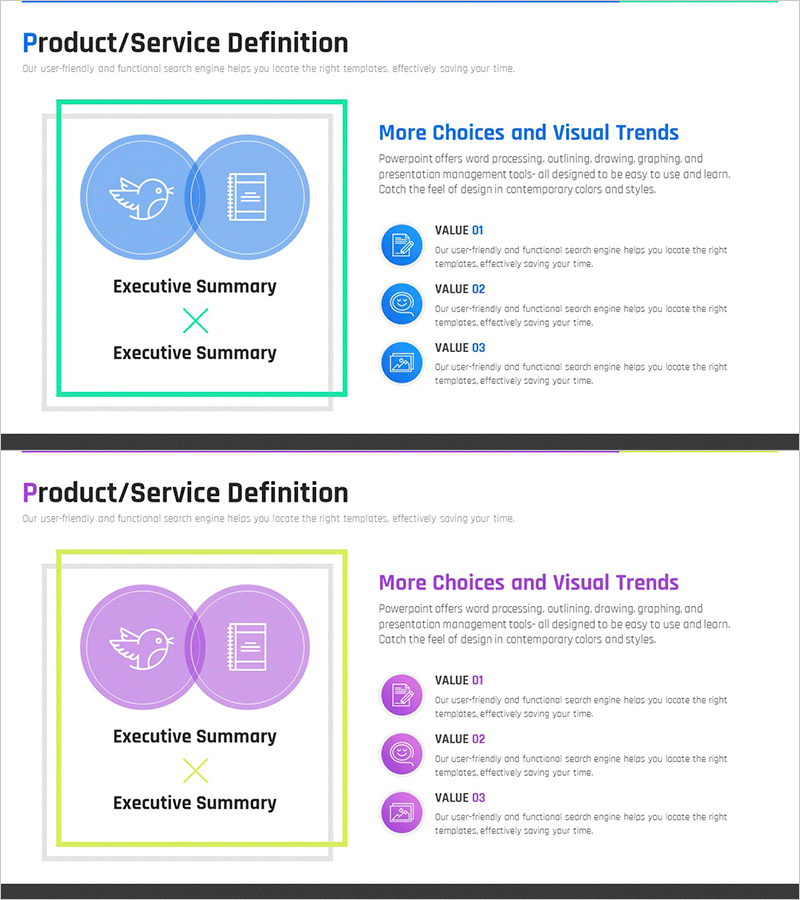
A PowerPoint slide featuring overlapping circular diagrams designed to visually define product and service overviews. This 2-slide set includes both blue and purple color versions, with icons and text positioned within each circular node to hierarchically represent core product features and value propositions. The intersecting circle structure intuitively communicates relationships between interconnected elements, making it immediately applicable to product introduction sections in presentations and business proposals.
Usage Points
-
Main Usage
Hierarchically present product and service concepts using overlapping circular nodes, enabling audiences to grasp product structure and interdependencies at a glance. Provides credible visualization for product definition sections in company profiles, product brochures, and business proposals.
-
How to Use
Input key product features, service categories, or core values into each circular node. Replace icons and text to match your product characteristics, and adjust background and border colors to align with brand identity. All elements are fully editable in PowerPoint.
-
Recommended For
Product managers, marketing professionals, business development specialists, and startup founders presenting at investor pitches, client briefings, and internal strategy meetings to clearly communicate product concepts.
-
Slide Structure
2-slide set: First slide features blue background with overlapping circular diagram (2 nodes with intersection), second slide uses purple background with identical structure. Each circle contains separate icon and text input areas; right side includes 3 additional explanation items with circular icons and text fields.
Related Products
-
Infographic Design Wide Template Icon&Text – Effective Product and Program Introduction
#Product/Service Introduction #Product/Service Introduction #Program Introduction
-
Green & Gray Template Wide Text box – Trustworthy Structure
#Product/Service Introduction #Diagram #Product/Service Introduction
-
Architectural Design and Text Box – Creative Presentation Solutions
#Product/Service Introduction #Diagram #Product/Service Introduction
-
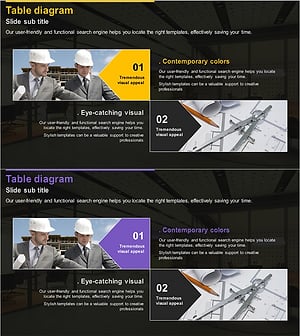
Introduction to Program Types – Attractive Colors and Visual Elements
#Product/Service Introduction #Product/Service Introduction #Program Introduction
