



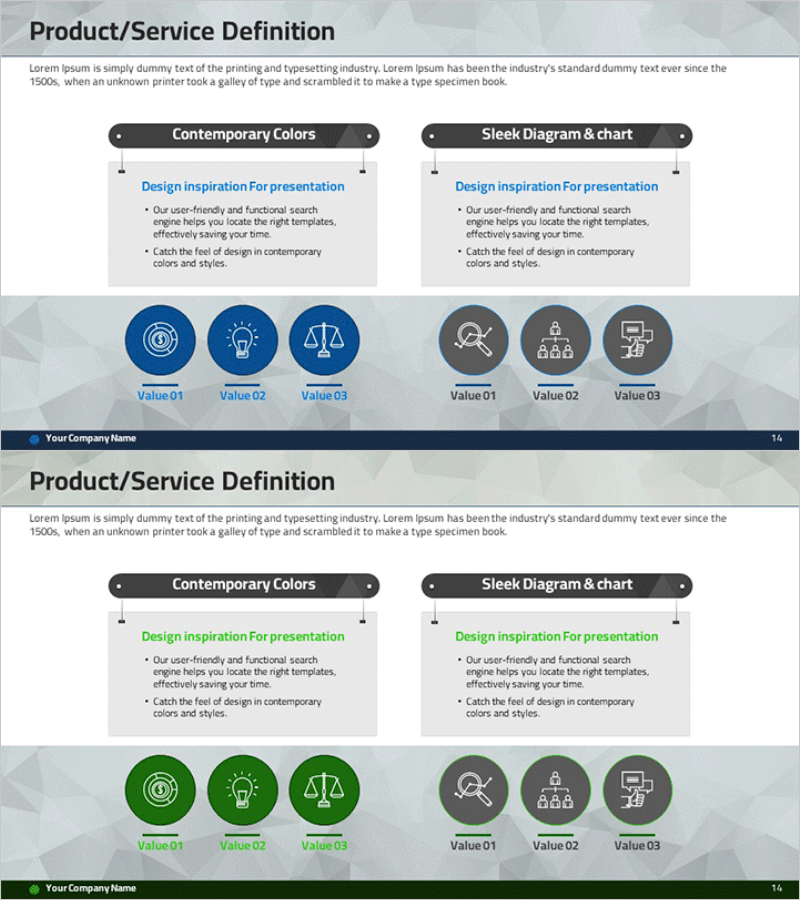
Product/Service Comparison Analysis Slide – Clear Visual Structure
RM0400005_13
- Last Update 02/15/2025
- File Size 3MB
- # of Slides 2
- File Format PPTX
- Slide Ratio 16:9
- Color
Keywords
- #Content-Based Slides
- #Design-Based Slides
- #Product/Service Introduction
- #Diagram
- #Product/Service Introduction
- #Product and Service Overview
- #Cluster
- #Closed Cluster Diagram
- #16:9
- #product comparison diagram PowerPoint
- #service analysis slide template
- #comparison cluster diagram
- #dual-section icon layout PPT
- #competitive analysis presentation slide
About the Product
A professional PowerPoint slide for comparing and analyzing products and services side-by-side. The design features a contrasting color scheme with blue tones on the left and gray tones on the right, clearly distinguishing two options or alternatives. Six circular icons—three per section—highlight key value propositions, while descriptive text areas provide context. The 16:9 widescreen format and 2-slide set make it immediately ready for product presentations, competitive analysis, service comparisons, and business pitches. Fully editable text and icon placeholders allow quick customization for any industry or use case.
Usage Points
-
Main Usage
Designed to present two products, services, or solutions with equal visual weight, enabling audiences to instantly grasp key differences and similarities. The left-right symmetry emphasizes contrast, while the three icons per section symbolically represent core value propositions, making complex comparisons intuitive and memorable.
-
How to Use
Ideal for competitive positioning slides in product launch presentations, differentiation analysis in marketing decks, and competitive advantage sections in investor pitches. Simply edit the text labels and icon descriptions to match your actual products or services, then insert into your presentation workflow for immediate use.
-
Recommended For
Product managers, sales professionals, business strategists, management consultants, startup founders, and marketing teams who need to communicate product differentiation clearly. Perfect for B2B proposals, product datasheets, executive briefings, and competitive analysis reports.
-
Slide Structure
Two-slide set with identical layouts: title area at top, followed by two side-by-side sections. Left section features three circular icons on a blue background; right section mirrors this with three icons on a gray background. Each icon has an editable text label below, allowing comparison of up to six distinct attributes or features across two options.
Related Products
-
Integrated Product Service System – Innovative Business Insights
#Product/Service Introduction #Diagram #Product/Service Introduction
-
Beef Cooking Introduction Slide – Product and Service Overview
#Product/Service Introduction #Diagram #Product/Service Introduction
-
Storage Interior Category – Space Utilization and Design
#Product/Service Introduction #Diagram #Product/Service Introduction
-
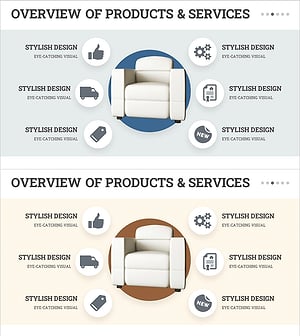
Overview of Interior Business Services - Stylish Diagram Slide
#Product/Service Introduction #Diagram #Product/Service Introduction
