



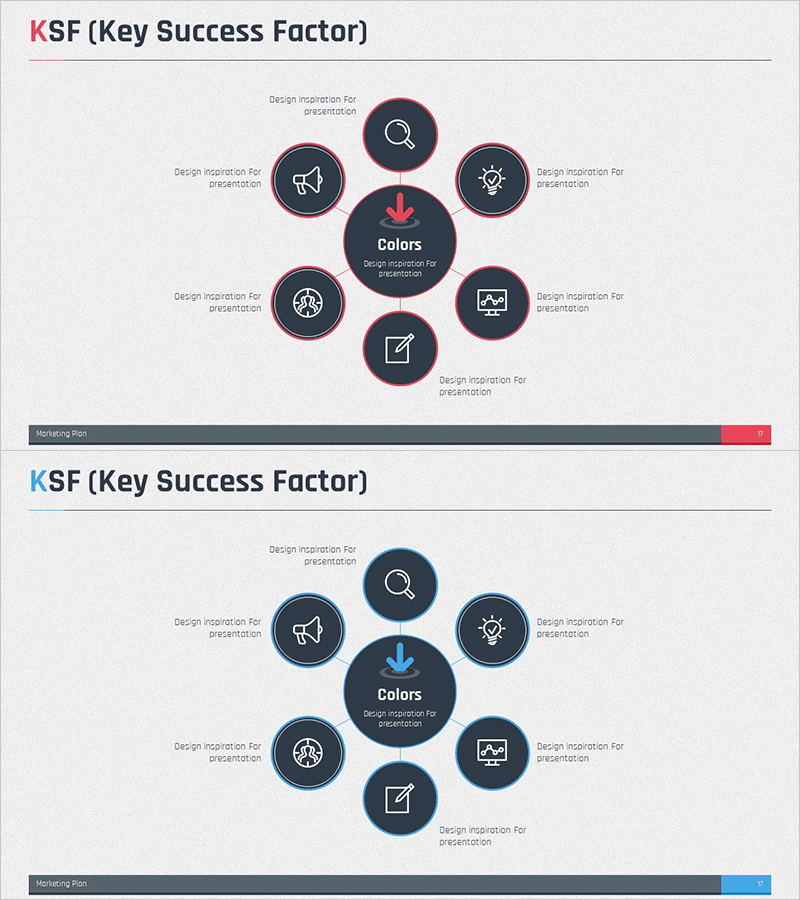
KSF Diffusion Circular Diagram – Business Vision and Success Strategy
RM0400004_16
- Last Update 02/15/2025
- File Size 2MB
- # of Slides 2
- File Format PPTX
- Slide Ratio 16:9
- Color
Keywords
- #Content-Based Slides
- #Design-Based Slides
- #Product/Service Introduction
- #Business Vision and Strategy
- #Diagram
- #Composition
- #Core Competencies
- #Spread
- #Centralized Diagram
- #16:9
- #radial diagram PowerPoint
- #circular diffusion diagram slide
- #8-node diagram template
- #business strategy visualization
- #core element diagram
- #how to create radial diagram in PowerPoint
About the Product
A radial diffusion diagram PowerPoint slide with a central concept expanding to eight surrounding elements. Designed on a dark navy background with pink and blue dual-tone circular nodes, each featuring icon and text placement areas. Ideal for visualizing business vision, success factors, and marketing strategies with a central concept radiating outward. The 2-slide set offers multiple color variations (pink accent and blue accent) and is optimized for modern 16:9 widescreen presentations with immediate editing capability.
Usage Points
-
Main Usage
Visualizes business strategies, success factors, and marketing plans by positioning a central concept with surrounding strategic elements radiating outward. The radial structure clearly communicates the relationship between core concepts and peripheral strategies, making it effective for emphasizing organizational core values or business vision.
-
How to Use
Enter the core concept (e.g., business vision, KSF) in the central circular node and place supporting strategies or elements in the eight surrounding nodes. Customize each node's icon and text to match your organization's content, and adjust colors to align with corporate branding. Add animations to create an expanding effect from center to periphery during presentation.
-
Recommended For
Suitable for executive reports, business plan presentations, marketing strategy meetings, organizational vision sharing, and new business initiative pitches. Recommended for strategy planning teams, marketing departments, executives, and consultants who need to clearly communicate the relationship between core concepts and detailed strategies.
-
Slide Structure
Features a large central circular node for core concept input surrounded by eight medium-sized circular nodes positioned in cardinal and diagonal directions. Each node contains icon and text input areas, with connecting arrows or lines extending from the center to peripheral nodes. The 2-slide version provides color variations (pink and blue emphasis) to accommodate different presentation scenarios.
Related Products
-
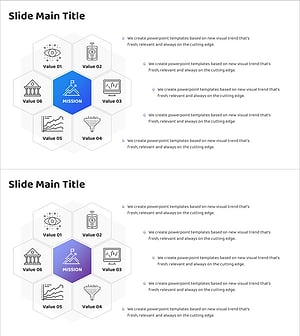
IT Financial Business Service Composition Contents – Vision Dissemination
#Product/Service Introduction #Business Vision and Strategy #Diagram
-
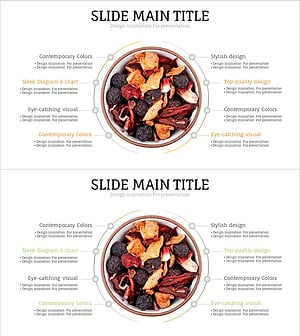
Slide for Effective Presentation of Medicinal Ingredients Composition
#Product/Service Introduction #Business Vision and Strategy #Diagram
-
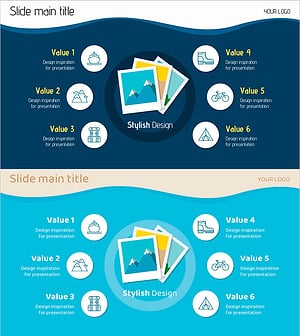
Travel Photo History Diagram – Capturing Travel Memories
#Product/Service Introduction #Business Vision and Strategy #Diagram
-

Hobby Hexagonal Diagram - The Optimal Tool for Visualizing Business Strategy
#Product/Service Introduction #Business Vision and Strategy #Diagram
