




Product Sales Plan Circle Connection Diagram
RM0400001_23
- Last Update 02/14/2025
- File Size 0.4MB
- # of Slides 2
- File Format PPTX
- Slide Ratio 16:9
- Color
Keywords
- #Content-Based Slides
- #Design-Based Slides
- #Marketing Plan and Strategy
- #Diagram
- #Pricing Strategy
- #Key Marketing Activities
- #Cluster
- #Spread
- #Chain Diagram
- #Centralized Diagram
- #16:9
- #central circle diagram PowerPoint
- #sales plan presentation slide
- #4-direction connection diagram
- #radial diagram template
- #business presentation slide design
About the Product
A radial circle connection diagram PowerPoint slide with a central focal point and four directional information branches. Designed on a dark background with red and yellow circular accent borders, this slide template is ideal for sales planning, strategy development, and multi-option presentations. The 2-slide set includes both red and yellow color variations, each featuring a central circle with icon and message area, plus four surrounding text zones for detailed descriptions. Fully editable PPTX format ready for immediate customization.
Usage Points
-
Main Usage
Visualizes information structures that radiate from a central concept, such as sales planning, strategy frameworks, decision criteria, and multi-option scenarios. The design emphasizes the core message in the center while balancing four supporting details, making it ideal for business presentations, strategy meetings, and educational materials.
-
How to Use
Enter your core topic (e.g., sales objective, strategy name, decision framework) in the central circle, then populate the four surrounding zones with supporting details, evidence, or options. Choose between red or yellow color versions to match your presentation theme and audience context.
-
Recommended For
Sales and marketing professionals presenting sales plans, executives in strategic decision-making meetings, team leaders conducting strategy workshops, consultants preparing client proposals, and educators explaining conceptual frameworks to audiences.
-
Slide Structure
2-slide set with identical layouts in different colors (red and yellow). Each slide features a central circle with colored border accent, internal icon and message input area, and four directional text zones (left, right, top, bottom) labeled for description content. Connecting lines link the central circle to each surrounding area, creating clear information flow.
Related Products
-
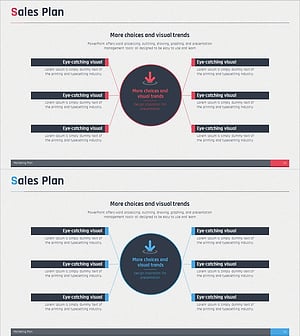
Central Diffusion Diagram for Business Strategy Visualization – Enhancing Marketing Efficiency
#Business Introduction #Marketing Plan and Strategy #Diagram
-
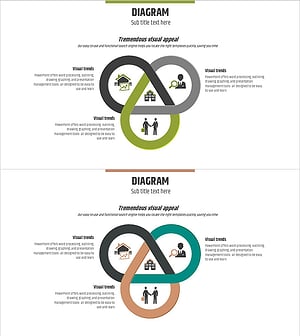
Real Estate Marketing Connection Diagram
#Marketing Plan and Strategy #Diagram #Marketing Strategy
-
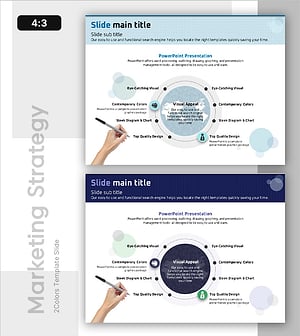
Overseas Project Marketing Strategy – Target Market Strategy and Clusters
#Marketing Plan and Strategy #Diagram #Target Market Strategy
-
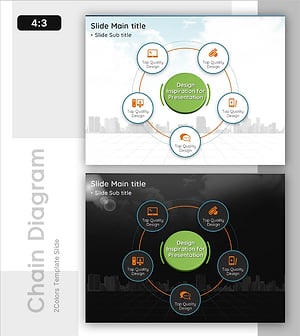
Communication Learning Process Structure
#Technical Approach #Marketing Plan and Strategy #Diagram
