



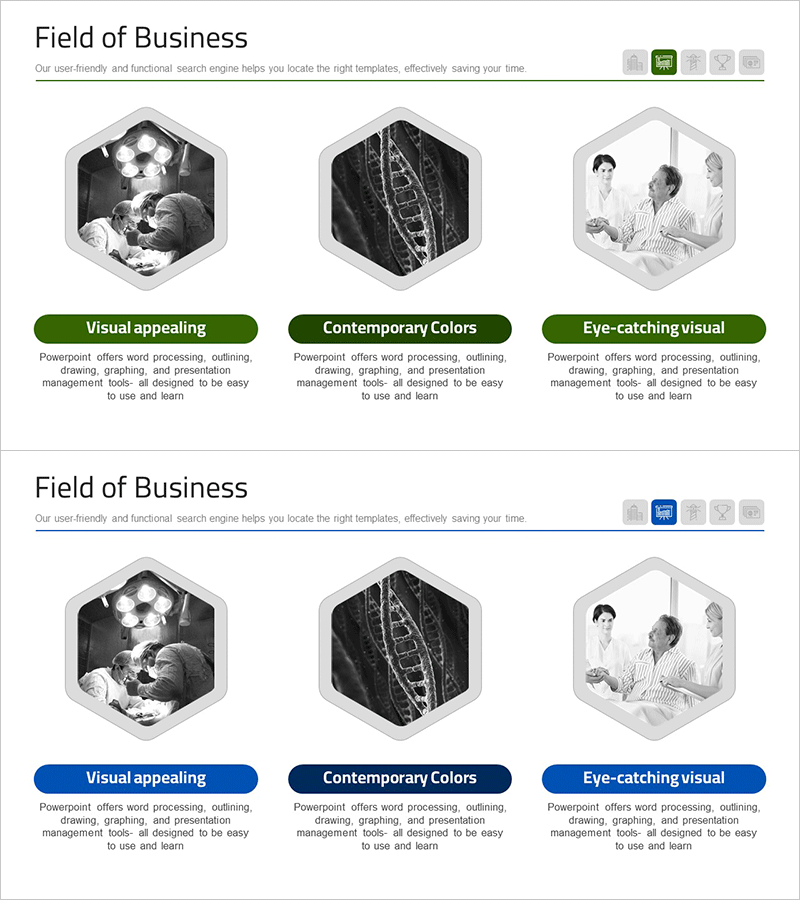
Medical Services Hexagon Diagram – Business Vision Presentation
RM0300017_13
- Last Update 02/11/2025
- File Size 2MB
- # of Slides 2
- File Format PPTX
- Slide Ratio 16:9
- Color
Keywords
- #Content-Based Slides
- #Design-Based Slides
- #Business Introduction
- #Business Vision and Strategy
- #Diagram
- #Business Areas
- #Business Strategy
- #Cluster
- #Closed Cluster Diagram
- #16:9
- #hexagon diagram PowerPoint
- #medical services presentation slide
- #6-item cluster diagram
- #business vision template
- #radial diagram PowerPoint slide
About the Product
A PowerPoint slide featuring a 6-node hexagon diagram designed to communicate medical services business vision and strategy. Each hexagon represents an independent element arranged in a radial pattern around a central focal point, creating an intuitive visualization of core values and supporting components. The high-contrast black and white color scheme ensures excellent data readability and professional presentation impact. This 2-slide PPTX file in 16:9 widescreen format is ready for immediate use, with fully editable text and data fields for customization.
Usage Points
-
Main Usage
Organize and present six key medical services business elements—such as vision, strategy, core values, operational goals, market positioning, and sustainability—using a hexagon cluster diagram. The radial arrangement around a central point effectively communicates the relationship between core concepts and supporting details.
-
How to Use
Enter medical services business elements into each hexagon node (e.g., patient-centered care, technological innovation, cost efficiency, quality management, network expansion, sustainability). Add an integrated message or title in the central text area. Customize colors and fonts to match your organization's branding guidelines.
-
Recommended For
Healthcare executives, hospital marketing teams, healthcare consultants, and medical startup founders presenting business strategy, investor pitches, or organizational vision. Ideal for simplifying and clarifying complex healthcare service systems into structured, easy-to-understand visuals.
-
Slide Structure
2-slide deck with the first slide featuring 6 hexagon nodes arranged radially around a central focal point, each with independent text input areas. The second slide provides an alternative layout variation for flexible presentation options.
Related Products
-
Visualizing Construction Company Business Activities – Diagram Slide
#Business Introduction #Business Vision and Strategy #Diagram
-
Furniture Business Area Diagram – Strategic Vision and Growth
#Business Introduction #Business Vision and Strategy #Diagram
-
Business Area Expansion Strategy for Global Entry
#Business Introduction #Business Vision and Strategy #Diagram
-
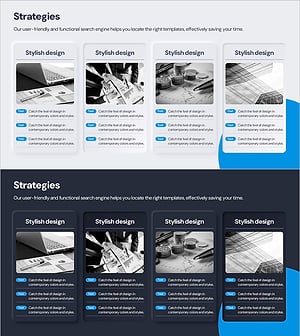
Strategies by Business Area Diagram – Business Vision and Goals
#Business Introduction #Business Vision and Strategy #Diagram
