



Mobile App Company Profile Template Contents
RM0300016_2
- Last Update 02/11/2025
- File Size 2.1MB
- # of Slides 2
- File Format PPTX
- Slide Ratio 16:9
- Color
Keywords
About the Product
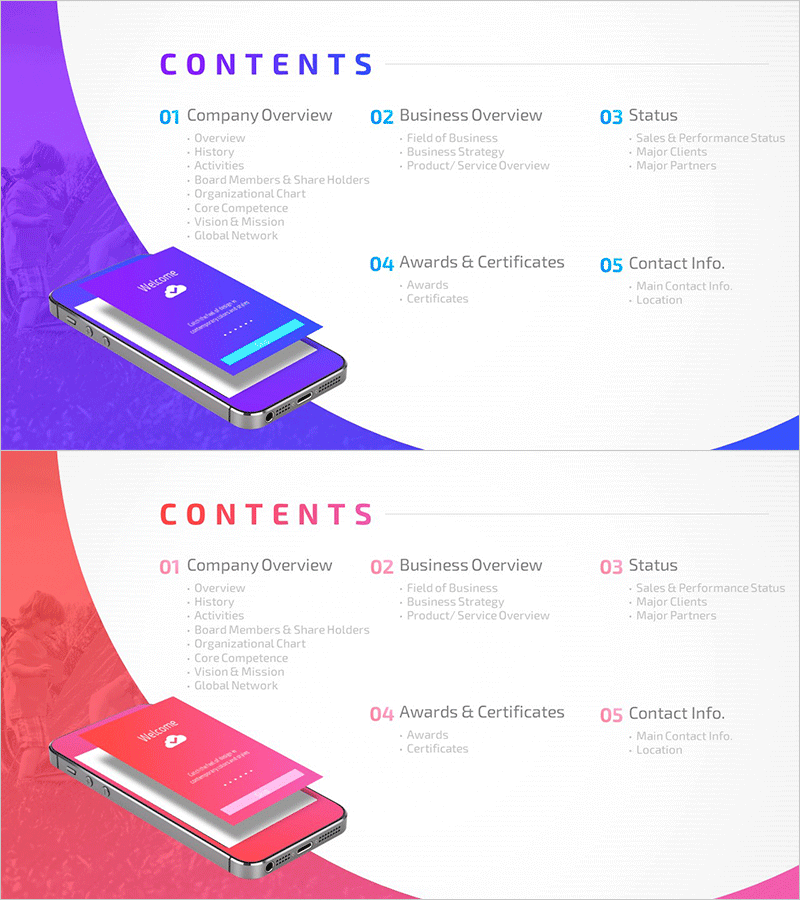
A 2-slide contents page set designed for mobile app company profile presentations. Available in two color versions—vibrant purple and coral pink—each displaying five key sections (Company Overview, Business Overview, Status, Awards & Certificates, Contact Info) using numbered tab-style navigation. The mobile device imagery creates a modern, tech-focused visual that aligns perfectly with IT and app company branding. Provided in editable PPTX format for immediate customization and deployment as your presentation's table of contents.
Usage Points
-
Main Usage
Serves as the table of contents page in company profile presentations, clearly communicating the presentation structure to your audience. The five main sections (Company Overview, Business Overview, Status, Awards & Certificates, Contact Info) are visually organized to guide viewers through your presentation flow and establish credibility.
-
How to Use
Place this slide immediately after your title slide to introduce the complete presentation structure. Select either the purple or pink version to match your corporate brand colors, then edit each section title to reflect your company's actual content and messaging. The layout accommodates both section titles and brief descriptive text.
-
Recommended For
Ideal for IT, software, and mobile app development companies presenting company profiles. Effective for investor pitches, partner introductions, employee onboarding presentations, and any scenario requiring professional credibility and clear organizational communication.
-
Slide Structure
Two-slide set featuring purple and pink versions. Each slide contains a 'CONTENTS' header, five numbered tabs (01–05) with section titles, descriptive text areas beneath each tab, and a mobile device image at the bottom. The layout provides five distinct text input zones for section titles and supporting descriptions, creating a hierarchical information structure.
Related Products
-
Writing Instrument Illustration Template – Table of Contents
#Slide Type #Table of Contents
-
Fashion Design Illustration Template Table of Contents
#Slide Type #Table of Contents
-
Library Notebook Mockup Template Table of Contents – Professional Kickoff
#Slide Type #Table of Contents
-
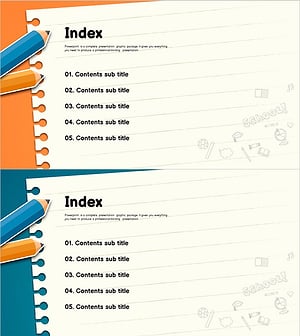
Colored Pencil Note Template Table of Contents
#Slide Type #Table of Contents
