



Fashion Design Illustration Template Table of Contents
RJ0500019_2
- Last Update 06/12/2025
- File Size 1.4MB
- # of Slides 2
- File Format PPTX
- Slide Ratio 16:9
- Color
Keywords
About the Product
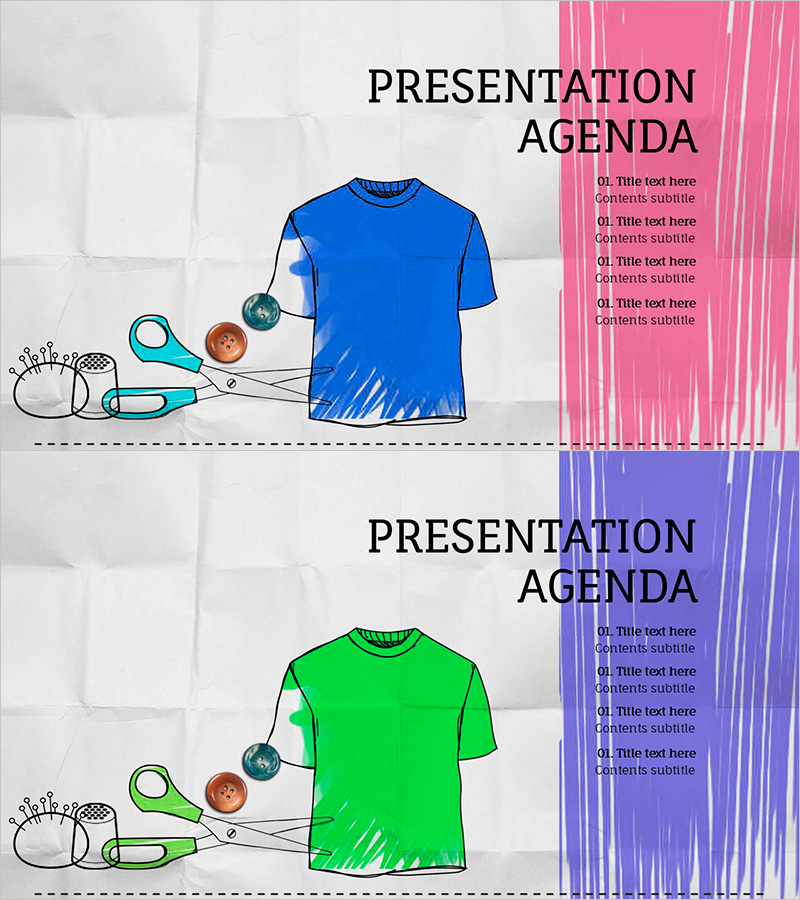
A 2-slide table of contents set designed for fashion design presentations. Features two layout options with pink and purple vertical color bars on the right side, paired with fashion illustration elements (blue and green t-shirts with sewing tools) on the left. The right section includes four editable text areas for agenda items. Provided in 16:9 widescreen PPTX format, ready for immediate customization. Perfect for fashion brands, clothing companies, design portfolios, product launches, and business proposals. Each slide can be used independently with flexible color and text editing.
Usage Points
-
Main Usage
Establish a clear and visually engaging table of contents for fashion and design presentations. This slide effectively organizes presentation topics and sections, helping audiences understand the flow and structure of your presentation while maintaining a professional, design-focused aesthetic.
-
How to Use
Open the slide and retain the left-side fashion illustration. Replace the right-side text placeholders with your presentation section titles. Choose between the pink or purple color bar layout to match your overall presentation theme. Customize font size, typeface, and colors to align with your brand guidelines or corporate identity.
-
Recommended For
Ideal for fashion brands, clothing companies, design studios, and creative agencies presenting seasonal collections, portfolio reviews, product launches, or business proposals. Suitable for marketing teams, design departments, and sales professionals preparing client presentations or internal meeting materials.
-
Slide Structure
Each slide divides into two sections: left illustration area (fashion tools and apparel items) and right agenda area (four editable text input spaces). A vertical pink or purple color bar emphasizes the right section, with a center dashed line separating both areas. Each agenda item supports two-level hierarchy with title and subtitle input fields.
Related Products
-
Table of Contents Slide – Rounded Edge Business PowerPoint
#Slide Type #Table of Contents
-
Interior Product Introduction Template Contents – Essential Structure Provided
#Slide Type #Table of Contents
-
Modern Simple Proposal Template Contents – Professionalism and Clarity
#Slide Type #Table of Contents
-
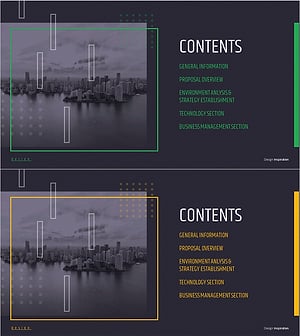
Modern City Theme Proposal Contents
#Slide Type #Table of Contents
