



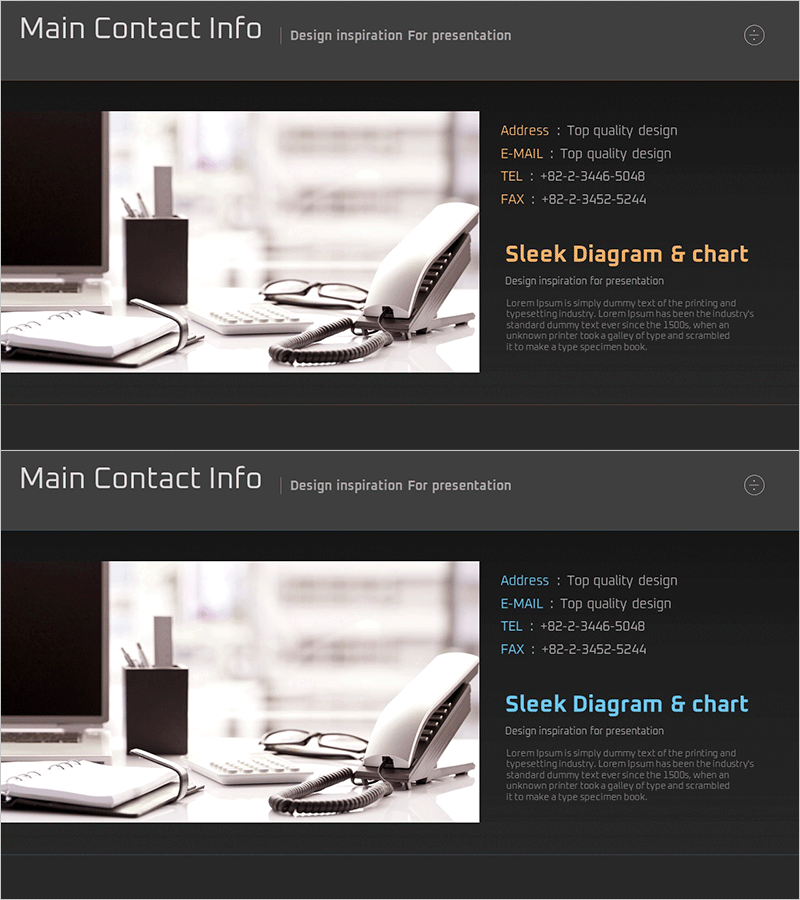
Company Profile Summary Slide – Business Introduction and Strategy
RM0300010_24
- Last Update 02/09/2025
- File Size 1MB
- # of Slides 2
- File Format PPTX
- Slide Ratio 16:9
- Color
Keywords
- #Content-Based Slides
- #Company Introduction
- #Business Introduction
- #Business Vision and Strategy
- #Contact Information
- #Business Overview
- #16:9
- #company profile PPT slide
- #contact information PowerPoint
- #business overview slide
- #how to create company profile in PowerPoint
- #professional business profile template
About the Product
A 2-slide PowerPoint set designed to present company overview and contact information effectively. Featuring a dark gray background with orange and blue accent colors, this layout is ideal for the company profile section of business presentations. The slides balance text input areas with image space, allowing you to showcase company introduction, business strategy, and contact details at a glance. Fully editable in PowerPoint format, these slides work perfectly for corporate presentations, investor meetings, partnership proposals, and professional business communications.
Usage Points
-
Main Usage
This slide set clearly presents your company's core information and contact details in the company profile section. The structured layout conveys business overview, key strategies, and contact information to build trust with investors, partners, and clients.
-
How to Use
Enter company profile and business strategy on the first slide, then add address, email, phone, and fax information on the second slide. Customize the logo space and text areas to match your company details, then insert into your presentation.
-
Recommended For
Ideal for corporate introductions, investor relations materials, proposals, and company brochures. Suitable for startups, SMEs, and large enterprises. Perfect for investor meetings, partnership negotiations, employee onboarding, and formal business presentations.
-
Slide Structure
Two-slide layout with the first slide divided into three sections: logo space (left), company profile text area (upper right), and business strategy text area (lower right). The second slide displays contact information in four organized items: address, email, telephone, and fax.
Related Products
-
Business Partner Contact Slide – Key Business Connections
#Company Introduction #Business Introduction #Business Vision and Strategy
-
Visualizing Company Vision and Business Introduction with Pad Mockup Slide
#Company Introduction #Business Introduction #Business Vision and Strategy
-
Table of Main Business Contacts – Trusted Business Network
#Company Introduction #Business Introduction #Business Vision and Strategy
-
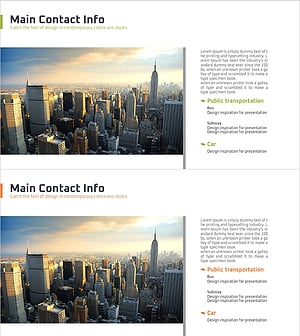
Introduction to the Company’s Transportation – Efficiency and Accessibility
#Company Introduction #Business Introduction #Business Vision and Strategy
