



Key Partner Logo Pages – Cluster Format
RM0300008_18
- Last Update 02/08/2025
- File Size 8.8MB
- # of Slides 2
- File Format PPTX
- Slide Ratio 16:9
- Color
Keywords
About the Product
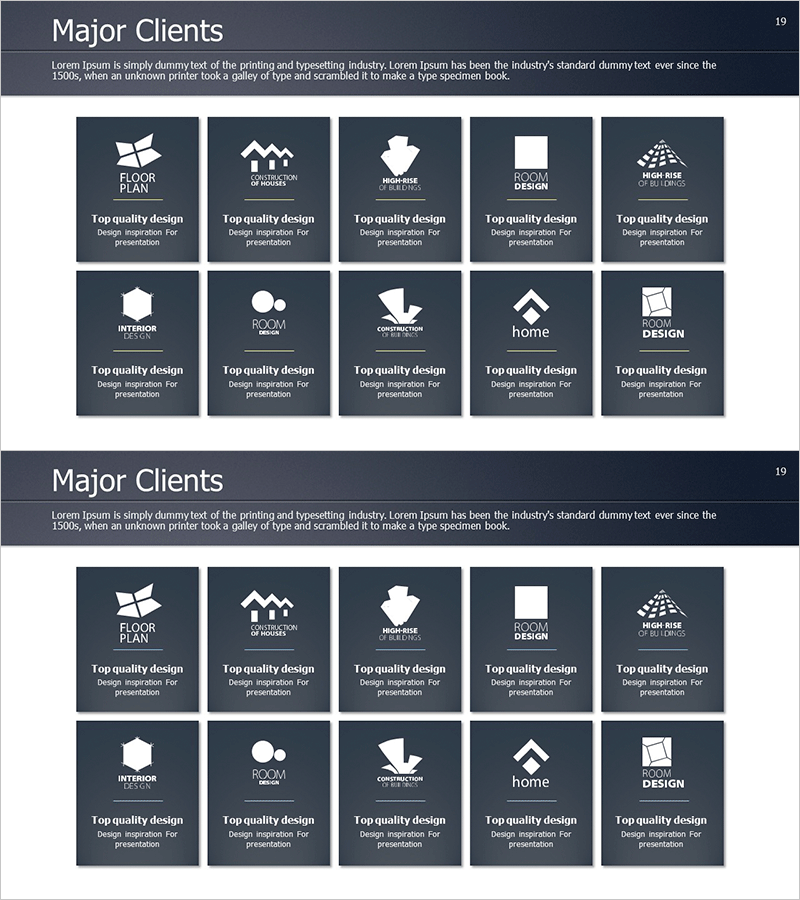
A cluster diagram PowerPoint slide featuring 10 partner and client logos arranged in a structured grid layout. The dark navy background with white logo areas creates clear visual separation and emphasis for each partner organization. Includes 2 slide variations optimized for 16:9 widescreen format. Perfect for company presentations, business proposals, and investor pitch decks to demonstrate network scale and credibility. Each logo area is fully editable—simply insert your partner logos and adjust background or text colors as needed for seamless integration into your presentation.
Usage Points
-
Main Usage
Displays key partners, clients, and affiliated organizations in a balanced cluster format that communicates network scale and business credibility at a glance. Equal visual weight for each logo maintains professional appearance and avoids hierarchy bias.
-
How to Use
Insert into company overview presentations under 'Partners' or 'Clients' sections, business proposals in 'Partnership' pages, or investor pitch decks in 'Customer Portfolio' slides. Double-click each logo area to replace with actual partner logos; adjust grid layout or logo count as needed.
-
Recommended For
Sales managers, business development professionals, investor relations specialists, and executives preparing external presentations. Particularly effective for B2B companies, consulting firms, platform businesses, and organizations showcasing ecosystem partnerships.
-
Slide Structure
2-slide set with first slide displaying 10 logos in 2-row × 5-column grid layout and second slide offering alternative arrangement. Each logo area is an independent editable text box; dark navy background (#3D4A5C) provides consistent visual foundation throughout.
Related Products
-
Introduction to Representative Students – Engaging Presentation
#Company Introduction #Customer Success Stories #Diagram
-
Successful Quit Smoking Profile – Customer Success Stories
#Company Introduction #Customer Success Stories #Diagram
-
Manpower & Key Customer Introduction Slides – Team and Achievements
#Company Introduction #Customer Success Stories #Diagram
-
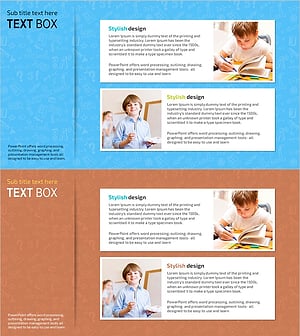
Kids Study Interview Slide – Success Stories with Cluster Approach
#Customer Success Stories #Diagram #Introduction of Key Customers
