



Partner Introduction Slide – A Message of Trust to Clients and Partners
RM0300004_21
- Last Update 02/07/2025
- File Size 0.4MB
- # of Slides 2
- File Format PPTX
- Slide Ratio 16:9
- Color
Keywords
- #Content-Based Slides
- #Design-Based Slides
- #Company Introduction
- #Diagram
- #Awards and Certifications, and Patents
- #Customers and Partners
- #Cluster
- #Closed Cluster Diagram
- #16:9
- #closed diagram PowerPoint
- #partner introduction slide
- #6-item diagram template
- #company profile PPT slide
- #how to present partners in PowerPoint
About the Product
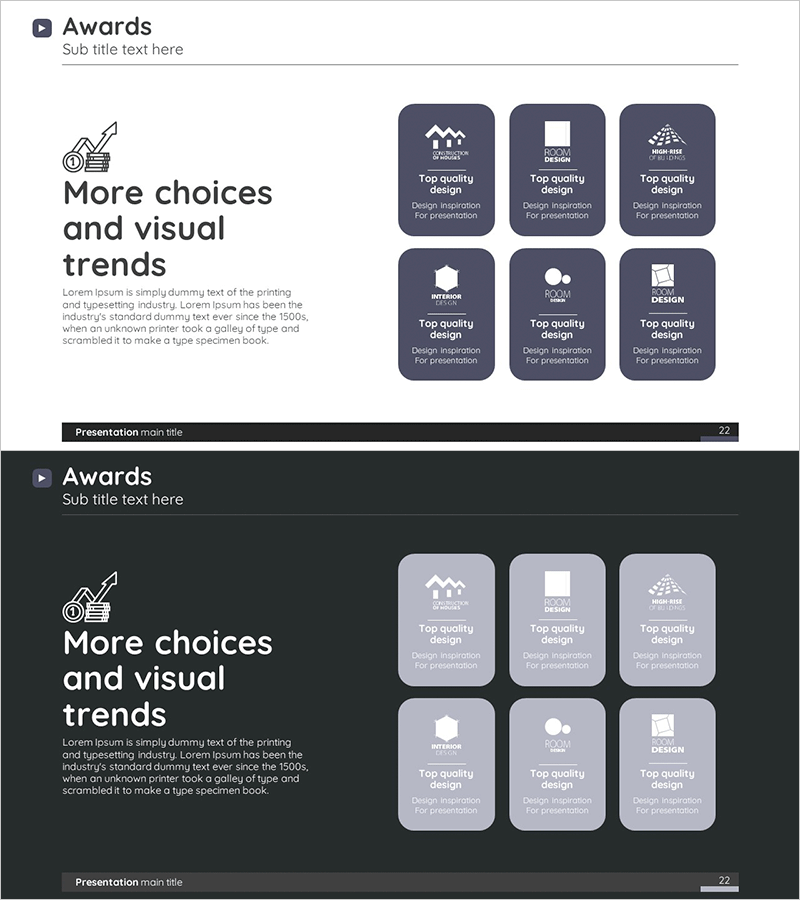
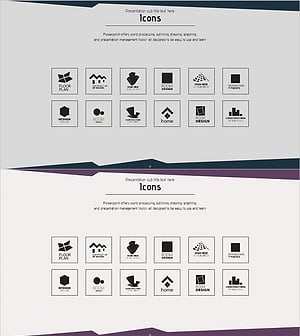
A closed-form diagram PowerPoint slide designed for introducing partners, clients, and collaborators. The structure features a central core message with six items arranged symmetrically around it, each with space for icons and text input. The dark-toned background with white typography and icons conveys trust and professionalism, making it immediately applicable to partner introduction sections in company profiles, proposals, and business plans. The 2-slide set includes a light background version for flexible presentation scenarios.
Usage Points
-
Main Usage
Visually communicate the trustworthiness and professionalism of partners, clients, and collaborators. The symmetric six-item arrangement around a central message effectively conveys organizational partnership networks and collaborative ecosystems.
-
How to Use
Insert into company profile partner sections, proposal partner composition pages, or business plan ecosystem introductions. Customize each item with partner logos, names, and roles, or position core values such as trust, innovation, and collaboration to match your presentation context.
-
Recommended For
Sales, marketing, and business development professionals; corporate presenters; consulting and SI firms; manufacturing and distribution companies with critical partner networks; executives and project managers in partnership-dependent industries.
-
Slide Structure
2-slide set. Slide 1: Dark-toned background (navy or charcoal) with central circular core message and six symmetrically arranged items (three top, three bottom), each with icon and text input area. Slide 2: Identical structure with light background (white or light gray) for flexible presentation selection.
Related Products
-
A Collection of External Business Partners – The Power of Connection
#Company Introduction #Customer Success Stories #Diagram
-
List of Partners – Trust in Business
#Company Introduction #Diagram #Customers and Partners
-
Diagram Introducing Major Partners
#Company Introduction #Diagram #Customers and Partners
-
Partner Diagram – Visualizing Strategic Partnerships
#Company Introduction #Diagram #Customers and Partners
