



Business Key Contacts Table – Diagram Style
RM0300003_24
- Last Update 02/07/2025
- File Size 0.2MB
- # of Slides 2
- File Format PPTX
- Slide Ratio 16:9
- Color
Keywords
About the Product
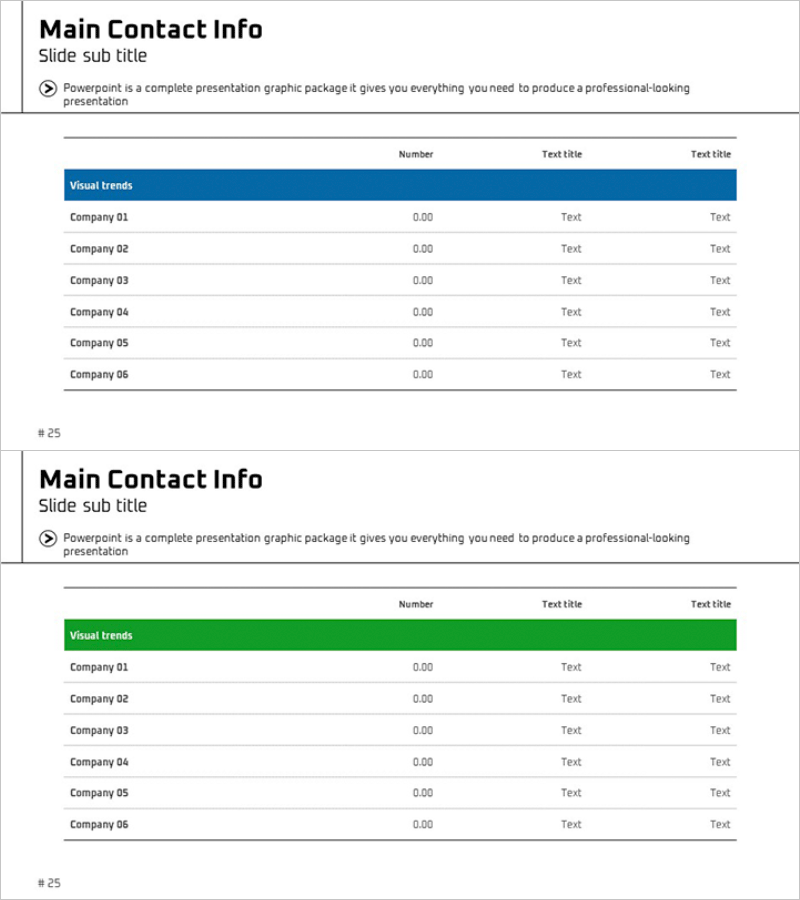
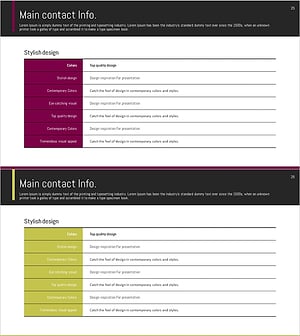
A professionally designed PowerPoint slide template for organizing and presenting key partner, vendor, and contact information in business presentations. The slide features a 6-row by 3-column table layout with a dark blue header bar and clean white background, providing clear visual hierarchy for contact data. Each row is fully editable, allowing you to input company names, numerical data, and contact details directly. The structured table design ensures information is presented with credibility and professionalism, making it ideal for company introductions, business proposals, and stakeholder presentations.
Usage Points
-
Main Usage
Present key business relationships, partner companies, and vendor contact information in company introductions, business proposals, and investor pitch decks. The table structure allows stakeholders to quickly review and compare multiple business contacts in a single, organized view.
-
How to Use
Replace placeholder text in each row (Company 01–06) with actual company names, numerical data, and contact information. The header bar color can be customized to match your corporate branding, and rows can be added or removed to accommodate different numbers of contacts.
-
Recommended For
Ideal for company introductions, business proposals, investment pitch decks, partnership presentations, and vendor management reports. Recommended for executives, sales teams, business development professionals, and investor presentations.
-
Slide Structure
The slide includes a title section (Main Contact Info with subtitle), descriptive text box, and a 6-row 3-column data table with a colored header bar (Visual trends). Two color options—dark blue and green headers—are provided to match different presentation themes and corporate identities.
Related Products
-
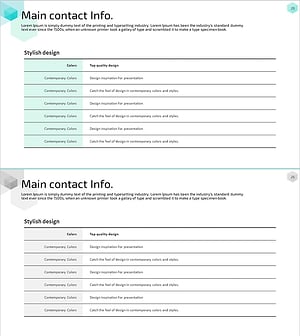
Company Key Contents Summary Table – Business Overview Tool
#Company Introduction #Business Introduction #Business Vision and Strategy
-
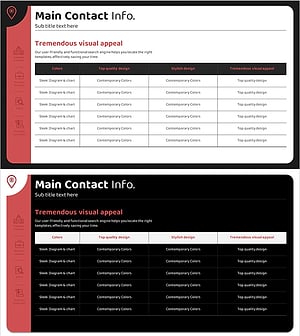
Company Business Contacts – Visualize Your Business Connections
#Company Introduction #Business Introduction #Business Vision and Strategy
-
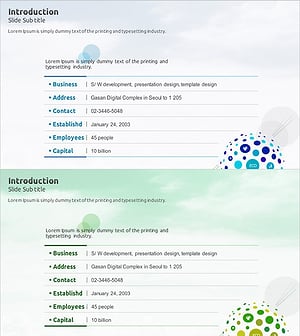
Nature Industries Company Overview – Sustainability and Innovation
#Company Introduction #Diagram #Company Overview
-
Key Company Contacts – Optimal Design for Business Connectivity
#Company Introduction #Business Introduction #Business Vision and Strategy
