



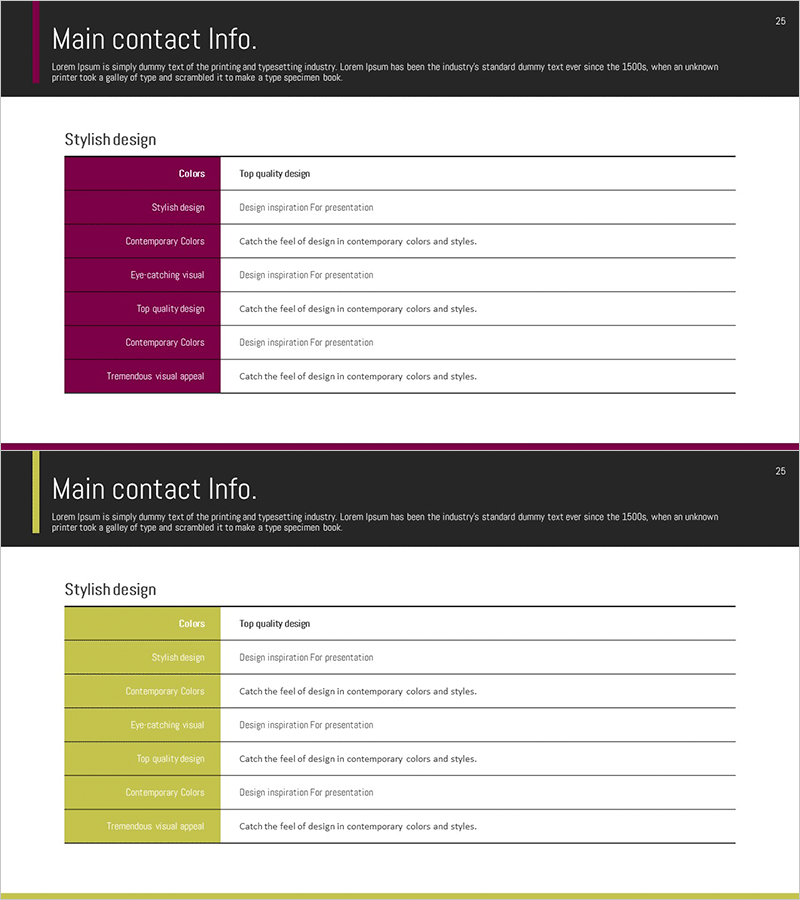
Key Company Contacts – Optimal Design for Business Connectivity
RM0300007_24
- Last Update 02/08/2025
- File Size 0.9MB
- # of Slides 2
- File Format PPTX
- Slide Ratio 16:9
- Color
Keywords
- #Content-Based Slides
- #Design-Based Slides
- #Company Introduction
- #Business Introduction
- #Business Vision and Strategy
- #Diagram
- #Contact Information
- #Business Overview
- #Table
- #16:9
- #company contacts PowerPoint slide
- #contact information table template
- #business contact list PPT
- #how to create contact slide in PowerPoint
- #professional contact sheet template
About the Product
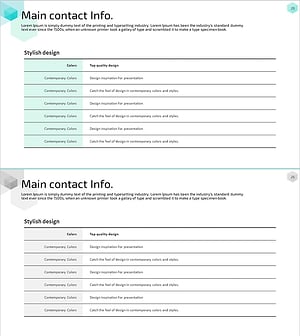
A professional PowerPoint slide template for organizing key company contact information with a structured table layout. Features a two-tone header design in magenta and yellow, with dedicated space for department names, contact persons, and communication details on the right side. The 2-slide set in 16:9 widescreen PPTX format allows you to present multiple contact groups or departments clearly. Ideal for business presentations, company introductions, partnership proposals, and investor meetings where credible contact information strengthens professional communication and builds trust with stakeholders.
Usage Points
-
Main Usage
Present key company contacts and department information in a clear, organized manner to build trust with business partners, investors, and clients. Serves as the primary contact information section in company introductions, proposals, and investor relations materials.
-
How to Use
Enter department names and contact persons in the magenta-yellow header blocks on the left. Fill the right-side table with job titles, email addresses, phone numbers, and other contact details. Use both slides to separate domestic and international contacts or organize by department.
-
Recommended For
Ideal for company profile presentations, proposal documents, investor pitch decks, and business meeting materials. Particularly effective in B2B presentations where establishing credible contact channels is essential for building professional relationships and closing deals.
-
Slide Structure
Two-column layout with left-side magenta-yellow header blocks for department and contact person names, and right-side table area for detailed contact information. Each slide accommodates one contact group, with color-coded headers providing visual hierarchy and improving information readability.
Related Products
-
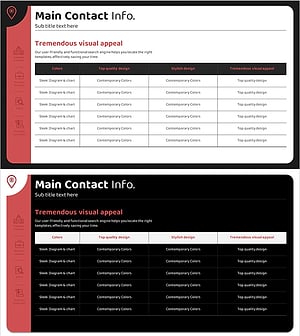
Company Business Contacts – Visualize Your Business Connections
#Company Introduction #Business Introduction #Business Vision and Strategy
-
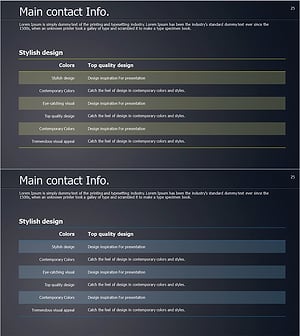
List of Key Contacts – Effectively Organizing Company Introduction and Business Vision Slides
#Company Introduction #Business Introduction #Business Vision and Strategy
-
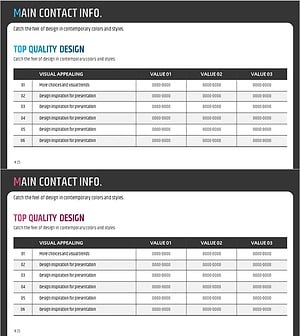
Table of Main Business Contacts – Trusted Business Network
#Company Introduction #Business Introduction #Business Vision and Strategy
-
Company Key Contents Summary Table – Business Overview Tool
#Company Introduction #Business Introduction #Business Vision and Strategy
