



Introducing Key Business Achievements Slide
RM0200016_6
- Last Update 02/06/2025
- File Size 0.3MB
- # of Slides 2
- File Format PPTX
- Slide Ratio 16:9
- Color
Keywords
- #Content-Based Slides
- #Design-Based Slides
- #Company Introduction
- #Product/Service Introduction
- #Diagram
- #Key Achievements
- #Program Introduction
- #Cluster
- #Closed Cluster Diagram
- #16:9
- #closed diagram PowerPoint
- #business performance slide
- #2-section comparison template
- #symmetrical diagram PowerPoint
- #business achievement presentation
About the Product
A 2-slide PowerPoint presentation template that compares key business achievements using a left-right symmetrical structure. Each section features a heading, image area, and descriptive text, with blue and orange accent colors clarifying information hierarchy. Slide 1 presents 'Top Quality Design' and 'Eye-Catching Visual' as parallel values, while Slide 2 uses the same layout for different content, enabling consistent presentation design. Available in 16:9 widescreen PPTX format, ready for immediate editing and use.
Usage Points
-
Main Usage
Present core business achievements, values, or strategies from two complementary perspectives simultaneously. The left-right symmetrical structure visualizes comparative analysis, enhancing audience comprehension and maintaining balanced information delivery.
-
How to Use
Customize each section's heading, image, and text to match your business context. Place the first achievement (e.g., product quality) on the left and the second (e.g., customer satisfaction) on the right. Replace images to strengthen visual impact. Use both slides to present multiple achievements sequentially.
-
Recommended For
Executive reports, investor presentations, company profiles, business performance reviews, marketing pitches, and product launch presentations. Particularly effective when emphasizing two equally important key messages.
-
Slide Structure
2-slide deck. Each slide divides into 2 left-right sections, with each section containing a heading (blue or orange accent), image area (horizontal rectangle), and descriptive text (3-4 lines). A main title and subtitle at the top clarify the slide theme.
Related Products
-
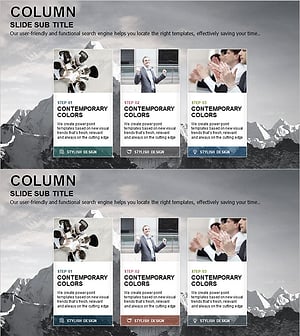
3 Steps to Successful Business Goals
#Product/Service Introduction #Business Vision and Strategy #Diagram
-
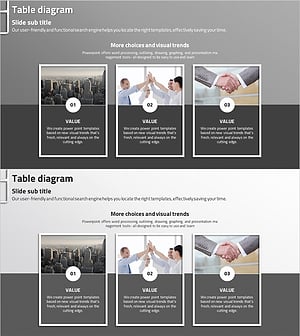
Introducing the Business Program for Success – Diagram for Effective Presentation
#Product/Service Introduction #Business Vision and Strategy #Diagram
-
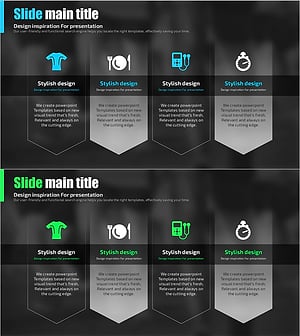
Daily Diagrams with Exercise – Healthy Lifestyle
#Product/Service Introduction #Diagram #Product/Service Introduction
-
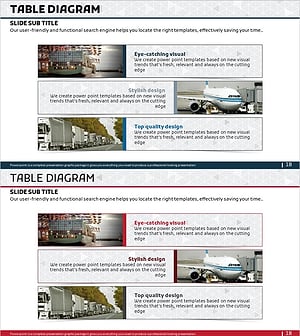
Introduction to the Transportation Program – Meeting Customer Needs
#Product/Service Introduction #Business Vision and Strategy #Diagram
