



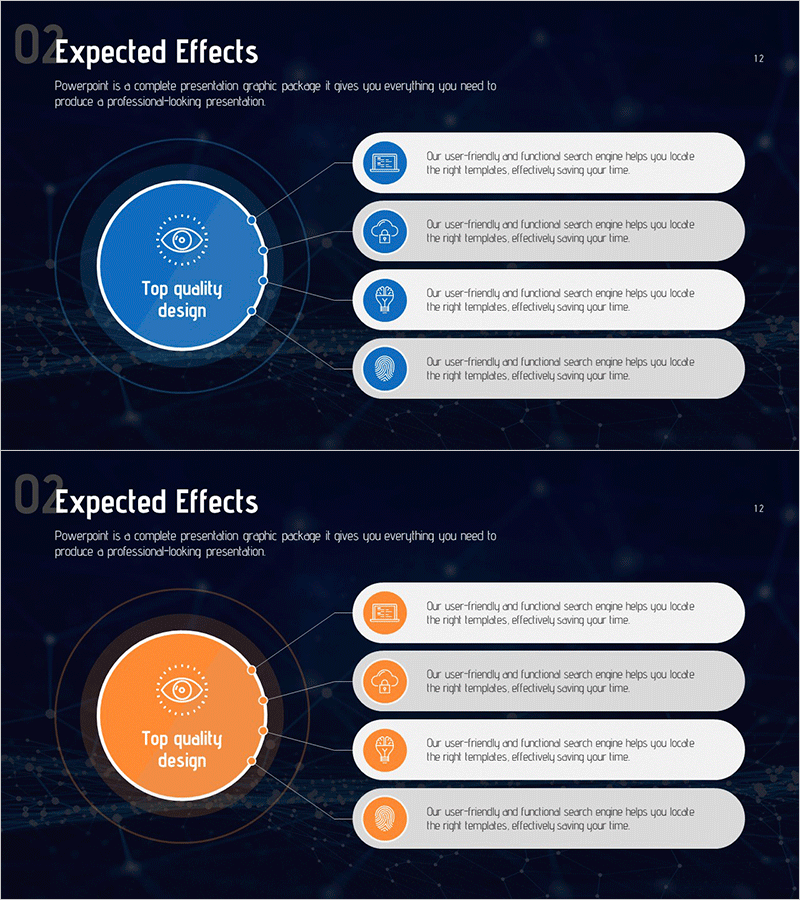
Expected Effect Diffusion Diagram
RM0200015_11
- Last Update 10/06/2025
- File Size 1.7MB
- # of Slides 2
- File Format PPTX
- Slide Ratio 16:9
- Color
Keywords
- #Content-Based Slides
- #Design-Based Slides
- #Business Introduction
- #Business Strategy
- #Diagram
- #Business Areas
- #Financial Outlook & Expected Impact
- #Spread
- #Radial Diagram
- #16:9
- #radial diagram PowerPoint
- #diffusion diagram slide
- #expected effects presentation
- #central hub diagram
- #business strategy PPT slide
- #how to create radial diagram in PowerPoint
About the Product
A radial diffusion diagram PowerPoint slide featuring a central concept node expanding outward in four directions with connected callout boxes. Set against a dark navy background, the design uses bright blue and orange accent colors to highlight the circular hub and connecting lines, creating a clear information flow structure. Each directional callout includes an icon and descriptive text area for presenting expected effects, core values, or strategic points. The 2-slide set provides both blue and orange color versions, optimized for 16:9 widescreen format in PPTX. Ideal for business introductions, strategy presentations, expected outcomes discussions, and corporate communications.
Usage Points
-
Main Usage
Visualizes multiple effects, values, or outcomes radiating from a central concept during business planning, strategy development, and impact presentations. The central circular node holds the main topic while four directional callouts display supporting details, strengthening hierarchical information delivery.
-
How to Use
Replace the central node text with your core concept (e.g., expected effects, core values, strategic goals) and edit the four directional callout texts and icons to match your content. Select either the blue or orange color version to align with your presentation tone and branding.
-
Recommended For
Business planners, strategy managers, and marketing teams explaining expected outcomes, core values, implementation strategies, and performance metrics. Suitable for investor pitch presentations, business proposals, strategy reports, and new business introduction decks.
-
Slide Structure
Two-slide set with each slide featuring one central circular hub node and four directional callout text boxes. Each callout includes an icon and text input area connected to the center by lines. Provided in both blue and orange color versions for flexible design application.
Related Products
-
Food Truck Snack Menu Slide – Diverse Flavors and Visuals
#Business Introduction #Business Vision and Strategy #Diagram
-
Visual Infographic Slide for Legal Business Activities
#Business Introduction #Business Vision and Strategy #Diagram
-
Magic Performance Guide Diagram – An Engaging and Creative Business Introduction
#Business Introduction #Diagram #Business Areas
-
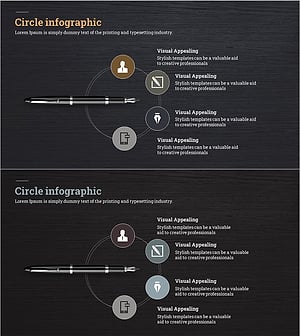
Fountain Pen Business Area Diagram – Visualized Cluster Structure
#Company Introduction #Business Introduction #Diagram
