



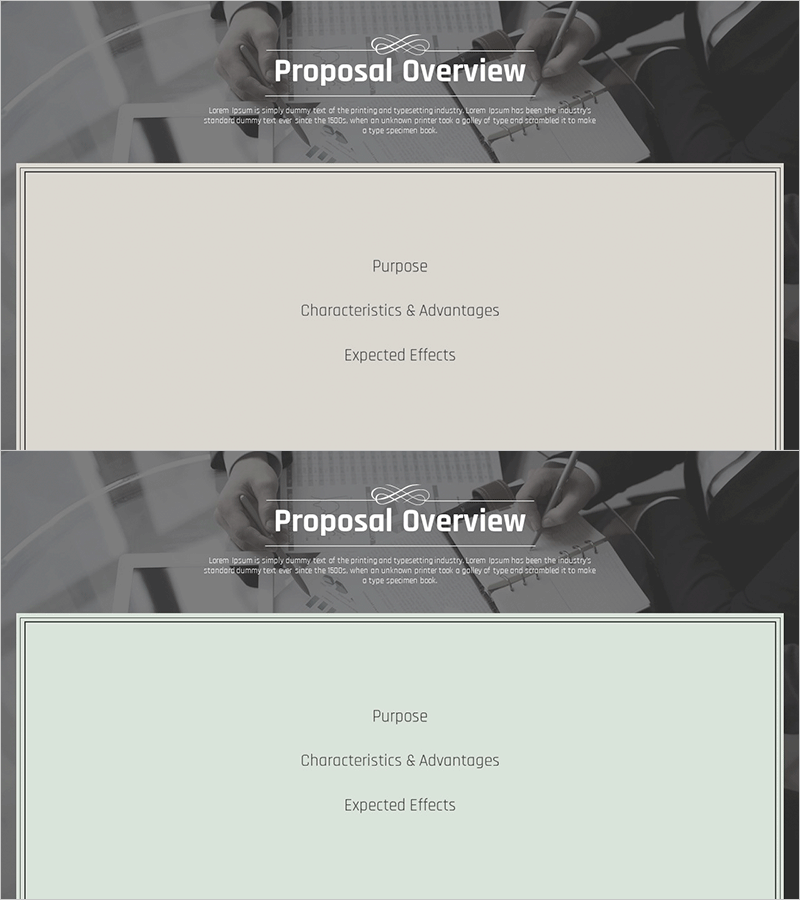
Business Classic Theme Proposal Section Slide – A Blend of Professionalism and Trust
RM0200006_8
- Last Update 02/02/2025
- File Size 1.5MB
- # of Slides 2
- File Format PPTX
- Slide Ratio 16:9
- Color
Keywords
About the Product
A 2-slide section divider set that establishes a professional first impression for business proposals. Combining a gray-toned background image with white typography, this classic layout conveys both professionalism and trustworthiness. The design features a title and description text at the top, with a spacious central area for key content (Purpose, Characteristics & Advantages, Expected Effects). Available in PowerPoint PPTX format for immediate editing, this slide set works as a section break page for proposals, reports, business plans, and other corporate documents.
Usage Points
-
Main Usage
Serves as a section divider page for proposals, reports, and business plans. Placed at the beginning of each new topic or section, it clarifies document structure and directs reader attention. The classic design reinforces corporate credibility and professional image.
-
How to Use
Insert this slide when starting a new section in your proposal. Enter the section title (e.g., Business Overview, Marketing Strategy, Financial Plan) in the top title area, then add 3-4 key content points in the central box. Maintain color and font consistency with your existing template for a cohesive document presentation.
-
Recommended For
Ideal for sales team client presentations, executive strategy reports, consulting firm project proposals, and startup investment pitch decks. Particularly effective in conservative B2B business environments where trust and credibility are paramount.
-
Slide Structure
Two-slide layout with each slide featuring a header area (title + descriptive text) and a central content box (space for 3 key items). A white-bordered box overlays the gray background image to establish clear information hierarchy. Total of 4 text input areas per slide (1 title + 1 description + 3 content items).
Related Products
-
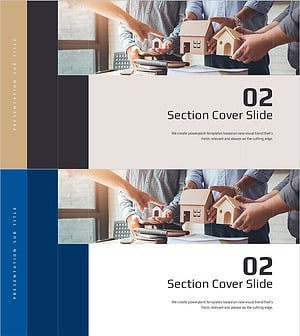
Architectural Technical Template – Section Cover Slide
#Slide Type #Section Cover
-
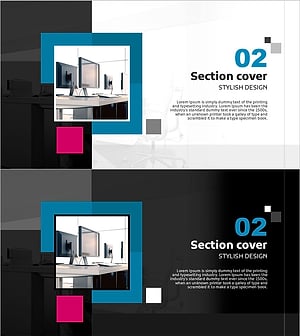
Interior Design Template Section Cover Slide 02 – Stylish Design
#Slide Type #Section Cover
-
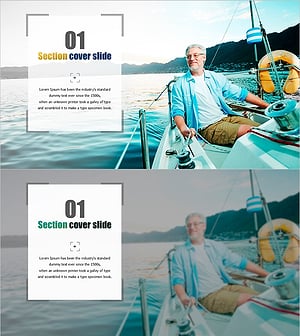
Frame Template – Section Cover Slide
#Slide Type #Section Cover
-
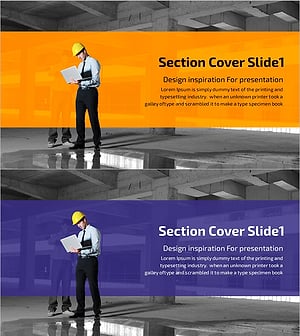
Construction Safety Management PPT Section Cover 01 – Beginning of Project Management
#Slide Type #Section Cover
