



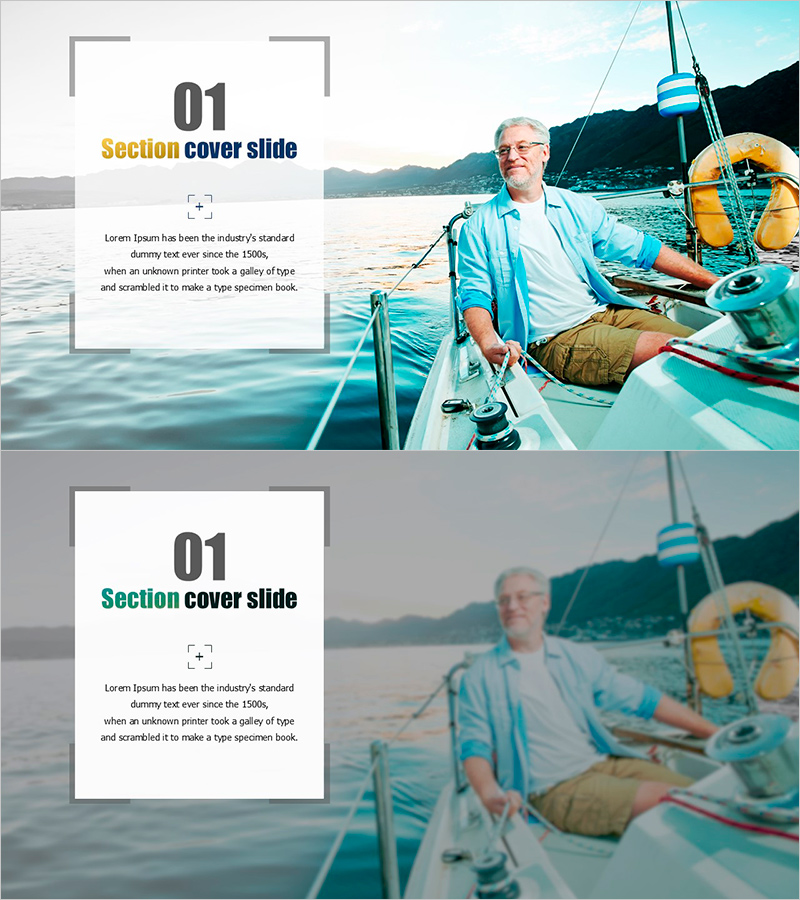
Frame Template – Section Cover Slide
RJ0600092_3
- Last Update 08/28/2025
- File Size 3.5MB
- # of Slides 2
- File Format PPTX
- Slide Ratio 16:9
- Color
Keywords
About the Product
A 2-slide section cover set designed to mark transitions between presentation sections. Features an asymmetrical layout with a gray frame box on the left and landscape imagery on the right. Clear input areas for title, subtitle, and body text provide visual emphasis during section changes. Created in 16:9 widescreen PowerPoint format with a professional color palette of gray, blue, and yellow. Fully editable text fields allow quick customization for any presentation topic or industry.
Usage Points
-
Main Usage
Use this cover slide to transition between major sections of your presentation. It refocuses audience attention and clearly introduces the next topic. Ideal for business presentations, educational seminars, product pitches, and corporate reports requiring visual section breaks.
-
How to Use
Enter the section number (01, 02, etc.) in the left frame box, add the section title in the title area, and write a brief description in the body text field. Replace the right-side image with a photo relevant to your presentation topic. All text is fully editable.
-
Recommended For
Perfect for business plans, proposals, marketing presentations, training materials, product introductions, and any multi-section presentation. Works especially well when clear visual separation between topics is needed.
-
Slide Structure
2-slide set with identical layout: left frame box containing section number, title, and body text (3 input areas), plus right-side image area. Optimized for 16:9 widescreen format with consistent gray, blue, and yellow color scheme throughout.
Related Products
-
Simple Interior Template Section Cover 02 – The Start of a Stylish Presentation
#Slide Type #Section Cover
-
Company Overview PowerPoint Slide – Professional Presentation Design
#Slide Type #Section Cover
-
Dunk Section Cover Slide – Innovative Design
#Slide Type #Section Cover
-
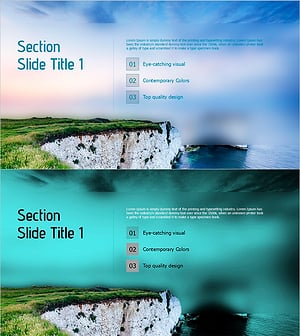
Section Slide Template with Visual Emphasis – Contemporary Design
#Slide Type #Section Cover
