



Asset Management Business Plan Template Contents
RM0100017_2
- Last Update 01/30/2025
- File Size 1MB
- # of Slides 2
- File Format PPTX
- Slide Ratio 16:9
- Color
Keywords
About the Product
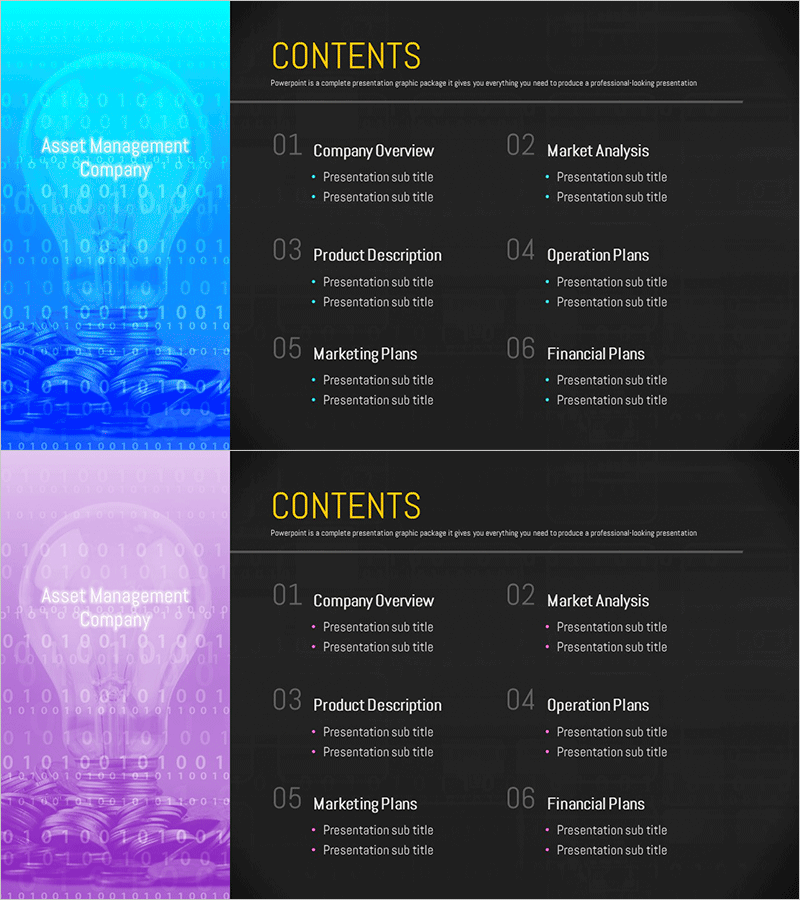
An essential contents page PowerPoint slide for asset management and business plan presentations. The slide features a color-blocked sidebar on the left (cyan and magenta) with a 6-section layout on the right, allowing viewers to grasp the entire presentation structure at a glance. Each section includes 2 editable text fields for detailed items, making it ideal for organizing company overview, market analysis, product description, operation plans, marketing strategy, and financial plans. Provided in 16:9 widescreen PPTX format, this slide is ready for immediate editing and customization.
Usage Points
-
Main Usage
Serves as the contents or agenda page for business plans, investment pitch presentations, and corporate overview decks. Clearly communicates the presentation flow to the audience by organizing content into 6 major sections and visually emphasizing the structure and progression.
-
How to Use
Customize the 6 section titles on the right side to match your presentation content. Edit the 2 subtitle items under each section to outline key topics. The left sidebar with cyan and magenta blocks establishes brand identity. Use this slide at the beginning of your presentation to guide the audience through the upcoming sections.
-
Recommended For
Ideal for asset management, finance, and investment professionals presenting business plans. Recommended for executive strategy presentations, new business proposals, investor relations (IR) pitches, and presentations requiring 6 or more major content sections. Suitable for corporate leaders and business development teams.
-
Slide Structure
Two design versions provided (cyan and magenta). Each version features a full-color sidebar on the left and a dark background content area on the right. The right side contains 6 numbered sections (01-06) with editable title fields and 2 text input areas per section for detailed items.
Related Products
-
Manuscript Template Table of Contents – Clear Data Presentation
#Slide Type #Table of Contents
-
Library Notebook Mockup Template Table of Contents – Professional Kickoff
#Slide Type #Table of Contents
-
Fashion Design Illustration Template Table of Contents
#Slide Type #Table of Contents
-
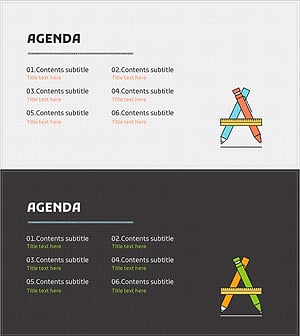
Writing Instrument Illustration Template – Table of Contents
#Slide Type #Table of Contents
