



 Practical Resources
Annual Subscribers Only
Practical Resources
Annual Subscribers Only
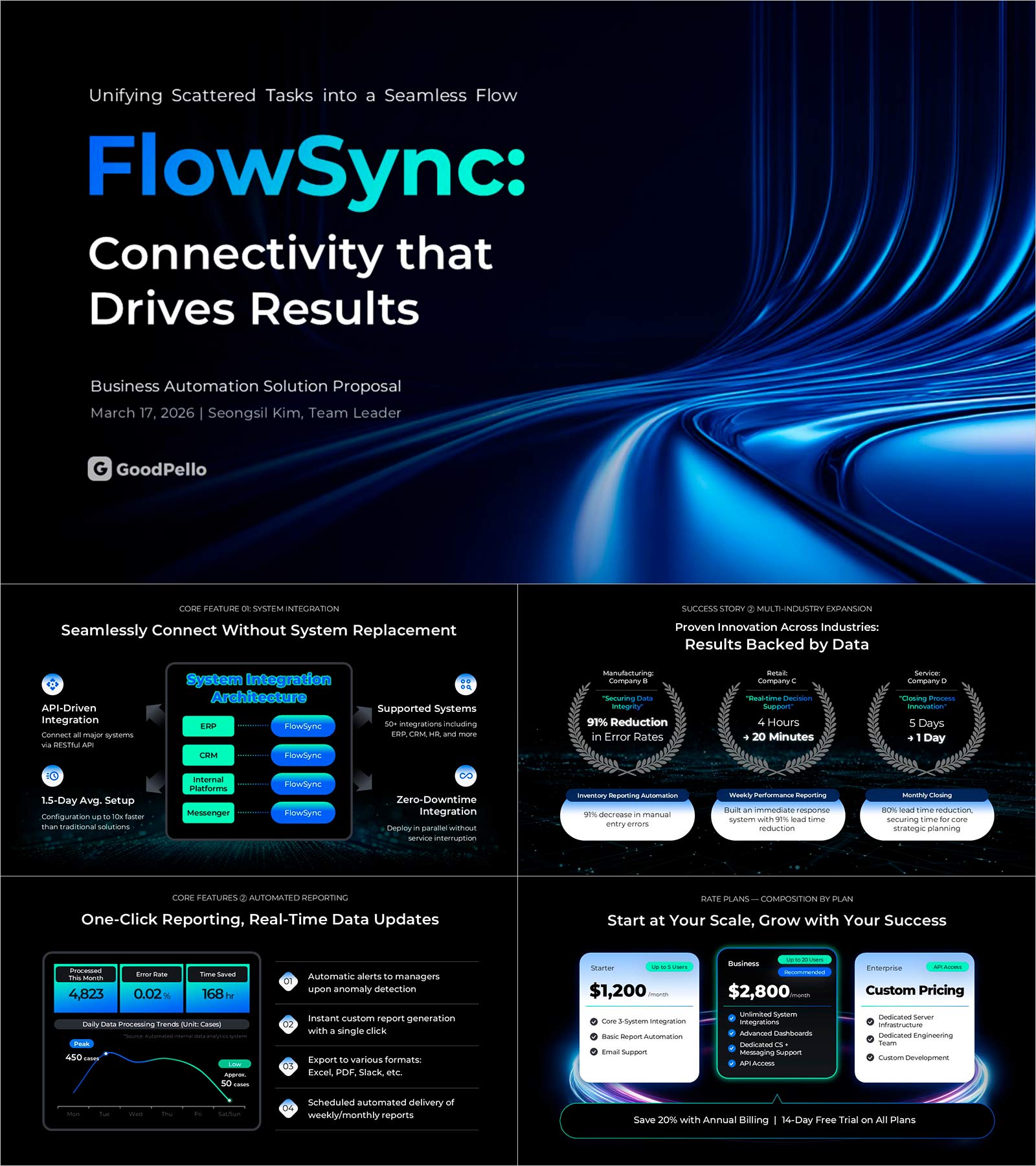
Business Proposal Deck Template for Workflow Automation | A 14-Slide B2B Sales Framework That Moves Decision-Makers
BTK0300003
- Last Update 04/01/2026
- File Size 33MB
- # of Slides 14
- File Format PPTX
- Slide Ratio 16:9
- Color
This resource is included in the Biz Toolkit.
Download is only available to annual subscribers.

Keywords
About the Product
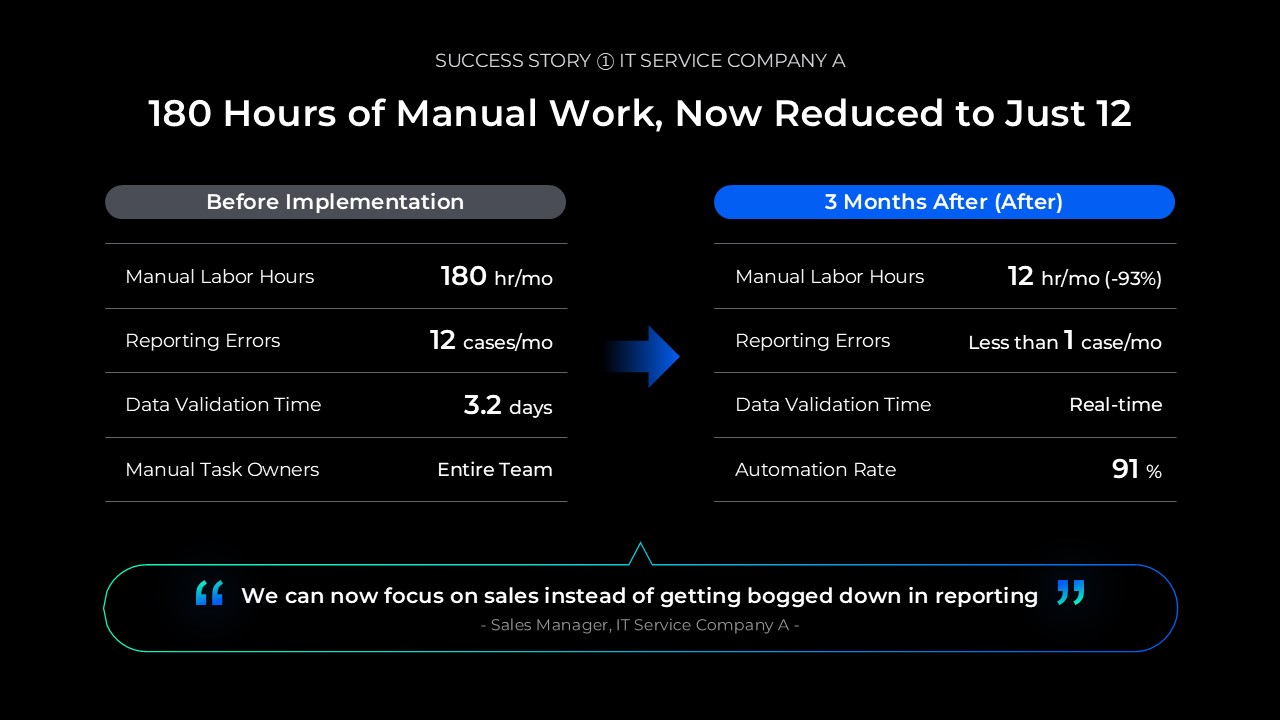
A comprehensive business proposal presentation template designed for B2B sales professionals pitching workflow automation and enterprise solutions. This 14-slide PowerPoint deck features a professional navy, white, and gray color scheme that builds credibility with decision-makers. The template guides you from problem definition through ROI analysis, system integration benefits, and implementation timeline. Fully editable PPTX format allows you to customize content for IT solutions, SaaS platforms, ERP implementations, and automation proposals while maintaining a polished, executive-ready appearance.
Usage Points
-
Main Usage
Present enterprise solutions, workflow automation, system integration, and SaaS offerings to C-suite executives and decision-makers with a structured, persuasive narrative that emphasizes business impact and ROI.
-
How to Use
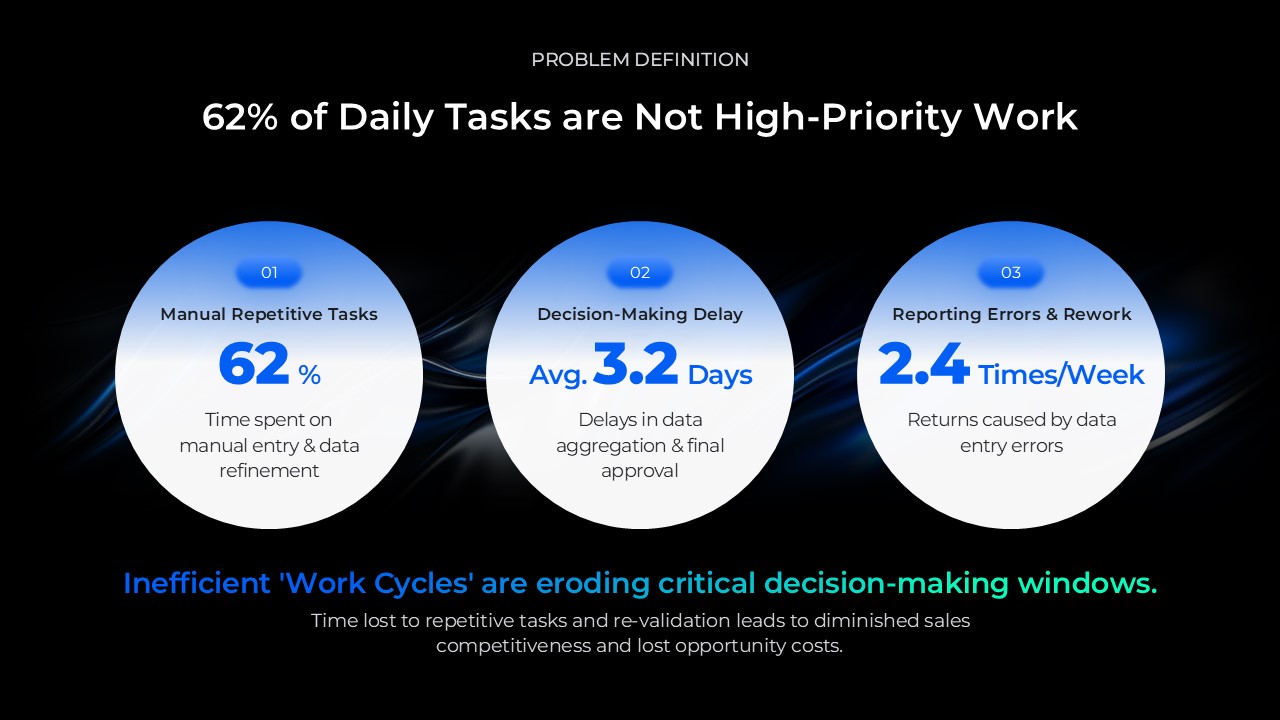
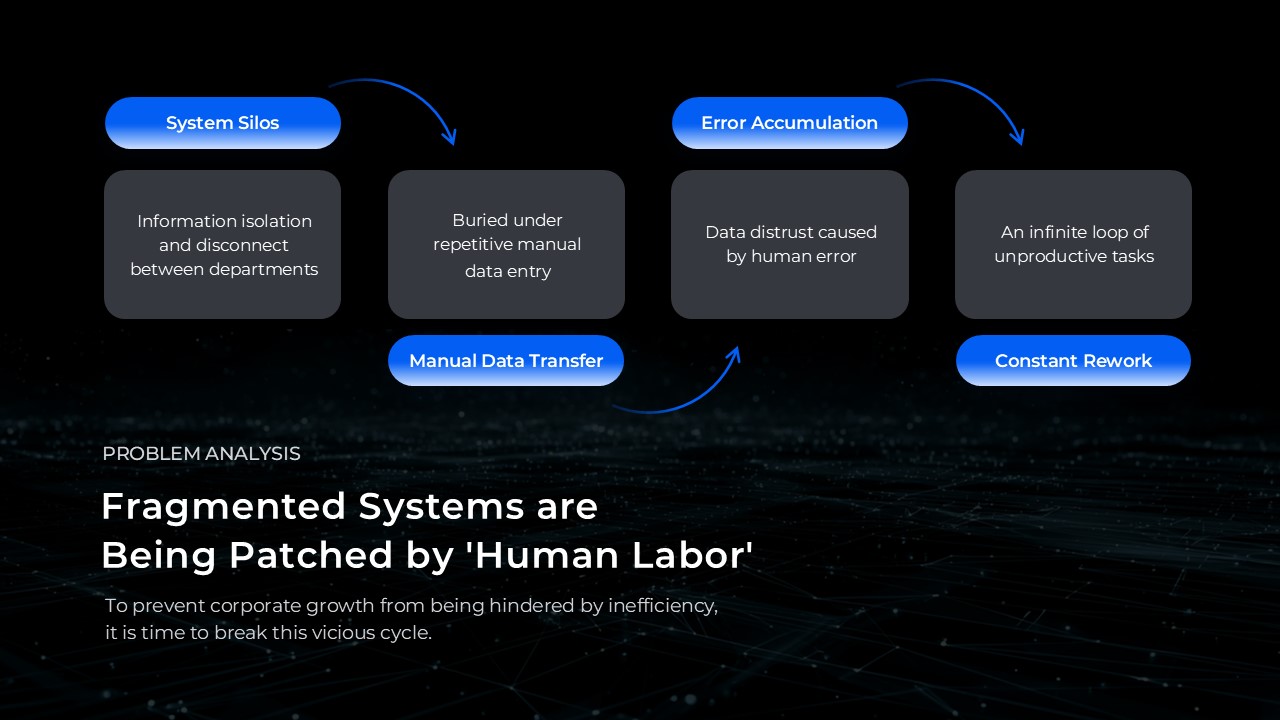
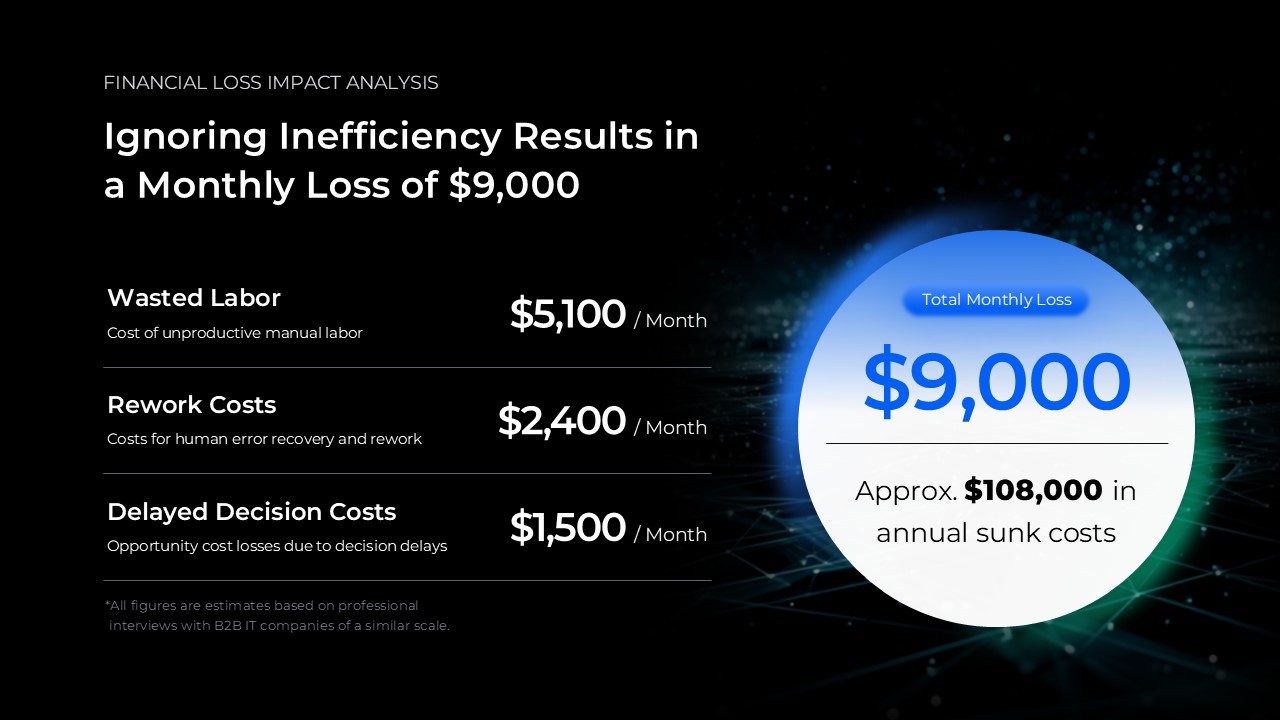
Replace placeholder text and data visualizations across 14 slides covering problem definition, solution overview, key features, ROI analysis, pricing, and implementation timeline. Each section is independently editable; add or remove slides based on your specific proposal scope and audience requirements.
-
Recommended For
B2B sales teams, enterprise solution consultants, SaaS business development managers, system integration firms, and automation solution providers who need to deliver professional proposals to corporate buyers and investment committees.
-
Slide Structure
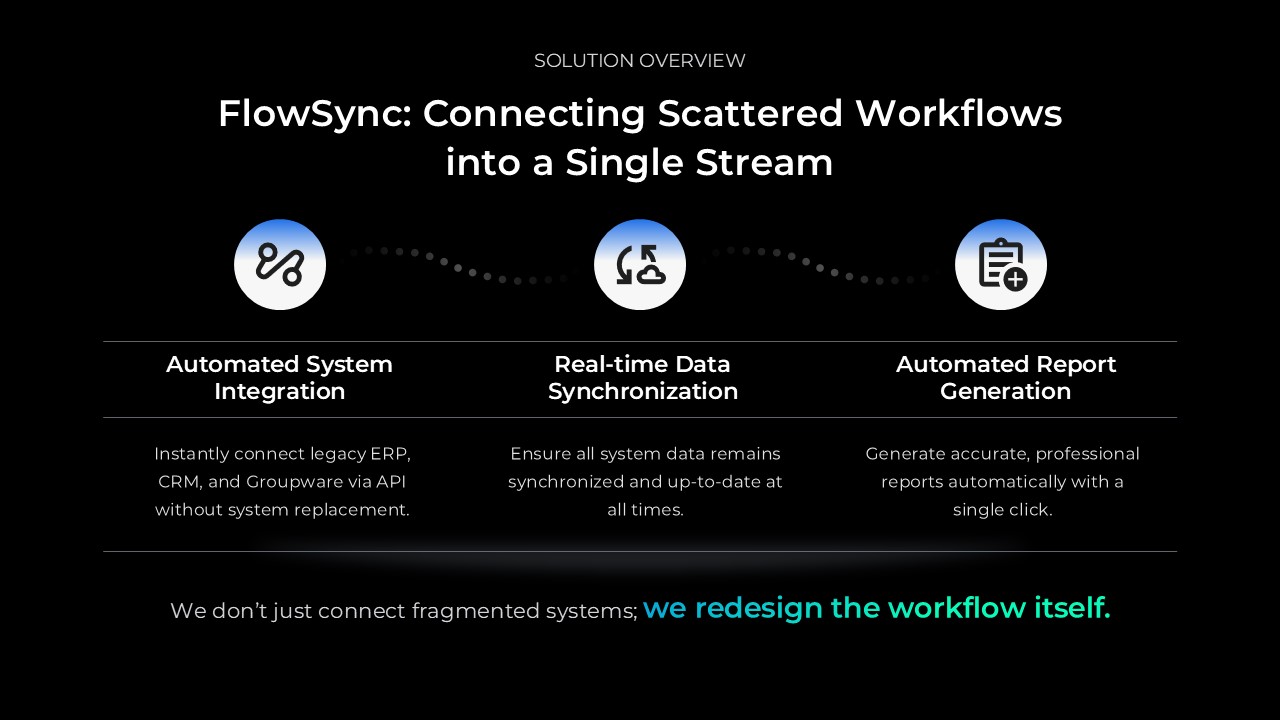
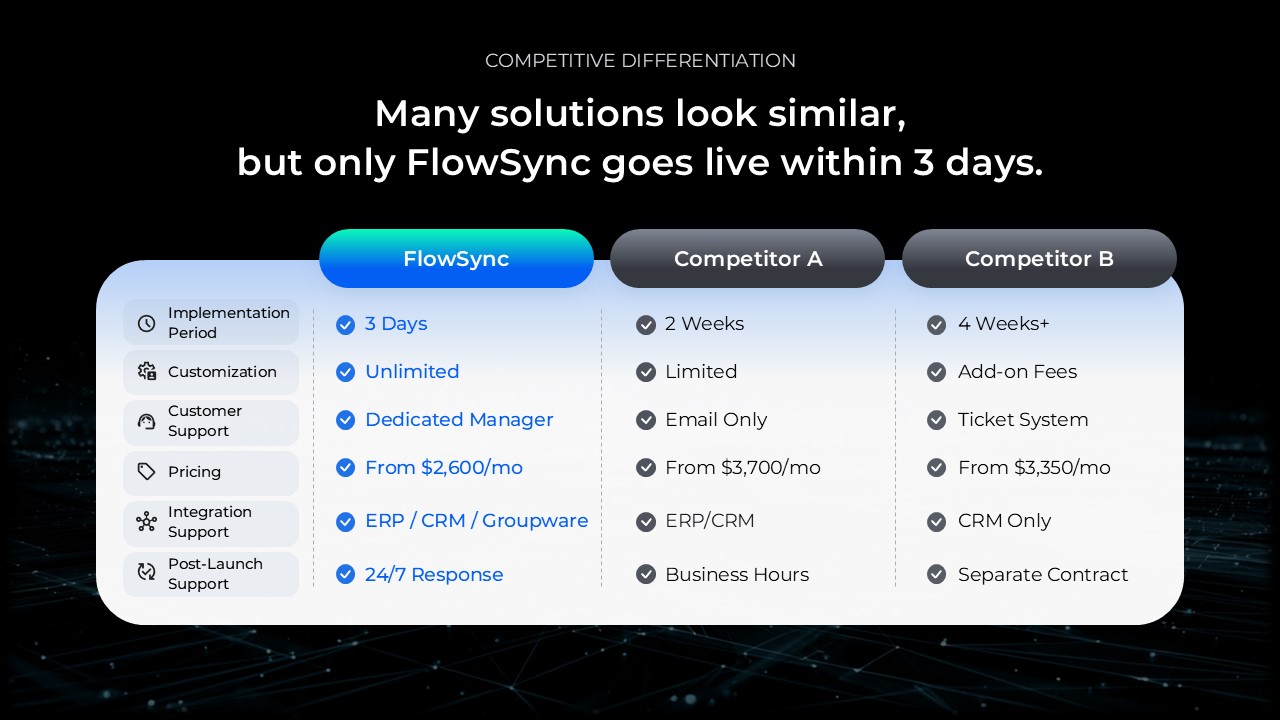
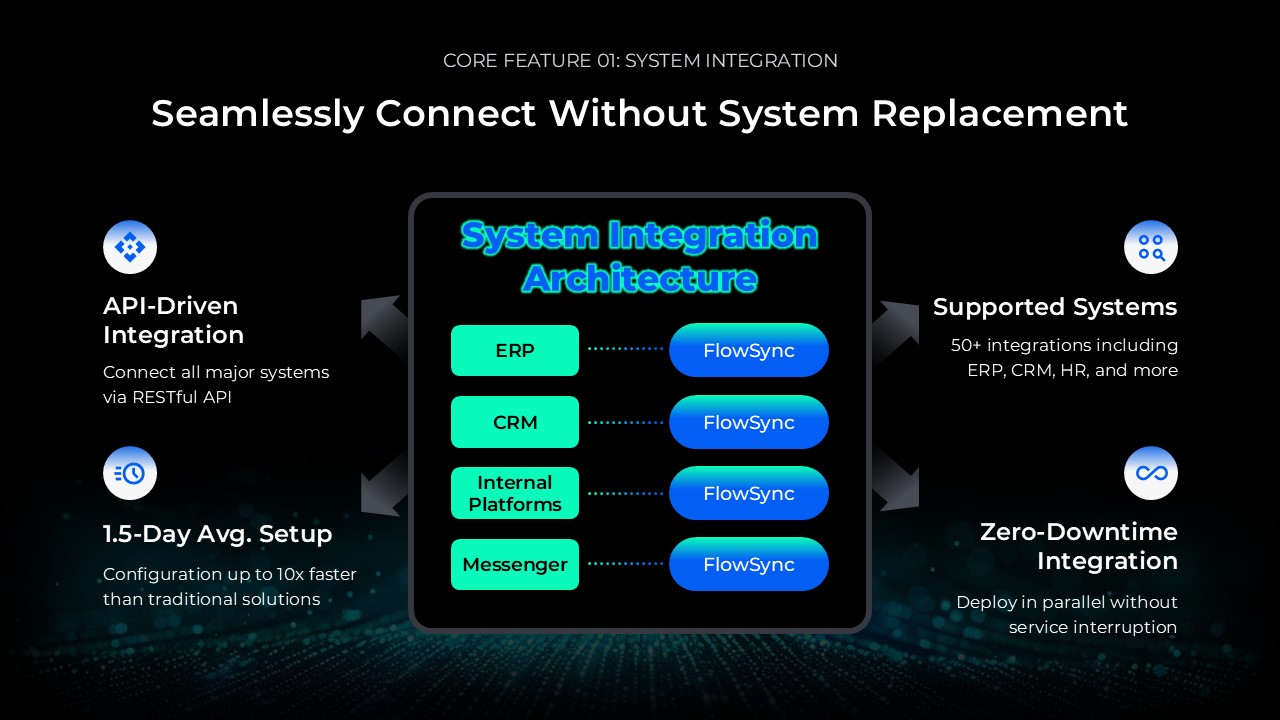
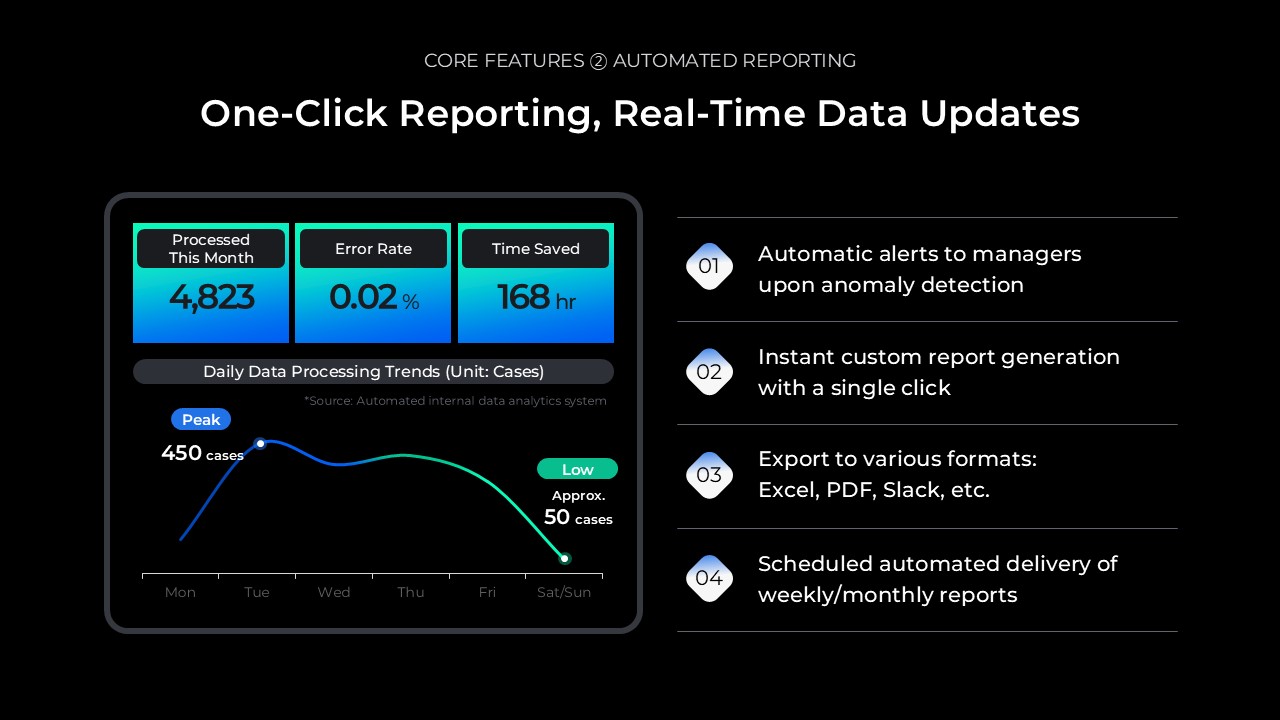
14-slide sequence: Title slide (1) → Table of contents (2) → Problem definition & current state analysis (3-4) → Solution overview (5) → Key features & competitive advantages (6-8) → Implementation impact & ROI analysis (9-10) → Pricing & service tiers (11) → Implementation timeline & project plan (12) → Customer success stories (13) → Call to action & contact information (14).
Related Products
-
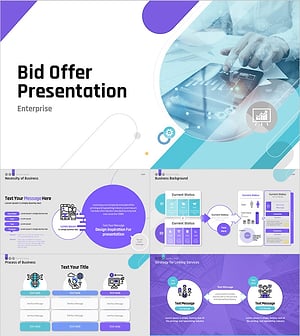
Bid Offer Presentation Template | Business Proposal PowerPoint
#Proposal
-
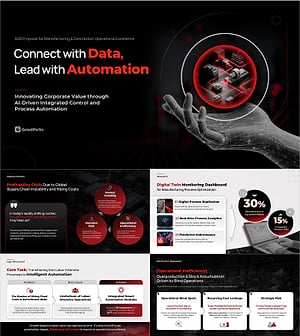
B2B Sales Proposal Presentation Template | The 4-Step Decision-Maker Framework That Closes Deals
#Proposal
-
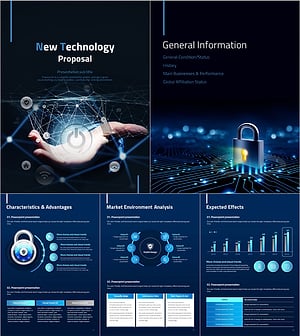
New Technology Proposal Template Strategy Vertical – Modern Design and Practical Structure
#Proposal
-
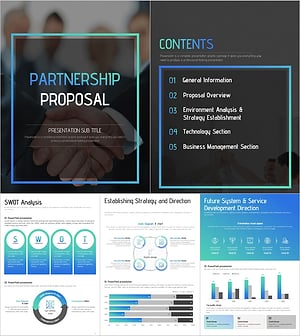
Partnership Presentation Strategy Vertical Template – Modern and Professional Design
#Proposal
