



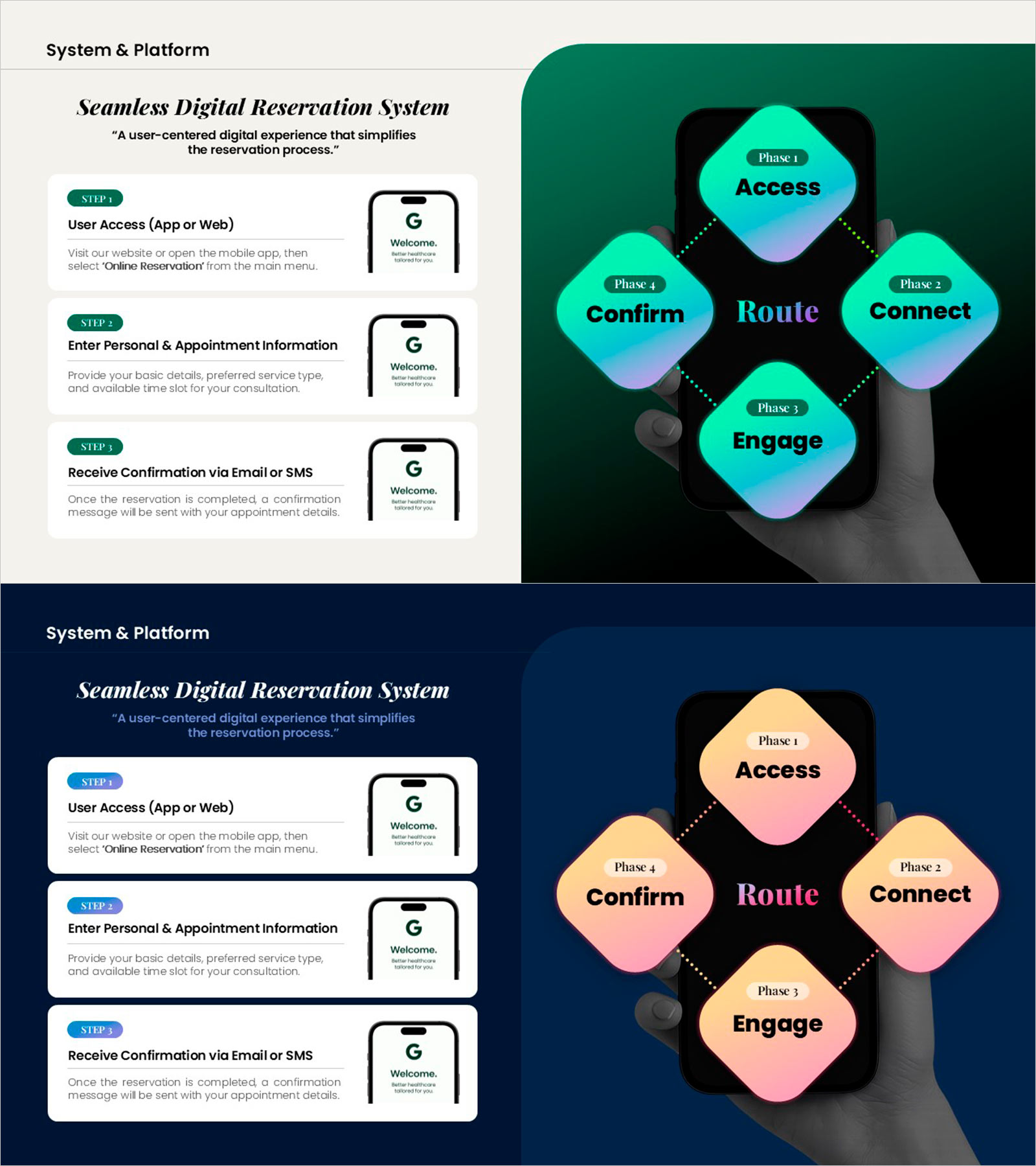
Digital Reservation System Process Diagram Slide
RM0100023_6
- Last Update 01/26/2026
- File Size 16.5MB
- # of Slides 2
- File Format PPTX
- Slide Ratio 16:9
- Color
Slide Preview
Keywords
- #Content-Based Slides
- #Design-Based Slides
- #Product/Service Introduction
- #Diagram
- #Other
- #Product/Service Introduction
- #Cluster
- #Chain Diagram
- #Mockup
- #16:9
- #digital reservation system PowerPoint
- #process diagram slide
- #user journey flow chart
- #platform service architecture
- #customer experience diagram
- #online booking process PPT
- #UX flow PowerPoint slide
About the Product
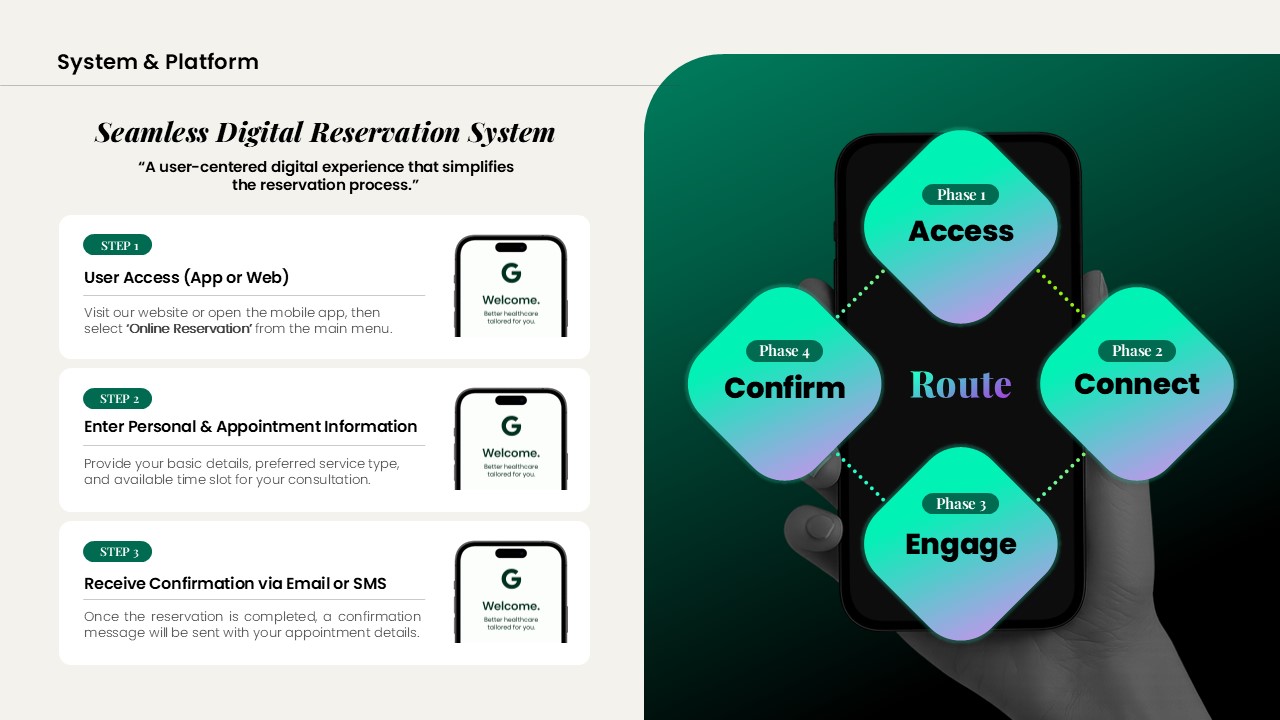
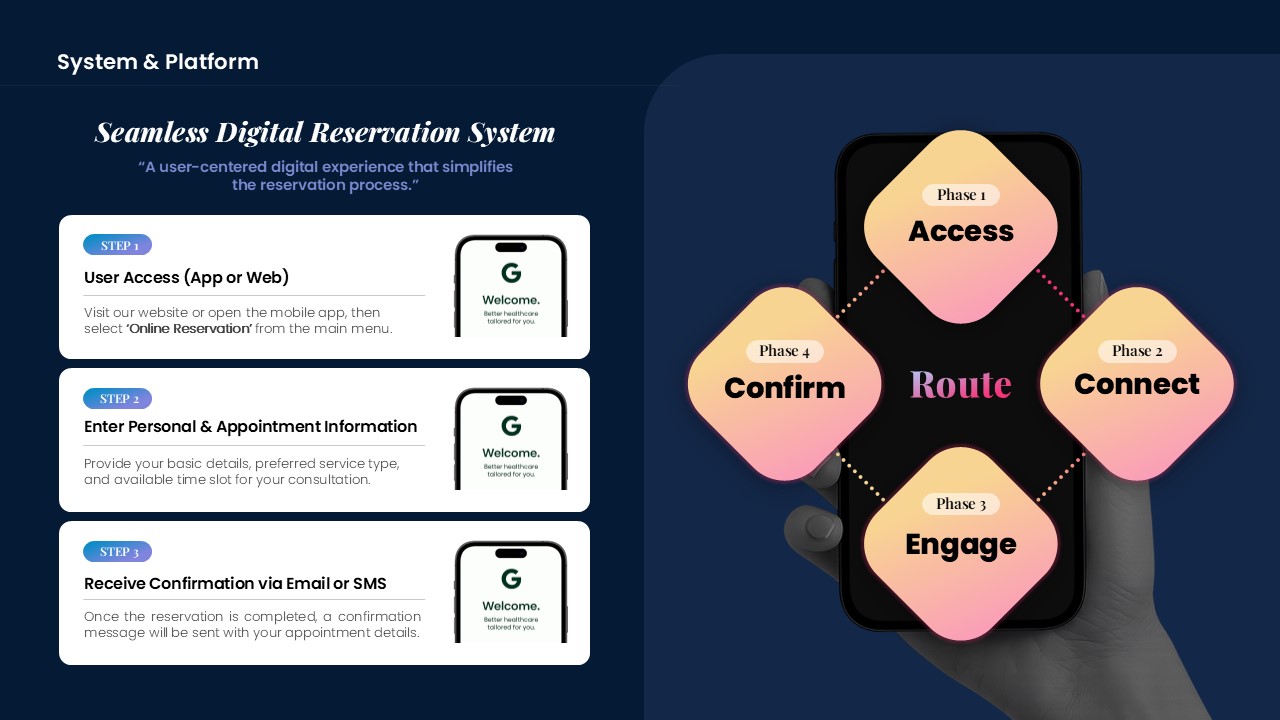
A PowerPoint slide that visualizes the complete user journey from access to booking completion through a 4-phase flow diagram. The central 'Route' hub connects Access, Confirm, Connect, and Engage phases in a radial structure, intuitively representing the customer experience flow of a digital platform. Cyan gradient nodes and dotted connector lines clarify relationships between phases, while mobile app interface mockups reinforce the actual UX context. This presentation slide is ready to use for healthcare, SaaS, and online reservation platform introductions.
Usage Points
-
Main Usage
This slide clearly explains the user access path and phase-by-phase interactions within a digital reservation platform. The 4-phase flow (Access→Confirm→Connect→Engage) is expressed through a central hub structure, enabling audiences to grasp the entire system architecture at a glance.
-
How to Use
Place this slide in the 'System Overview' or 'Customer Journey' section of your service introduction presentation to explain how the platform operates. Each node can be clicked or animated to show step-by-step progression, while mobile mockup images emphasize the connection to actual app interfaces.
-
Recommended For
Ideal for investment pitch presentations, product introductions, and internal team training materials from SaaS platforms, healthcare booking systems, online tour reservations, and beauty salon appointment apps. Suitable for presentations to technical teams, marketing departments, and executives.
-
Slide Structure
Four cyan gradient nodes (Access, Confirm, Connect, Engage) are positioned in cardinal directions around the central 'Route' text, connected by dotted arrows. Two mobile app mockup images are placed on the right side to visually complement actual user interfaces. Optimized for 16:9 widescreen format in a 2-slide composition.
Related Products
-
PC Mockup Service Introduction Slide – Intuitive Design
#Product/Service Introduction #Diagram #Other
-
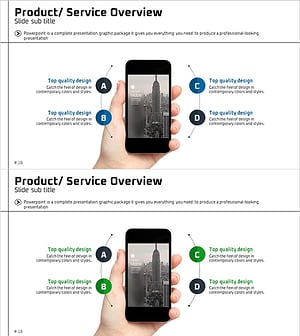
Introducing the Mobile App Service – Innovation and Utilization
#Product/Service Introduction #Diagram #Other
-
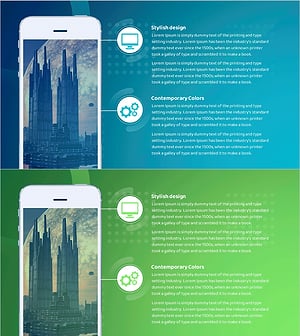
Explanation of Future Space City Project Goals – Innovation and Growth
#Product/Service Introduction #Diagram #Other
-
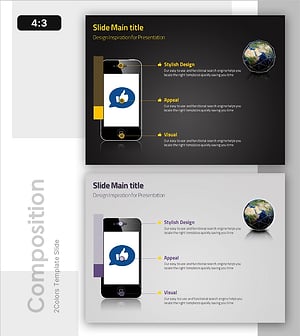
Diagram Showcasing Mobile App Service Configuration
#Product/Service Introduction #Diagram #Other
