



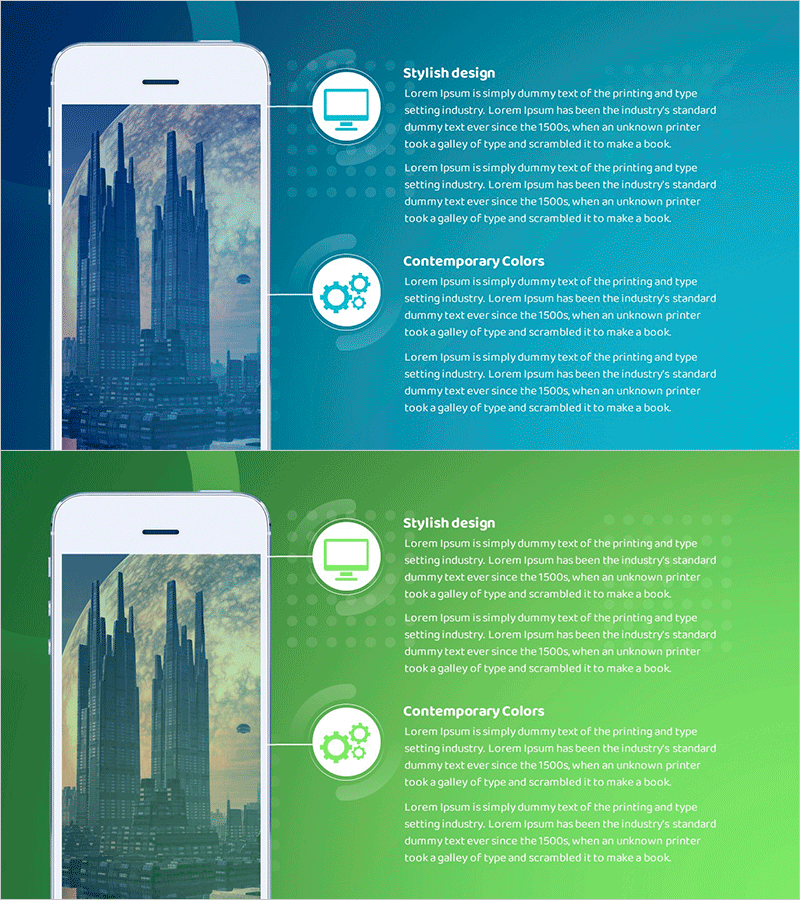
Explanation of Future Space City Project Goals – Innovation and Growth
RJ0700020_25
- Last Update 07/27/2025
- File Size 2MB
- # of Slides 2
- File Format PPTX
- Slide Ratio 16:9
- Color
Keywords
- #Content-Based Slides
- #Design-Based Slides
- #Product/Service Introduction
- #Diagram
- #Other
- #Product/Service Introduction
- #Cluster
- #Chain Diagram
- #Mockup
- #16:9
- #smartphone mockup PowerPoint
- #device mockup slide template
- #app UI presentation slides
- #mobile app introduction PowerPoint
- #mockup slide design download
About the Product
A 2-slide PowerPoint presentation featuring smartphone device mockups with teal and green backgrounds displaying city imagery. This slide set showcases mobile apps, digital services, and UI designs through realistic phone screen mockups. The layout combines a left-aligned smartphone mockup with right-side text areas, icons, and callout boxes in contemporary colors. Perfect for presenting app features, mobile solutions, business objectives, innovation strategies, and growth plans in a visually compelling format.
Usage Points
-
Main Usage
Ideal for presenting mobile applications, digital services, and startup solutions with visual impact. The smartphone mockup format allows you to display actual app screens or UI designs, enhancing audience comprehension. Provides professional credibility for business objectives, technology innovation, and growth strategy presentations.
-
How to Use
Insert app screenshots or UI designs into the left smartphone mockup area. Add service descriptions, key features, and user benefits in the right text section. Use the teal and green background icons and text boxes to highlight core points. The 2-slide structure enables comparison of different app screens or features across presentations.
-
Recommended For
Startup founders, IT company marketing teams, app development studios, digital solution providers, and mobile service strategists presenting to investors or customers. Highly effective for fintech, healthcare apps, and mobile-first business pitches. Suitable for product launches, investor pitches, and customer demonstrations.
-
Slide Structure
2-slide layout with left-aligned smartphone mockup (featuring city image screen) and right-side content area with 2 circular icons and text boxes. Teal background on top section, green background on bottom section, creating visual distinction between slides. Each slide maintains consistent mockup positioning with flexible text and icon placement.
Related Products
-
Introducing the Mobile App Service – Innovation and Utilization
#Product/Service Introduction #Diagram #Other
-
Digital Reservation System Process Diagram Slide
#Product/Service Introduction #Diagram #Other
-
PC Mockup Service Introduction Slide – Intuitive Design
#Product/Service Introduction #Diagram #Other
-
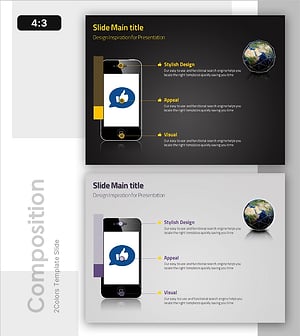
Diagram Showcasing Mobile App Service Configuration
#Product/Service Introduction #Diagram #Other
