



Presentation Template Visualizing Automotive System Configuration
RJ0400042_8
- Last Update 08/30/2025
- File Size 0.6MB
- # of Slides 2
- File Format PPTX
- Slide Ratio 16:9
- Color
Keywords
About the Product
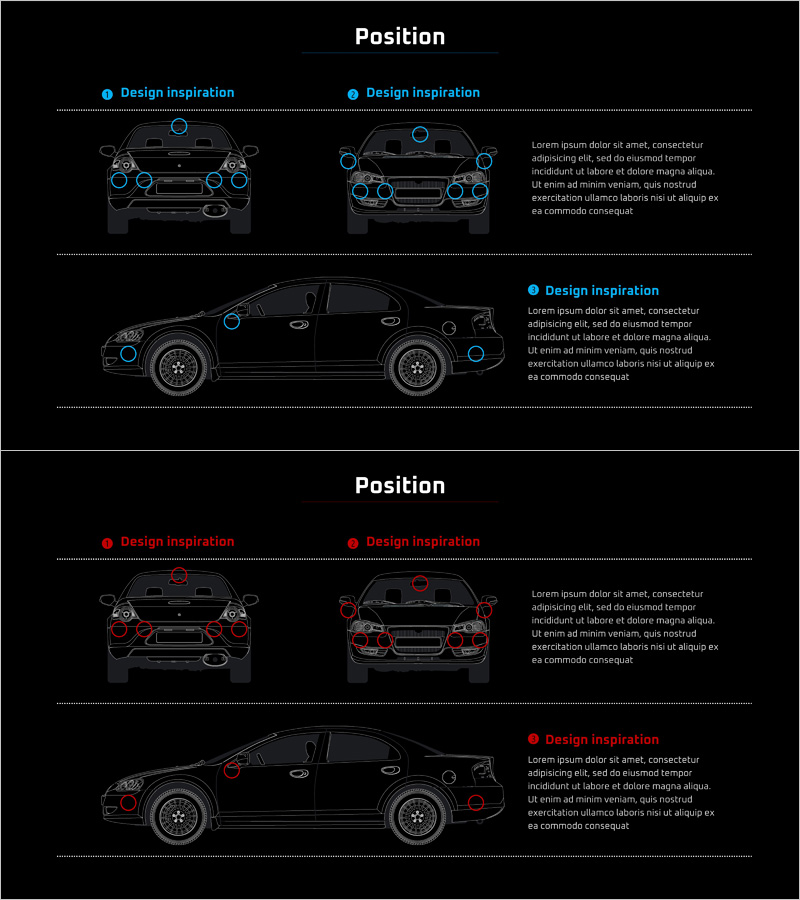
A 2-slide PowerPoint presentation visualizing automotive system components and functions from multiple angles. Features front, rear, and side views of a vehicle with blue point markers indicating each system location for clear identification. Ideal for product introductions, technical proposals, and engineering presentations to explain complex automotive configurations intuitively. Includes ample text description areas for detailed component functions and specifications. Black background with bright blue accents emphasizes technical credibility and professional appearance. Delivered as 16:9 widescreen PPTX format ready for immediate editing and customization.
Usage Points
-
Main Usage
Explain automotive or complex mechanical system components and their locations from multiple perspectives. The three vehicle views (front, rear, side) enable audiences to understand the complete system architecture in three dimensions and grasp spatial relationships between components.
-
How to Use
Enter component names, functions, and specifications in the text areas adjacent to each vehicle view. Adjust blue point marker positions as needed to highlight different components. Place in the system explanation section of technical presentations, product introductions, or engineering proposals.
-
Recommended For
Automotive manufacturers, parts suppliers, technical engineers, product managers, and sales professionals presenting system configurations to clients, investors, and partners. Particularly effective for B2B presentations and proposals where technical credibility is essential.
-
Slide Structure
Two-slide layout: Slide 1 contains front and rear views with two text description areas each; Slide 2 features side view with three text description areas. Total of five text input zones for detailed component information and specifications.
Related Products
-
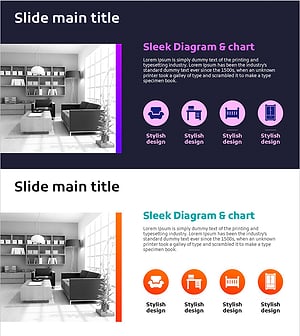
Furniture Icon and Product Overview – Optimal Slide for Product Presentation
#Product/Service Introduction #Composition #Product and Service Overview
-
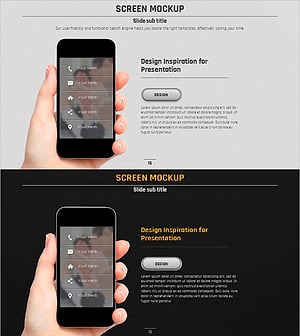
Presentation Template Featuring Mobile Phone Mockups for Product Introduction
#Product/Service Introduction #Other #Composition
-
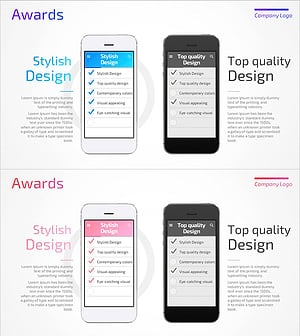
Mobile Product Overview List – Stylish Design
#Product/Service Introduction #Other #Composition
-
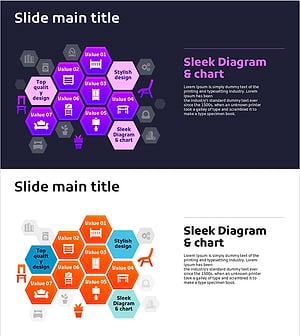
Honeycomb Interior Diagram – Product Introduction & Service Composition
#Product/Service Introduction #Diagram #Composition
