



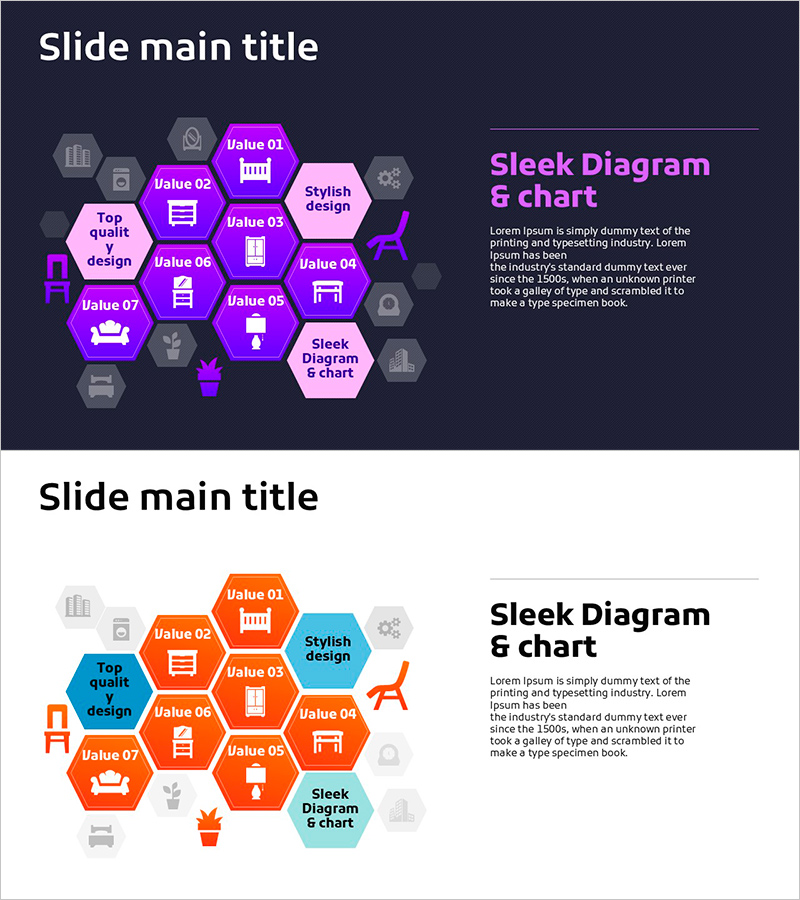
Honeycomb Interior Diagram – Product Introduction & Service Composition
RJ0900025_8
- Last Update 08/23/2025
- File Size 0.5MB
- # of Slides 2
- File Format PPTX
- Slide Ratio 16:9
- Color
Keywords
- #Content-Based Slides
- #Design-Based Slides
- #Product/Service Introduction
- #Diagram
- #Composition
- #Product and Service Overview
- #Cluster
- #Closed Cluster Diagram
- #16:9
- #hexagon diagram PowerPoint
- #cluster diagram slide template
- #product composition slide
- #service introduction PPT
- #PowerPoint diagram template
- #magenta hexagon diagram
- #how to create hexagon diagram in PowerPoint
About the Product
A closed-form hexagon cluster diagram PowerPoint slide that visualizes core components of products or services. The design combines magenta and pink dual-tone colors with icons to intuitively represent each item's function. Provided in 2-slide format with dark background and light background versions, featuring a central core message surrounded by 7 connected peripheral items. This PowerPoint template is ready to use for product introductions, service composition, organizational roles, business model presentations, and various other professional scenarios.
Usage Points
-
Main Usage
Represents core components of a product or service with 7 items connected around a central hexagon. Each hexagon node accommodates icons and text to clearly visualize organizational structures, business models, service ecosystems, and product features.
-
How to Use
Enter the core concept (e.g., service name, product name, organization name) in the central hexagon, then add details and descriptions to the 7 surrounding hexagons. The dark background version suits premium presentations, while the light version is ideal for printed materials. Freely edit icons and colors to customize according to your brand identity.
-
Recommended For
Recommended for product planning teams presenting feature overviews, marketing teams explaining service composition, executives presenting business models, HR teams describing organizational structures, and startups pitching for investment. Particularly effective when expressing multiple elements in a balanced manner.
-
Slide Structure
2-slide format: Slide 1 features a dark navy background with 7 magenta and pink hexagons surrounding a central pink hexagon in closed-cluster arrangement; Slide 2 displays the same structure on a white background with orange and sky-blue hexagons. Each hexagon contains separate icon and text input areas. 16:9 widescreen format.
Related Products
-
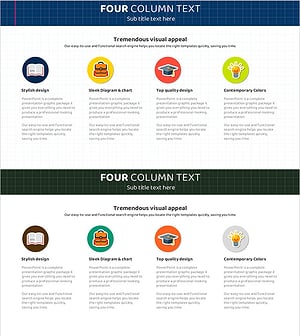
School Stickers and Columns – Overview of Products and Services
#Product/Service Introduction #Diagram #Composition
-
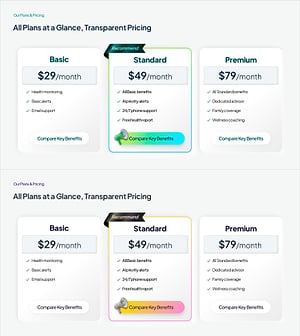
Pricing Plan PowerPoint Slide – 3-Card with Recommend Badge
#Product/Service Introduction #Diagram #Composition
-
Global IT Financial Services Overview – Leveraging the Latest Trends
#Product/Service Introduction #Diagram #Other
-
Social Network Composition – Effective Service Introduction
#Product/Service Introduction #Diagram #Composition
